5 februarie, 2018
DJS-1000 Performance Sampler Tutorial Series
Learn more about the standalone sampler’s creative features with this in-depth video playlist.
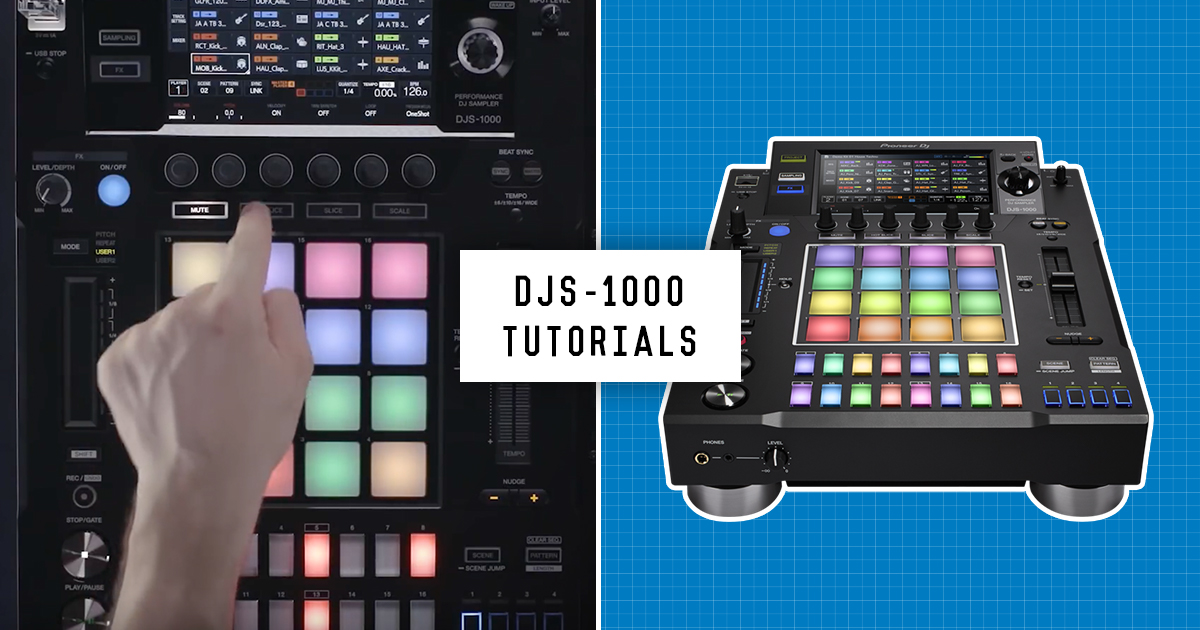
Improvise unique sounds and phrases with the DJS-1000 standalone sampler's powerful, DJ-friendly performance features. Watch this series of quick tutorials to master the 5 Pad Modes, make beats with the Step Sequencer, use Loop Remixing, Live Sampling, and more.

Projects
Projects are made up of scenes, tracks and patterns. Store 256 patterns over the 16 tracks, and then 16 tracks per scene.

Browsing
The DJS-1000 has a variety of browsing options to load and find samples. Scroll through samples to preview them or search using a QWERTY keyboard.

Making Beats
Make beats using the 16 step sequencer, use the dynamic record function to record triggers on the fly, and add character to mixes by adjusting quantise and swing.

Loop Remixing
Remix a track live by loading up to 16 loops into a DJS-1000 scene. Create complex arrangements that sync perfectly every time.

Sync and Mix
With PRO DJ link and MIDI, you can sync a sequence with a track on a CDJ-2000NXS2, set the DJS-1000 as the master-deck, or even use it with a DAW on a laptop.

Pad Modes
Discover how to enhance your performance with the five Pad Modes - Track Playback, Mute/Solo, Hot Slice, Slice, and Scale.

FX
Easily engage and control the 8 performance effects - HPF, LPF, Dub Echo, Pitch Echo, Pitch, Lo-Fi, Reverb and Plate Reverb.

Live Sampling
Sample any audio source live. You can then edit, manipulate, and effect the sampled recording immediately.

Touch Strip
The Touch Strip is a performance feature that allows you to control various effects or parameters. Set parameters like Pitch and Repeat, or choose one of the various options and save them in the 2 User modes.

Find all of these tutorial videos in a playlist on Youtube