WeDJ for iPhone
Mobile DJ app for iPhone
WeDJ for iPhone
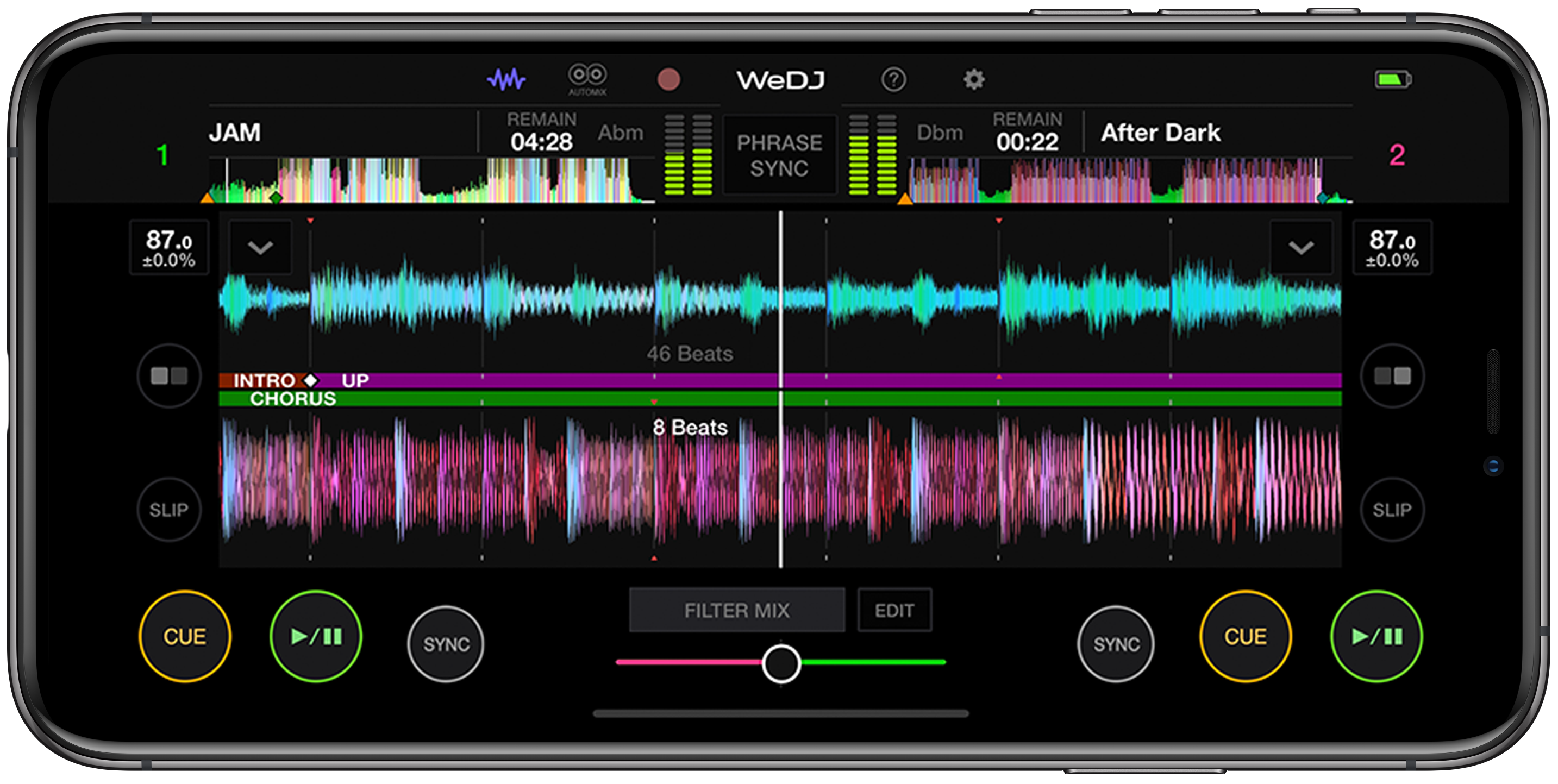
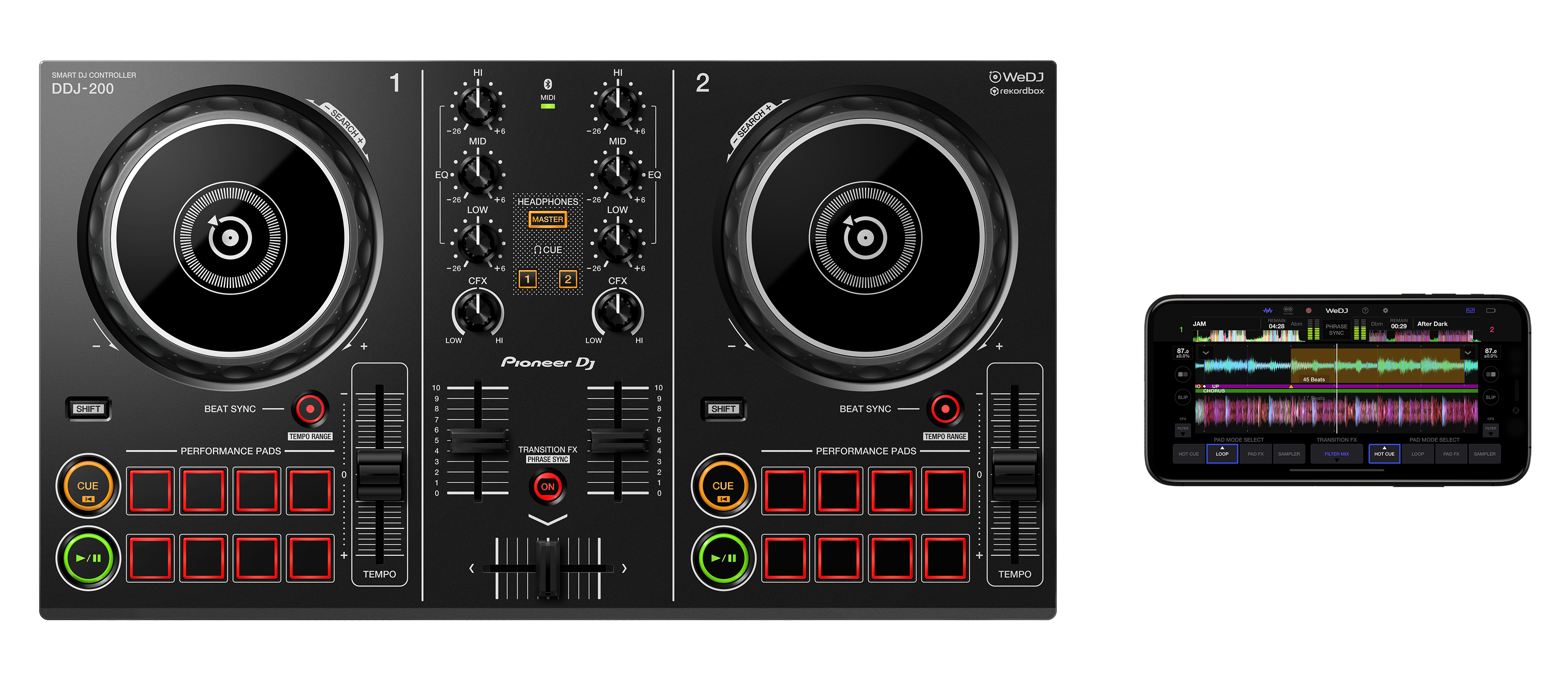
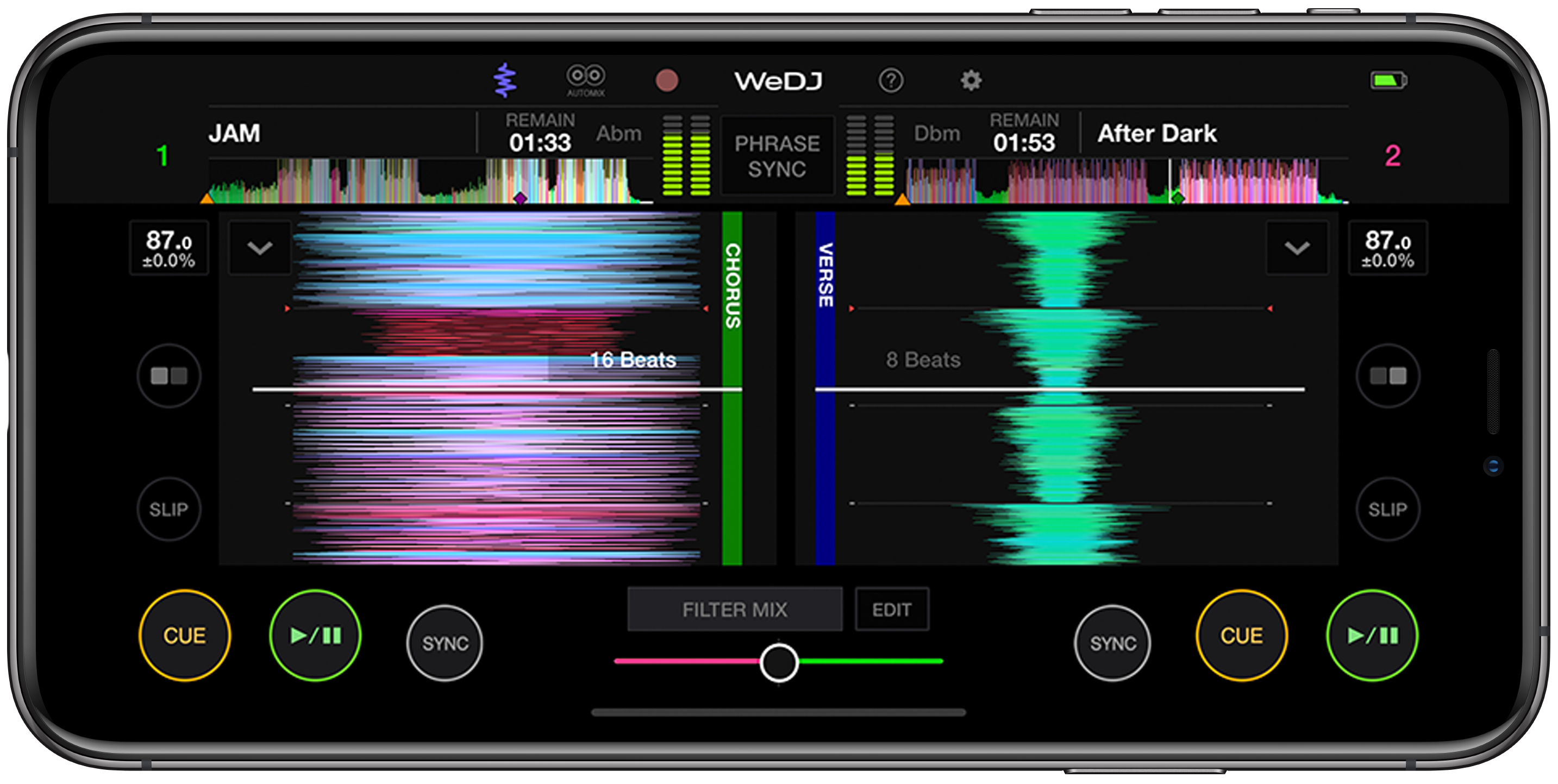
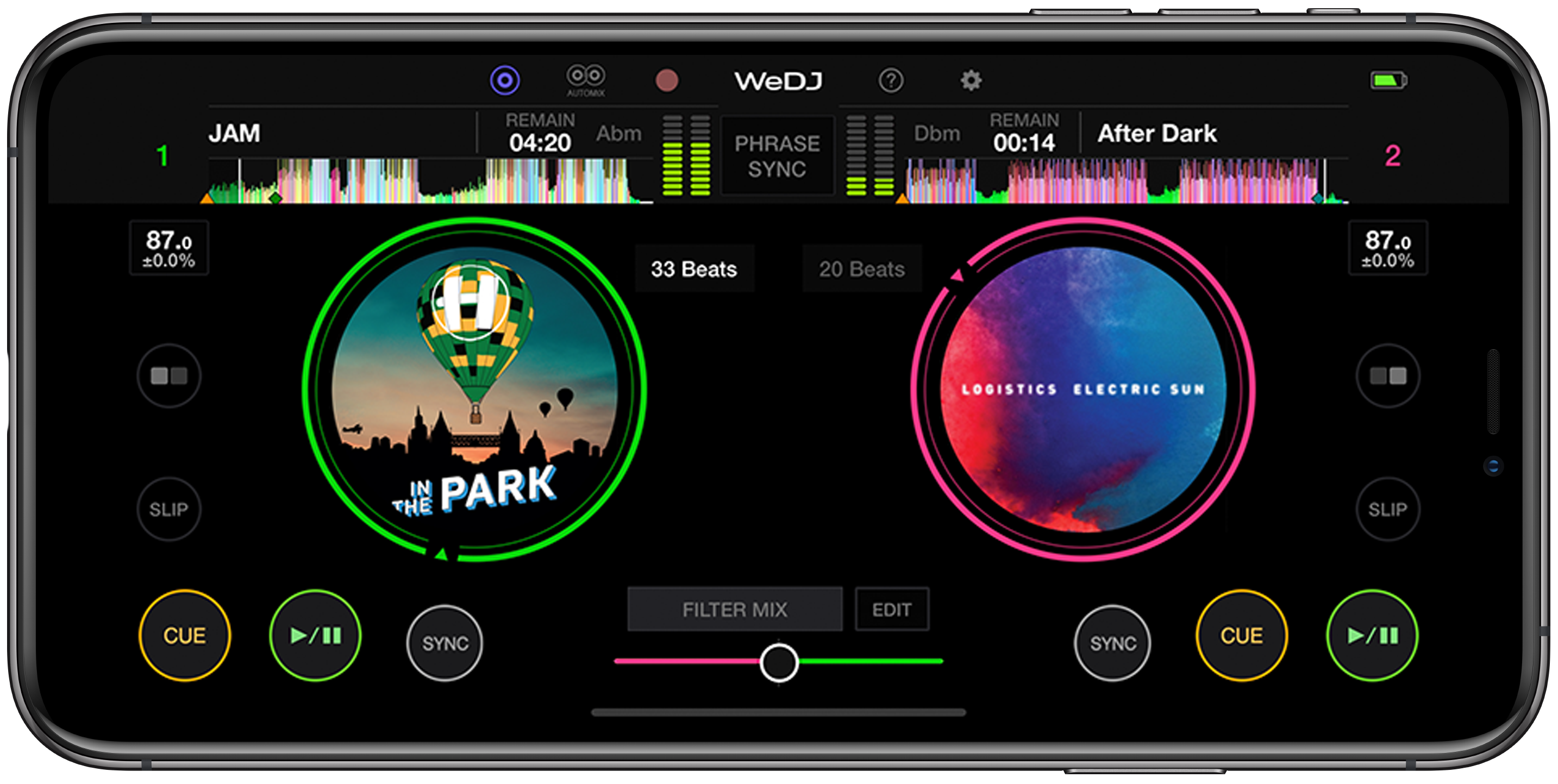
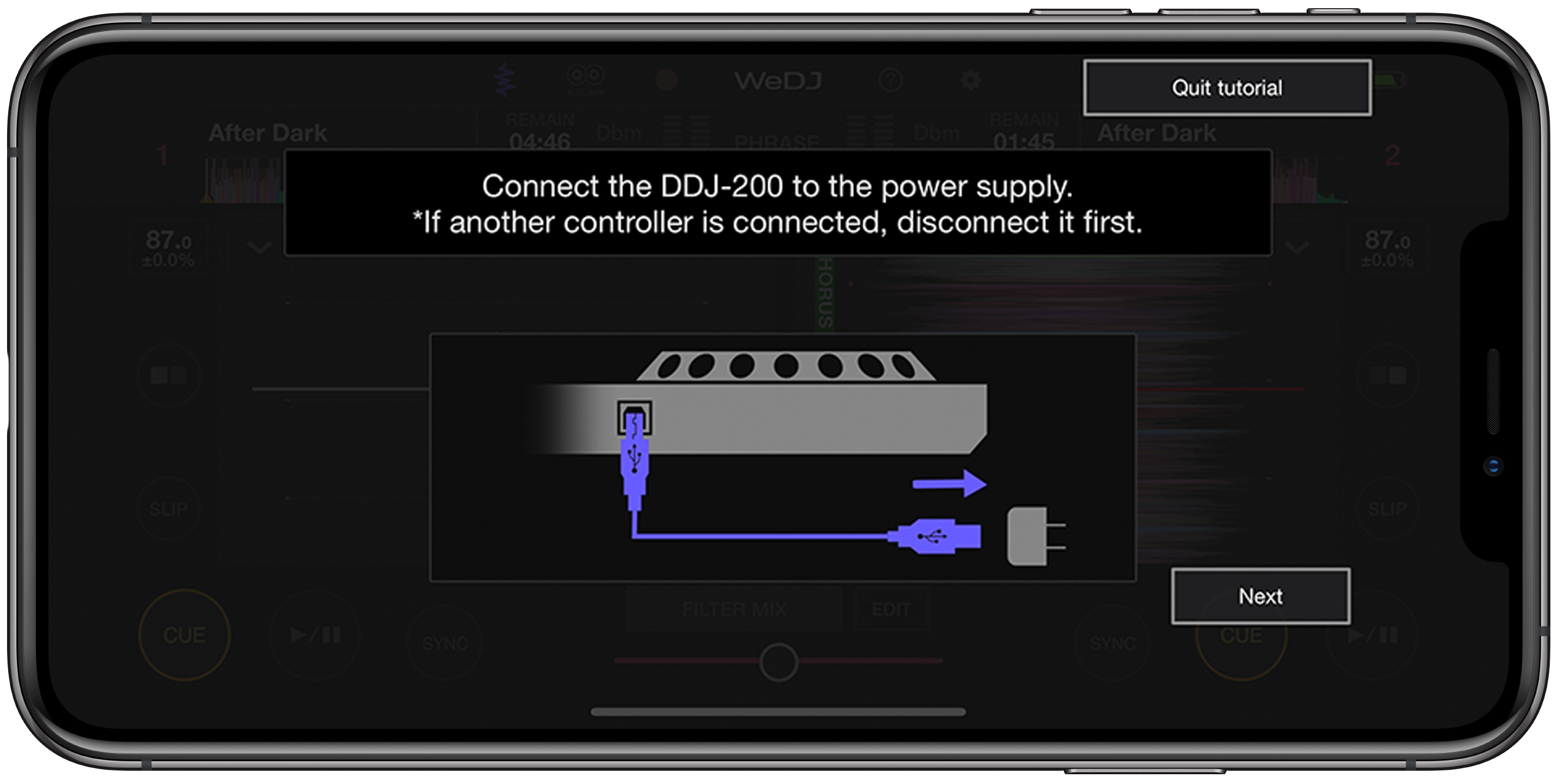
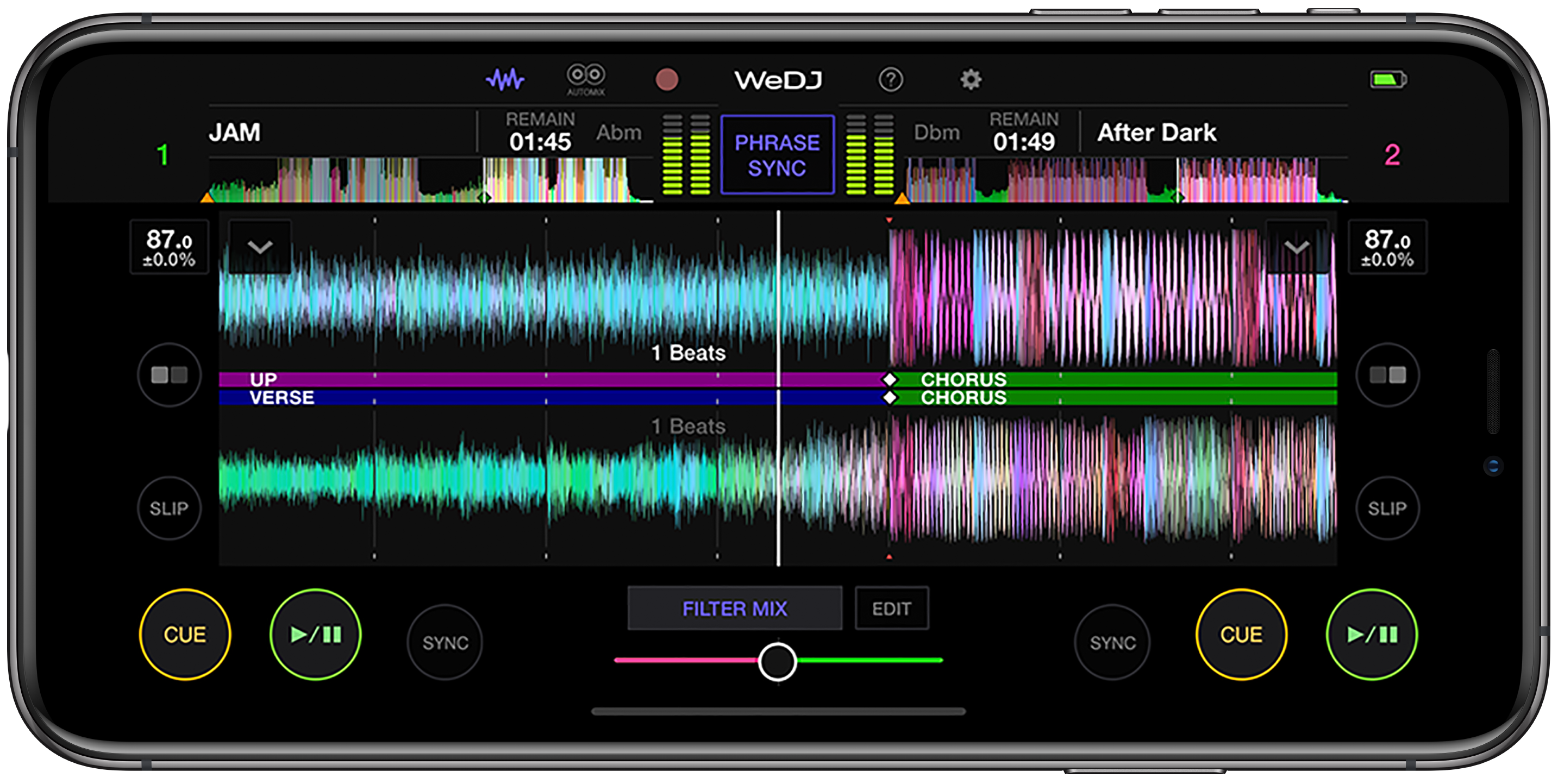
Start mixing music on your iPhone with our DJ app, WeDJ. Get comfortable with DJ mixing techniques thanks to its colorful, animated 2-channel interface, featuring waveforms, jog wheels, play/cue buttons, tempo sliders, and a crossfader. When you’re ready to take your performance to the next level, connect the DDJ-200 smart DJ controller for tactile control of the app’s features.
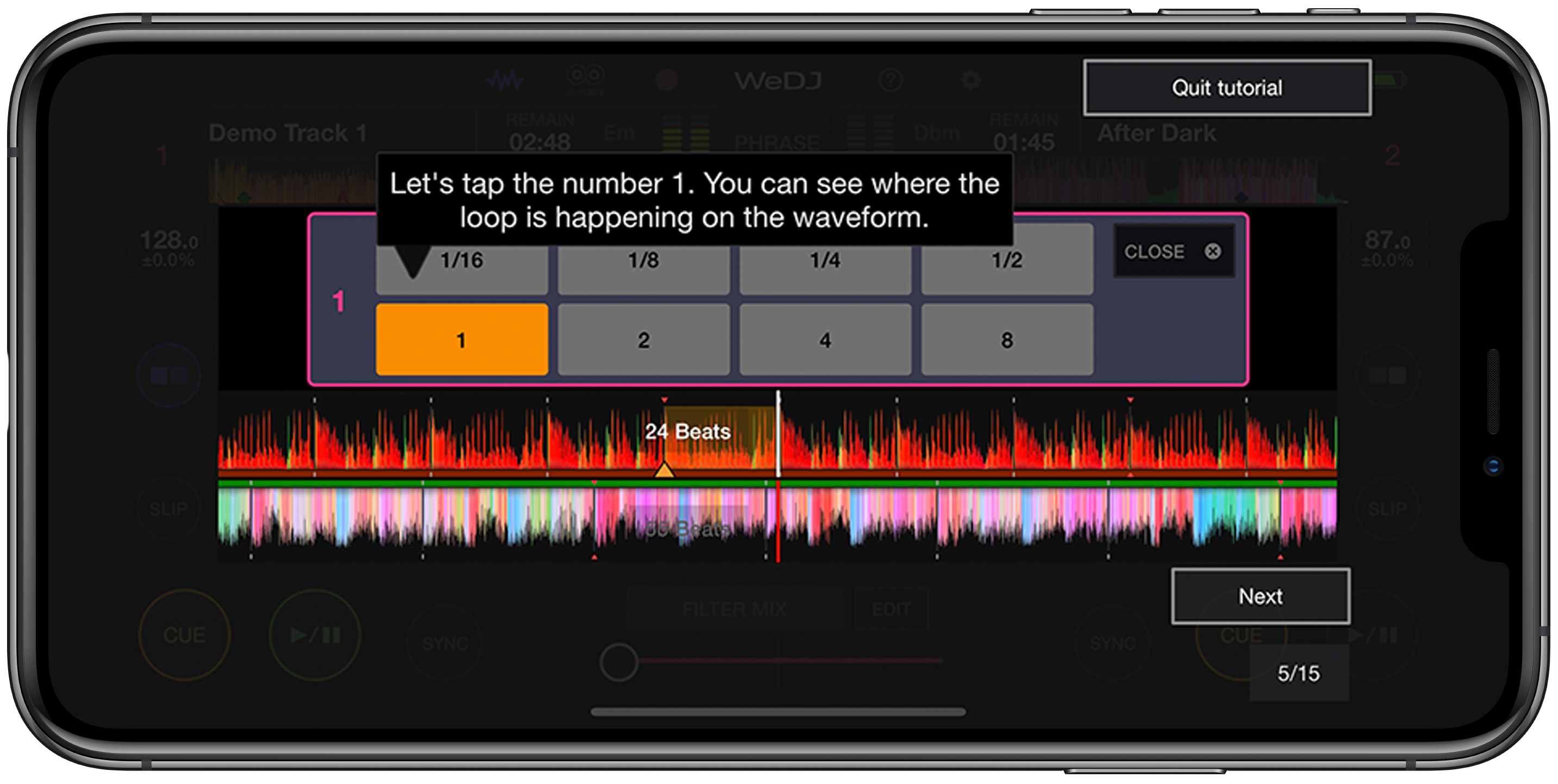
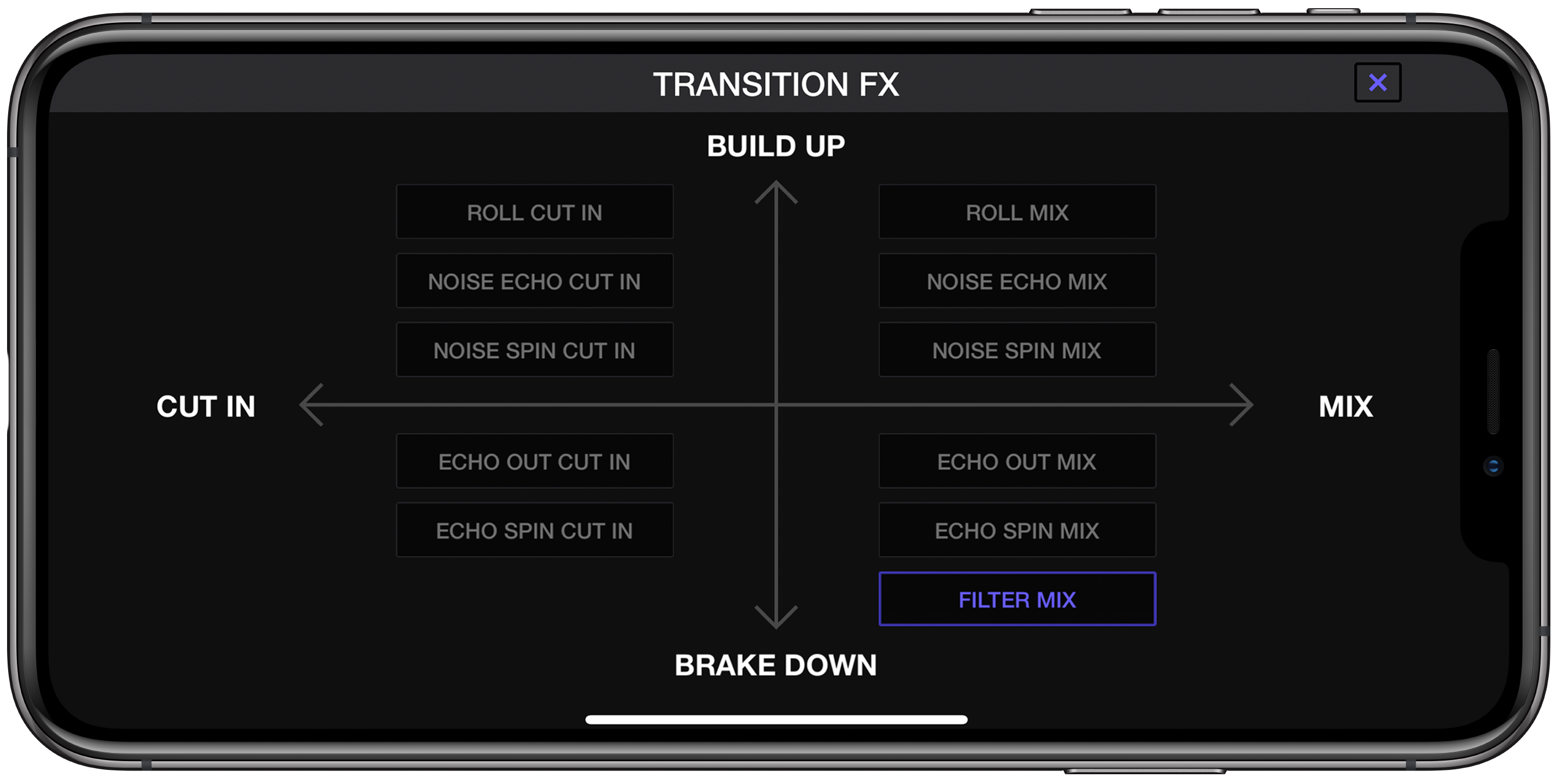
Mix music from your iTunes library or stream popular tracks and discover unknown gems through Beatport LINK and SoundCloud Go+. If you’re just starting to mix, WeDJ for iPhone now features Tutorial and Pop-Hint functions to teach you the basics. Whether it’s your first time blending sounds or you’ve been doing it for a while, you’ll love Transition FX which enables you to perform seamless transitions.

Key Features

Stream music
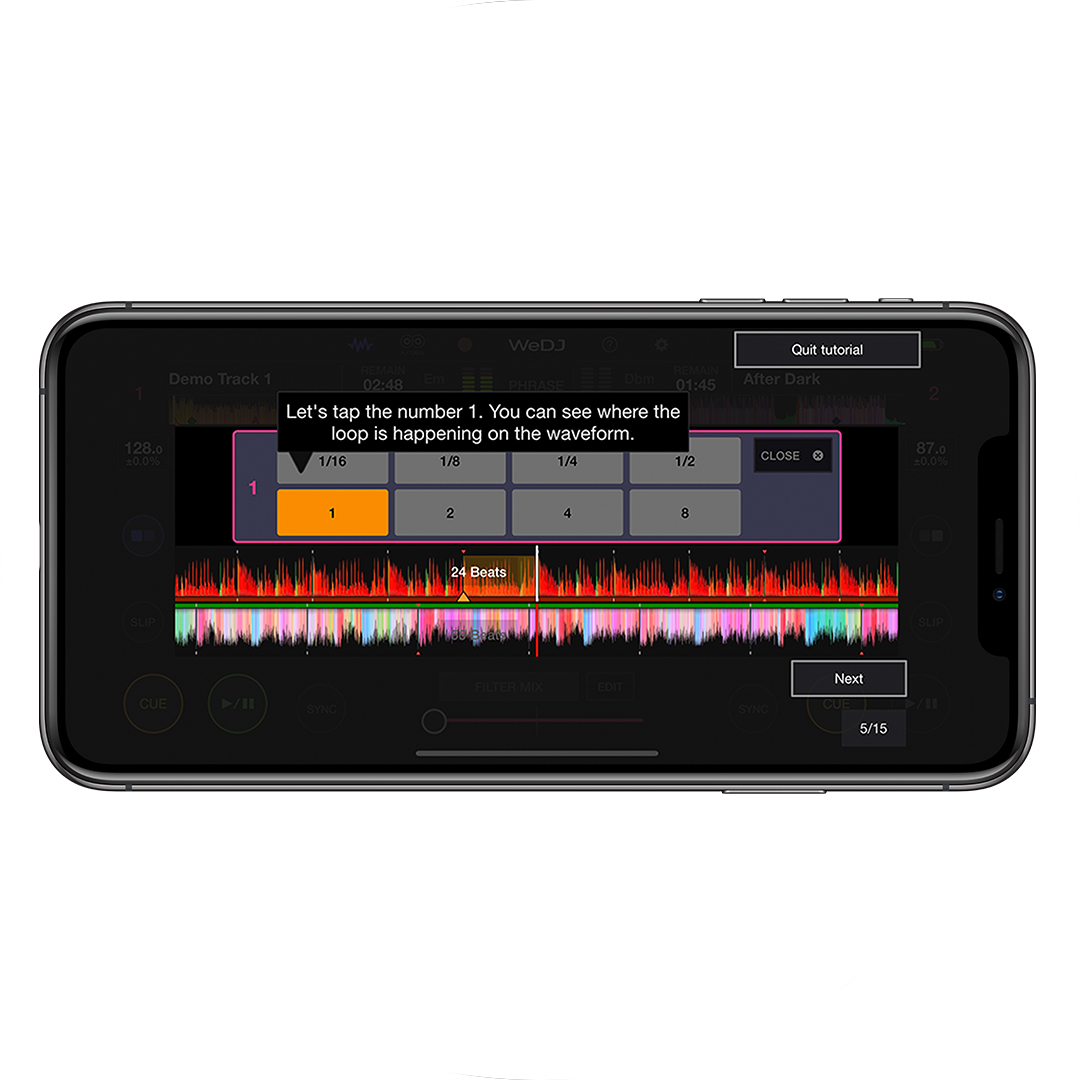
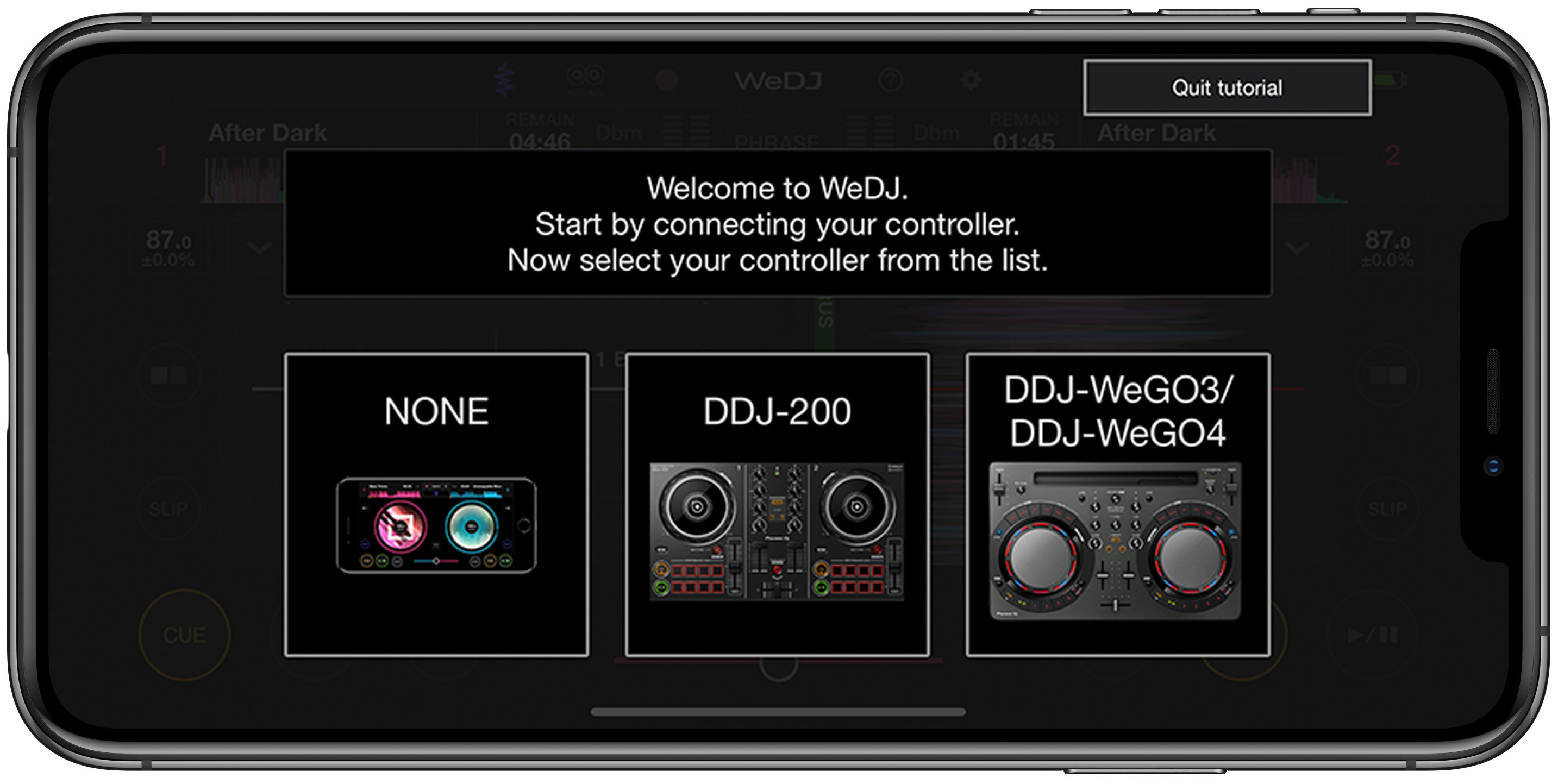
Tutorial & pop-hint
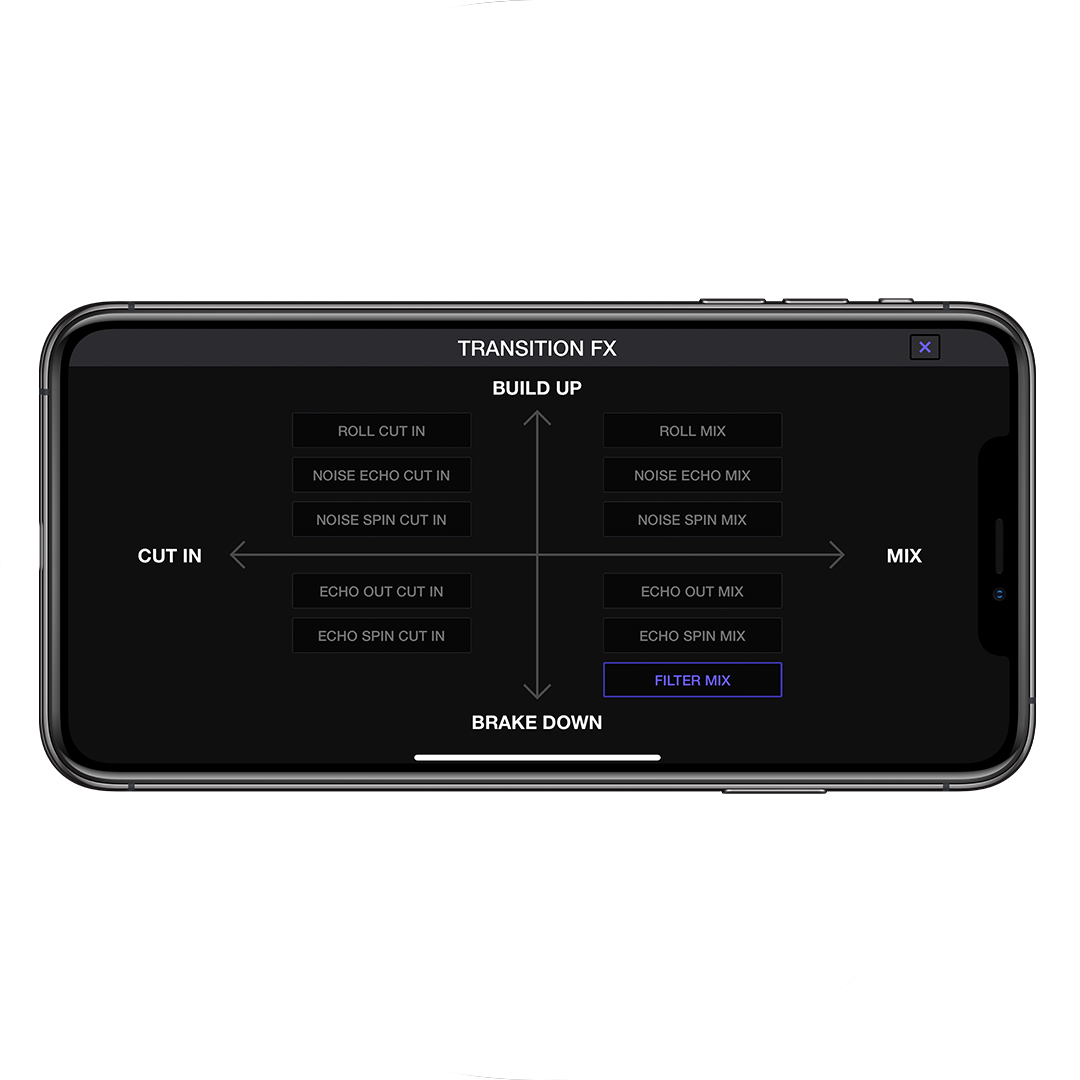
Transition FX
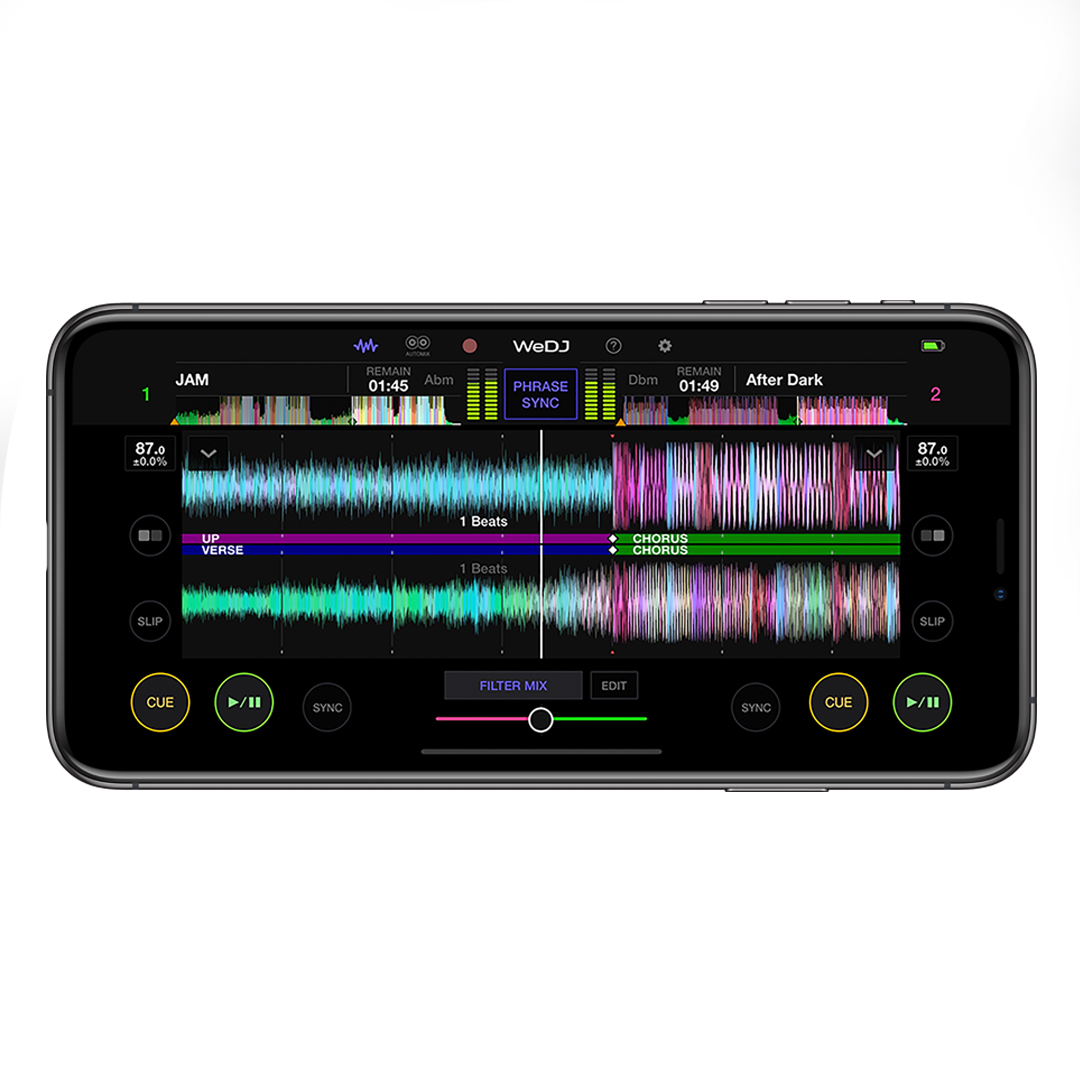
Phrase sync
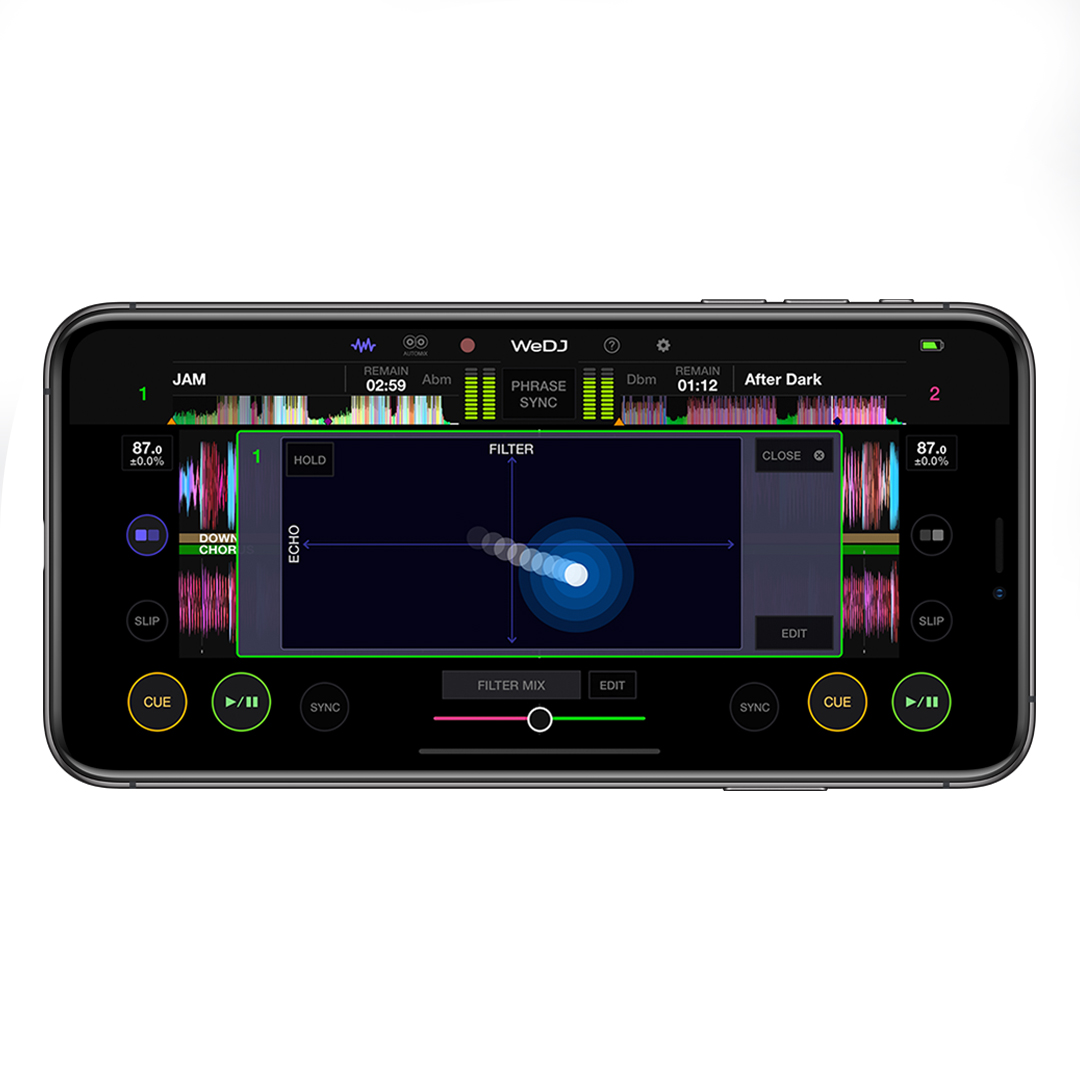
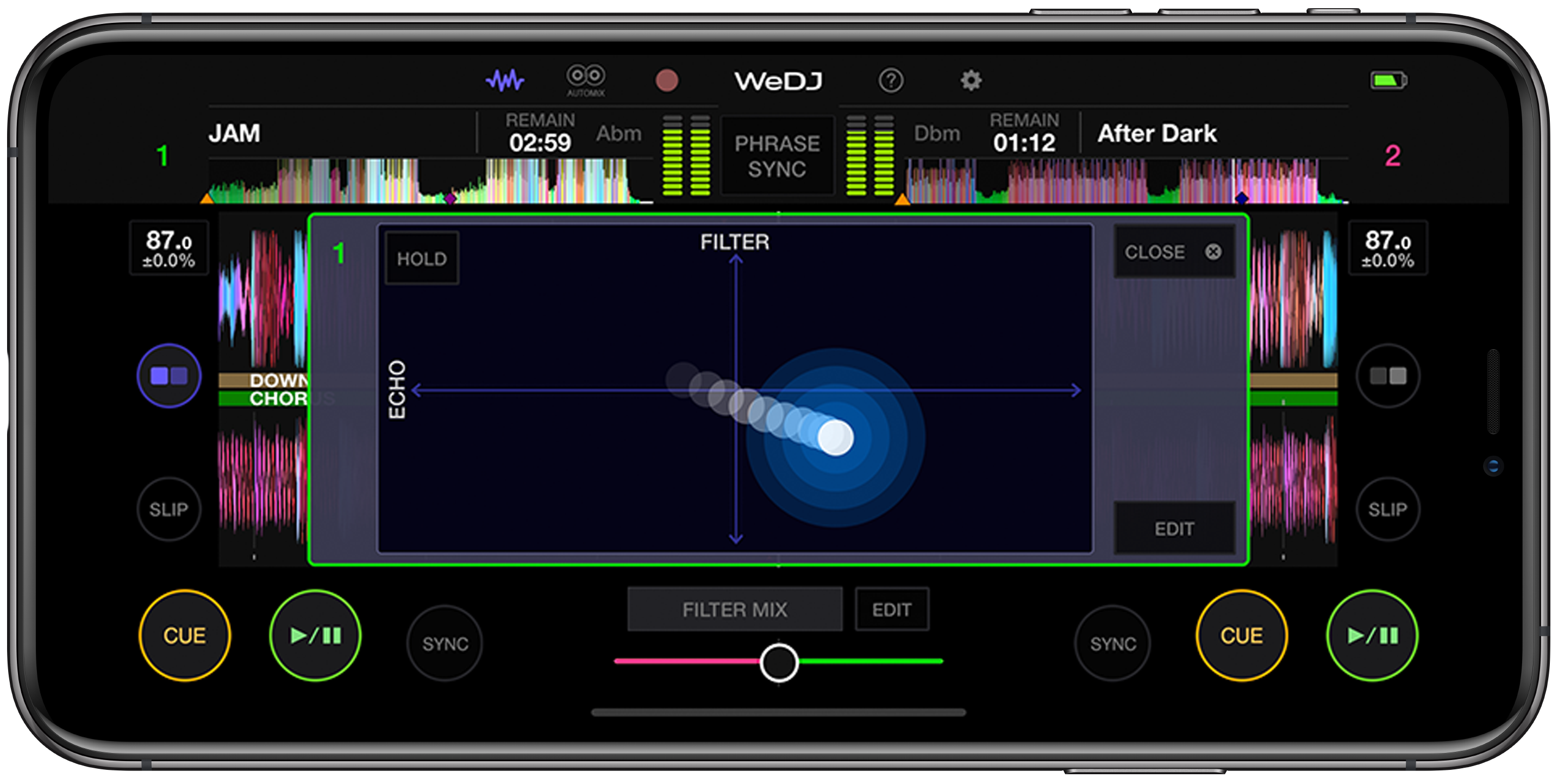
Performance features
Other Features
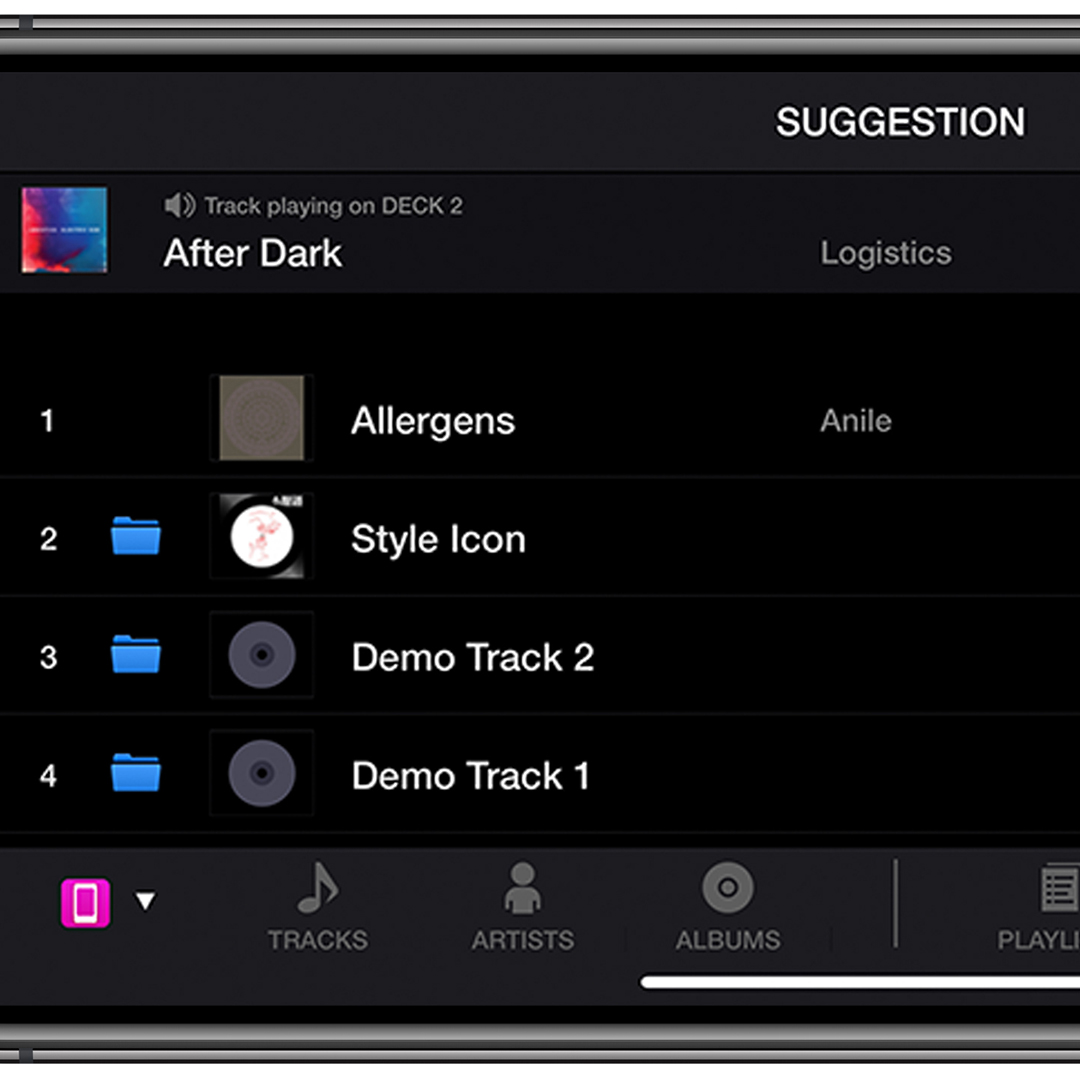
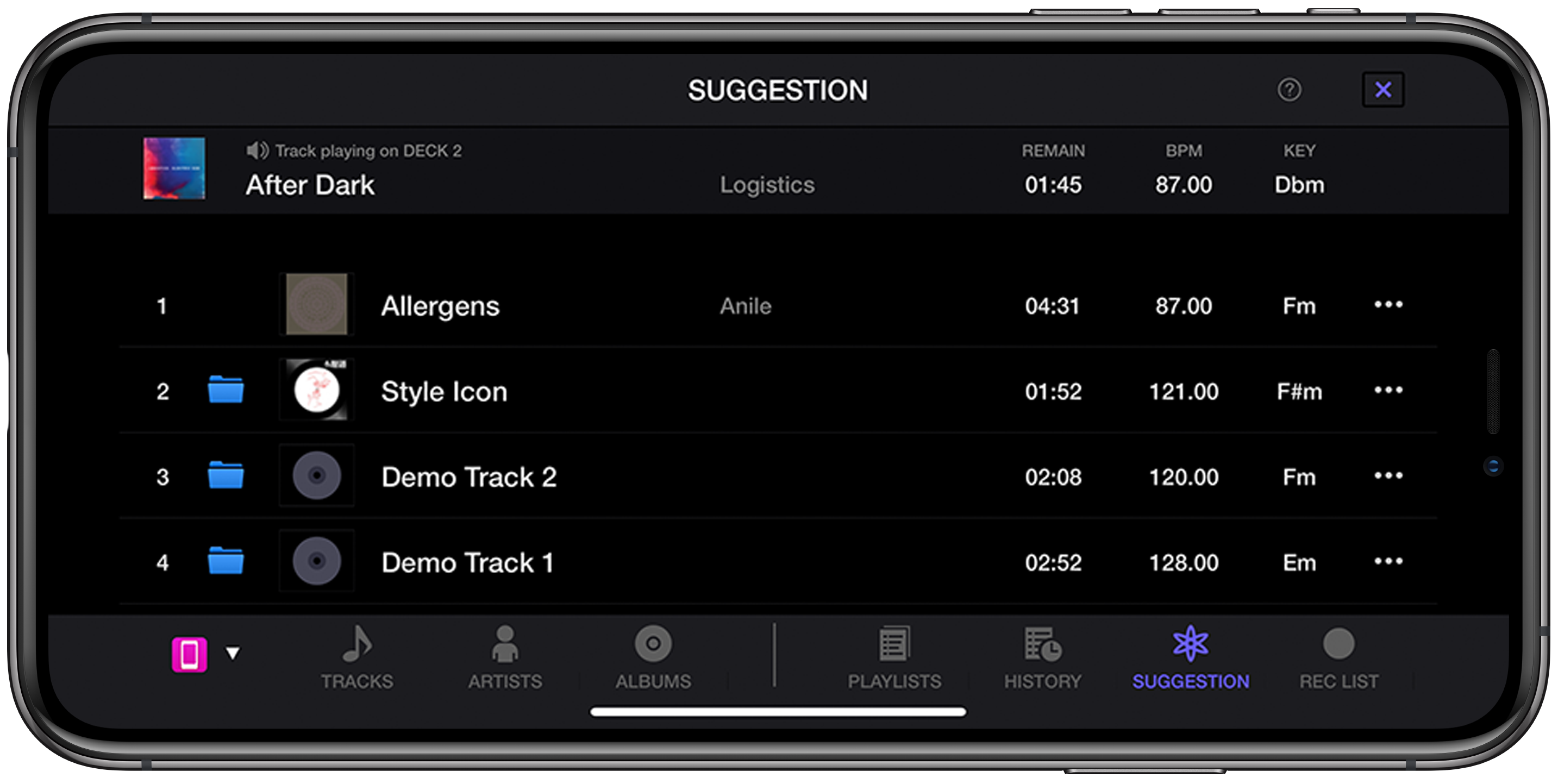
Suggestions
Easily choose the next song thanks to the track Suggestion feature which shows you music with a similar BPM and key to the one you’re playing.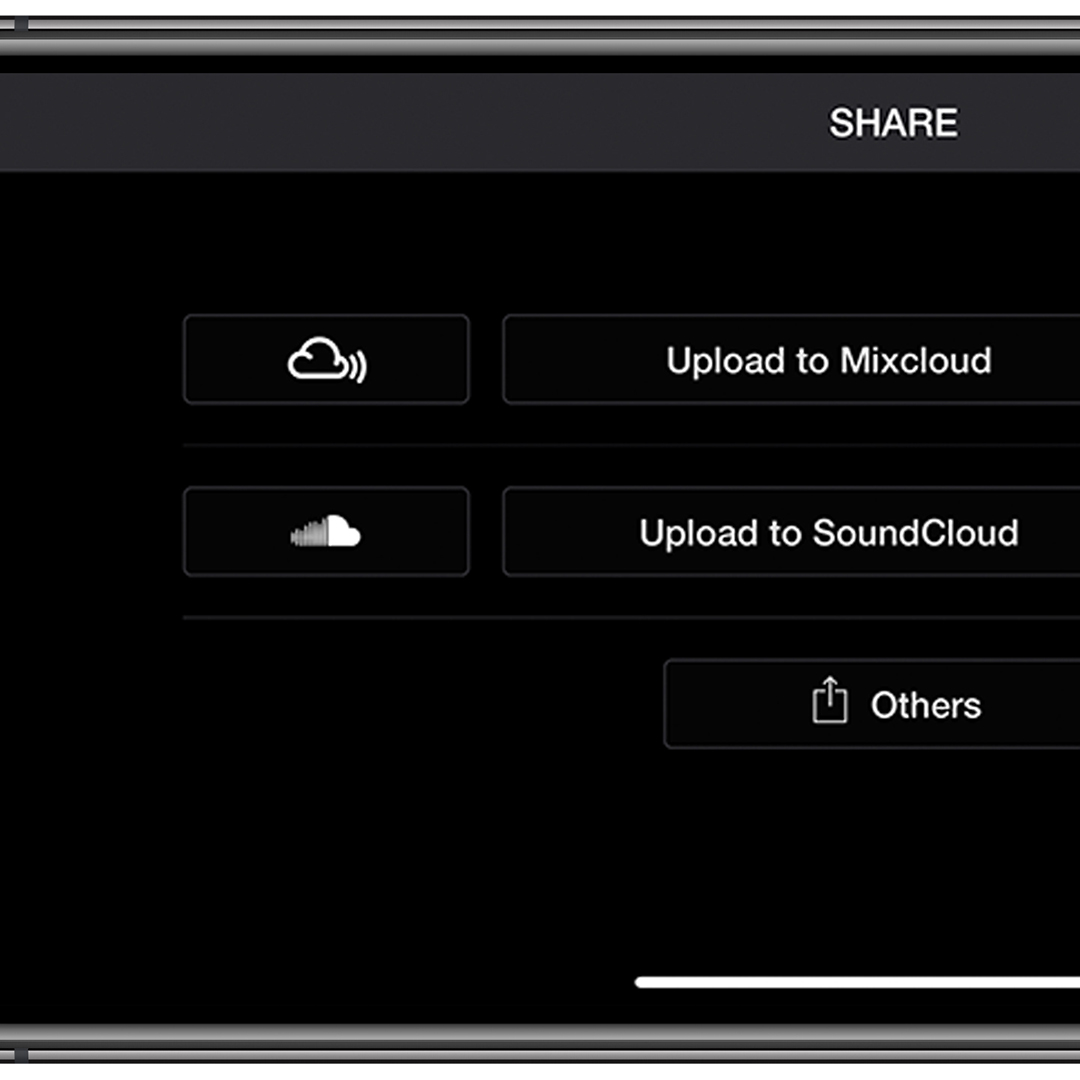
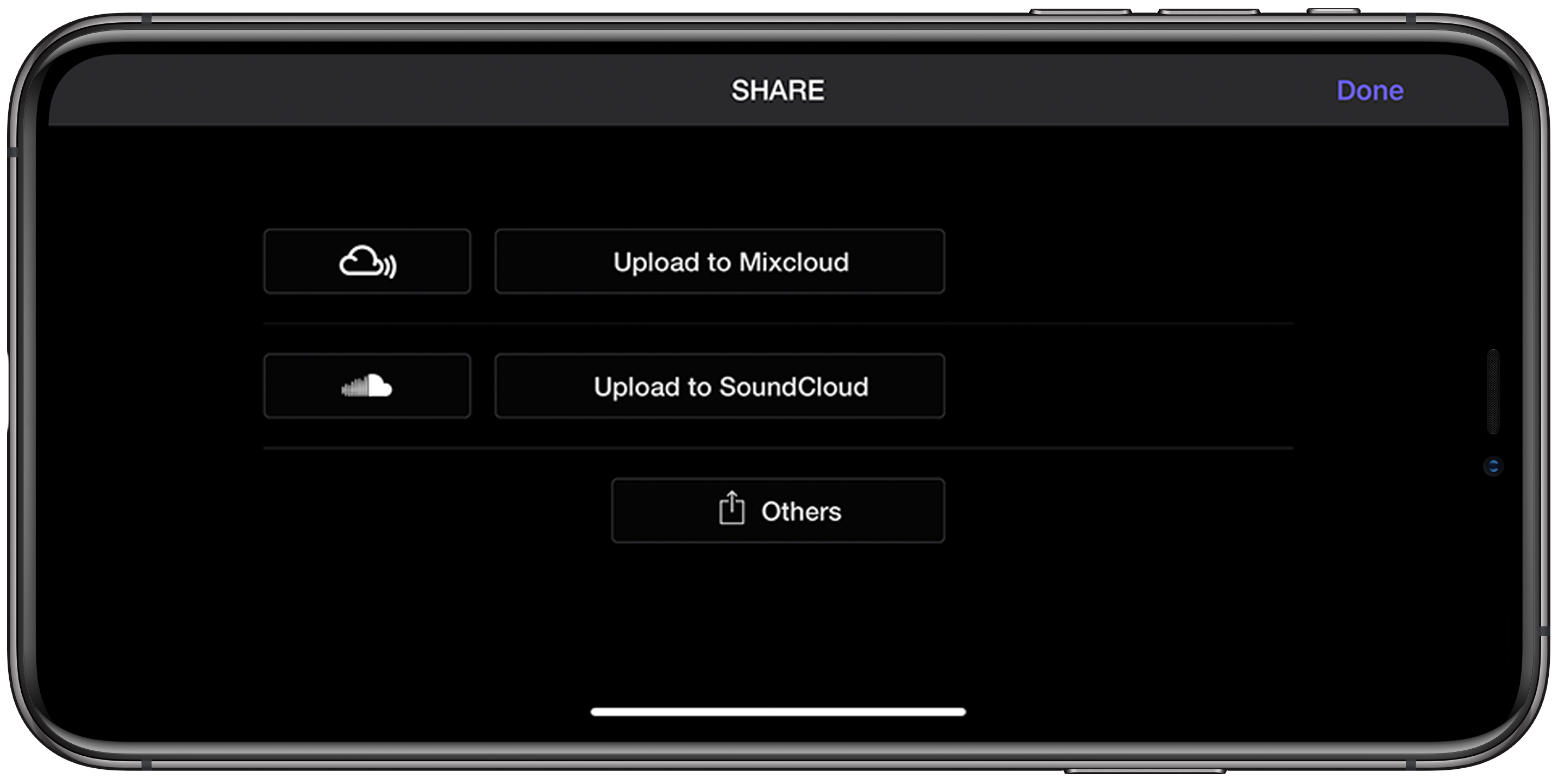
Easy sharing
Share mixes made using tracks from your iTunes library online. Simply record your creation in WeDJ for iPhone and upload it to services such as SoundCloud and Mixcloud.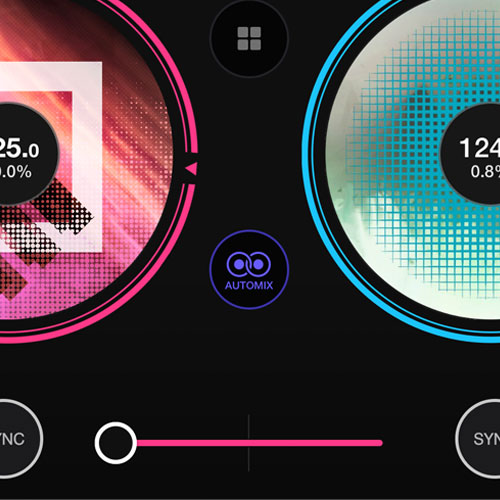
Automix
Press the Automix button and WeDJ will automatically mix in the next track before the end of the track that’s playing.
Pre-installed samples
With 32 pre-installed samples, by courtesy of Loopmasters, you can get started directly after installing the app.