CDJ-3000-W
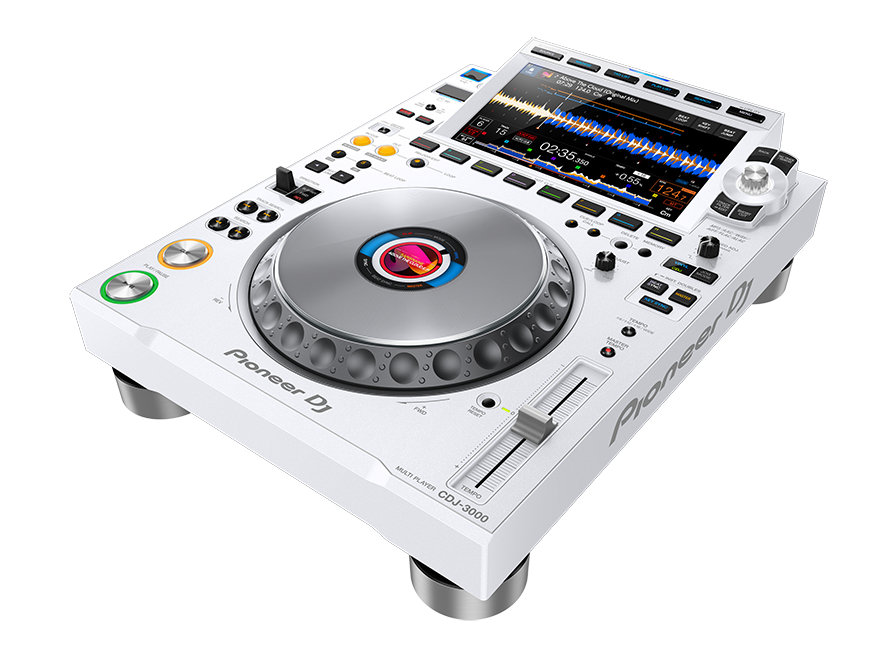
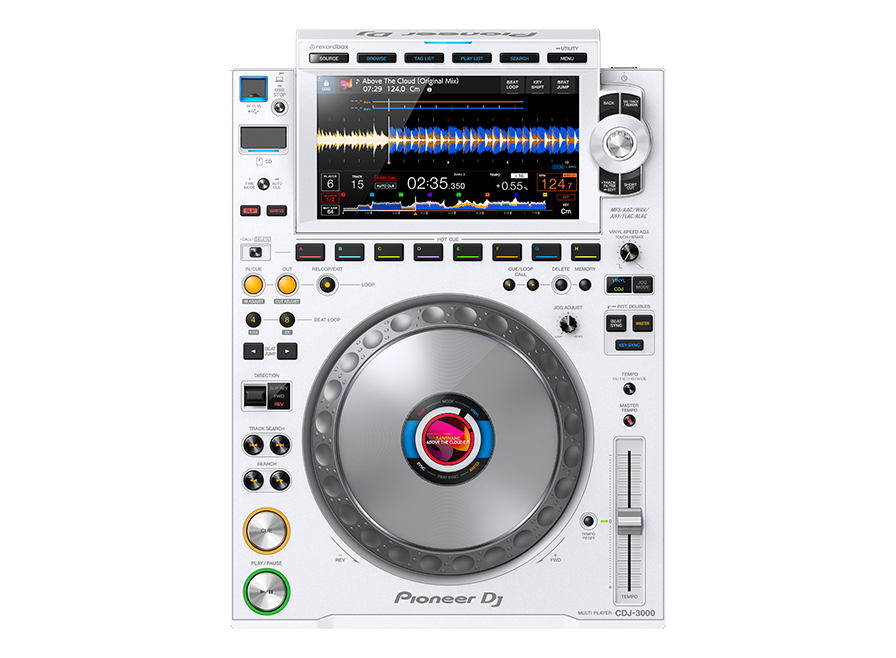
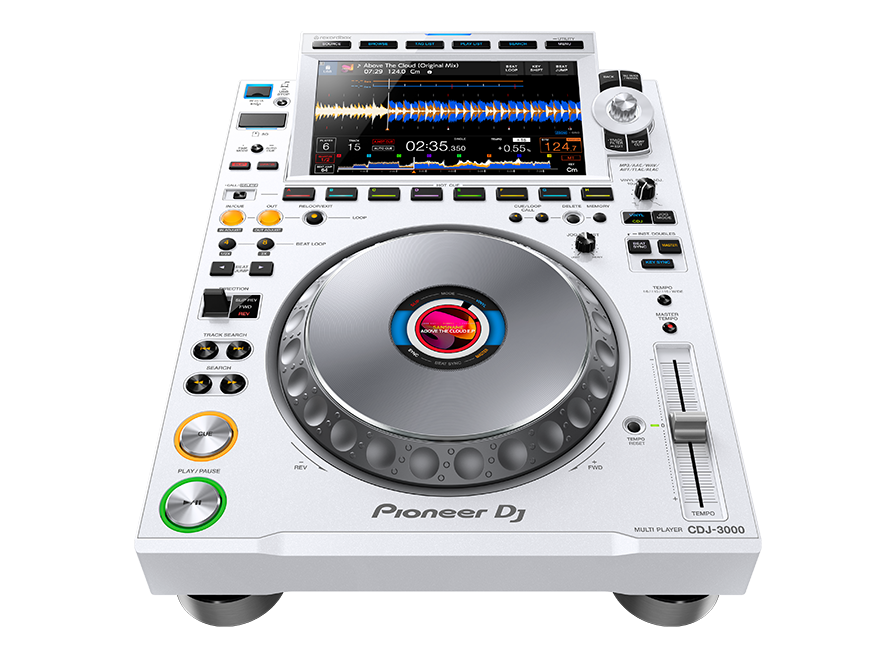
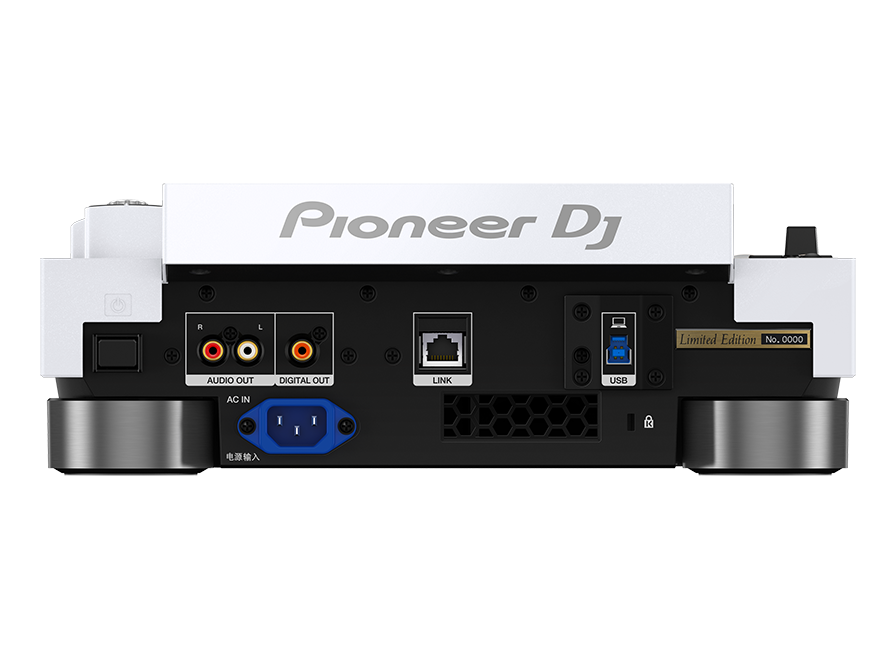
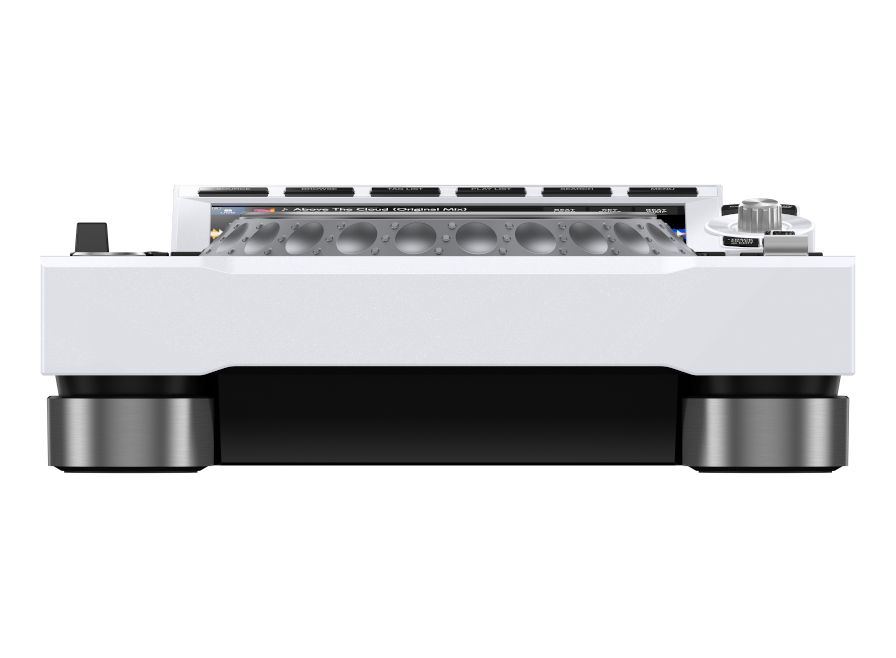
Professional DJ multi player (White)
CDJ-3000-W
Key Features
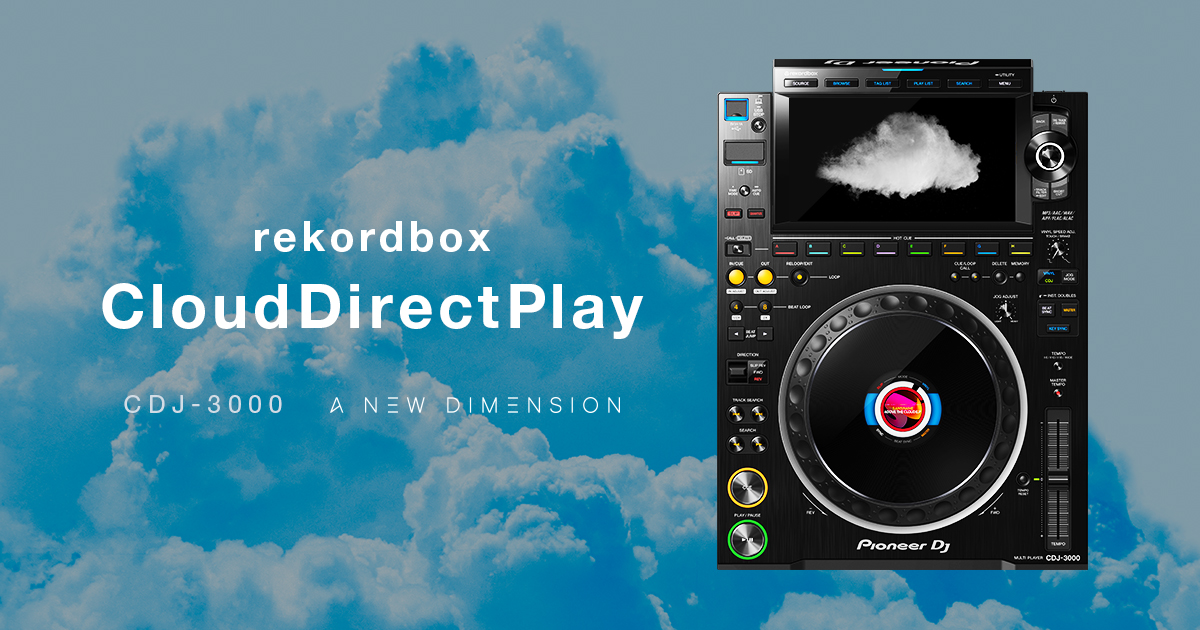
Compatible with rekordbox CloudDirectPlay
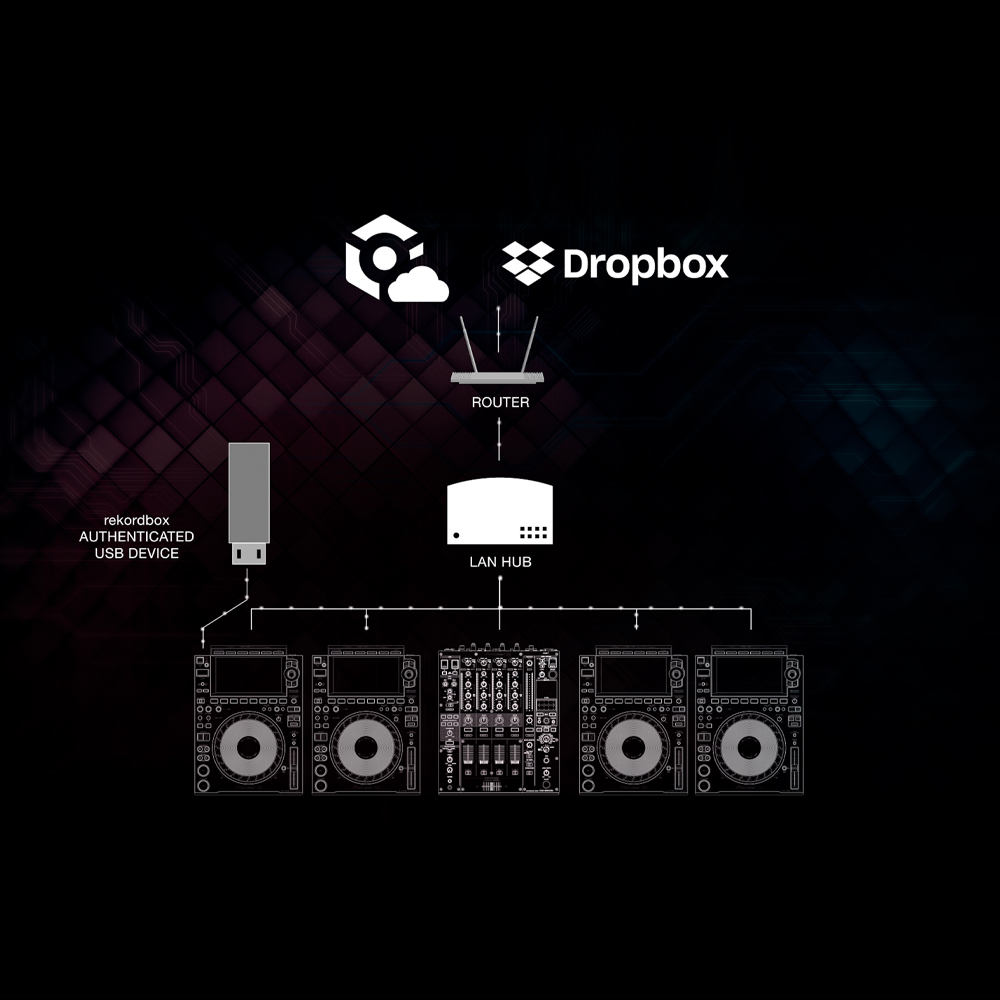
Simply connect the CDJ-3000 to the internet via a Pro DJ Link connection with a LAN cable to start using rekordbox CloudDirectPlay. In advance, you’ll export an authentication key from rekordbox to a USB storage device which, when plugged into the CDJ-3000, enables you to browse and play all the tracks in your cloud-based library.
*rekordbox Creative or Professional plan subscription is required.
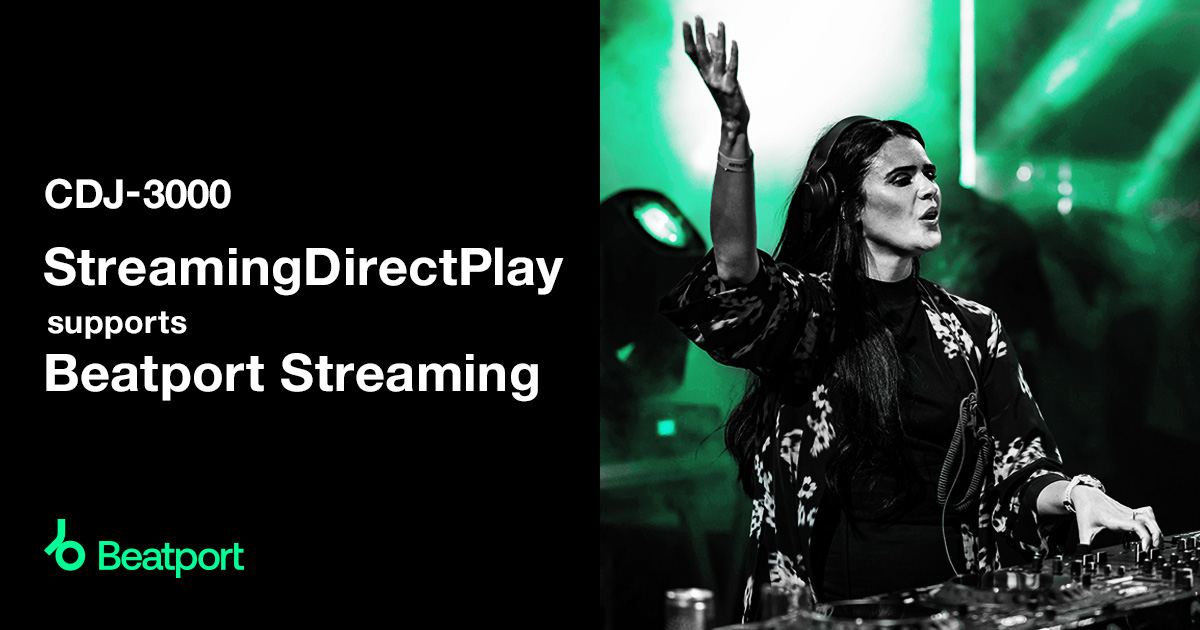
StreamingDirectPlay
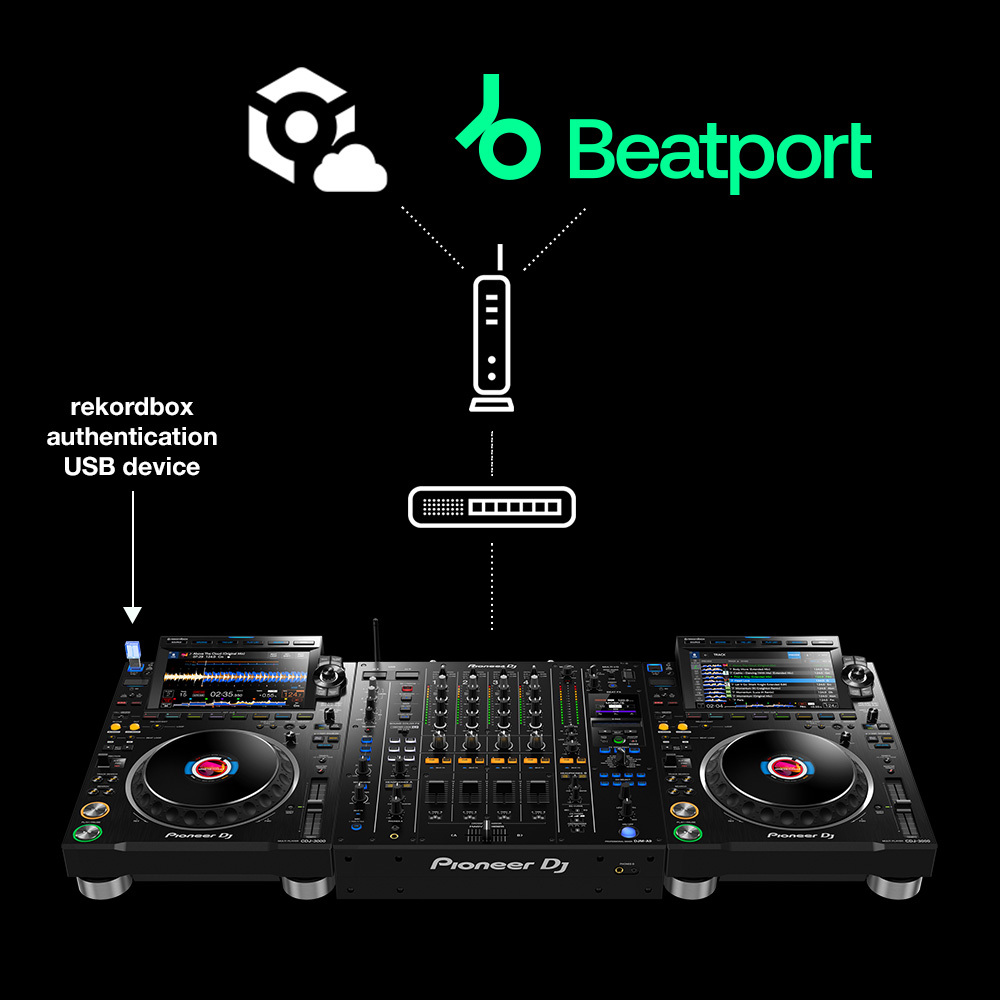
Browse and play the latest tracks from the Beatport Streaming* platform directly from the CDJ-3000, with access to playlists of various genres and tracks from your pre-created My Playlist. Automatic BPM and grid analysis enables you to check the development of a song on the waveform display. And you can use Beat Sync and quantize for intuitive and accurate beat matching and mixing.
*Requires subscription to Beatport Streaming's Professional or Advanced plan. Visit the official Beatport website for more details.
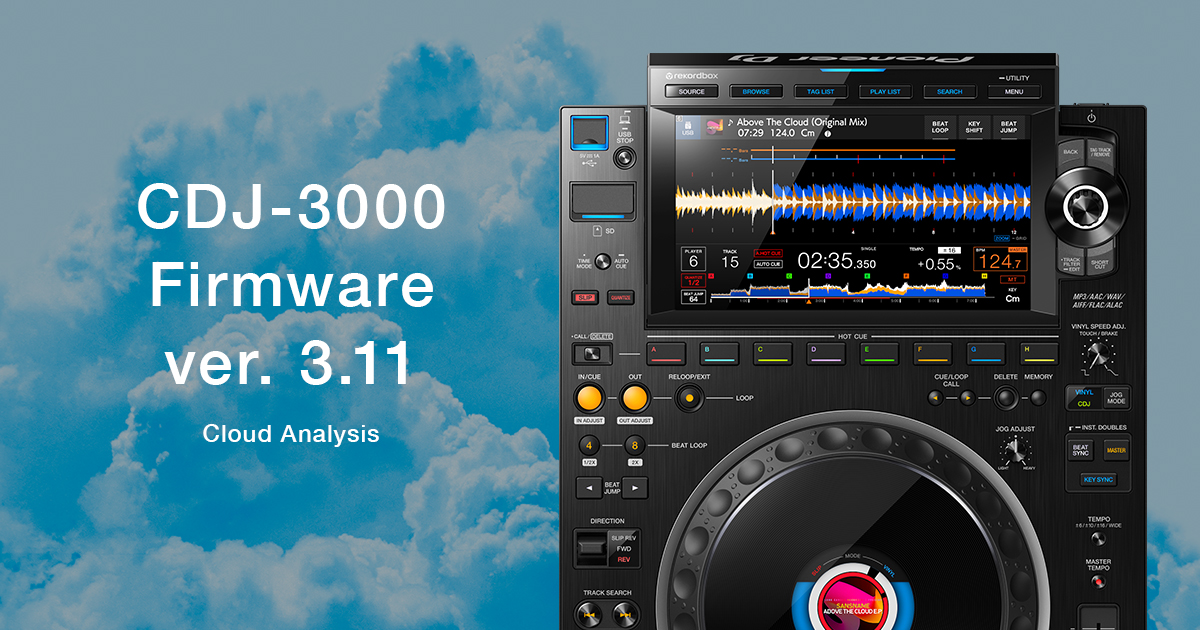
Analyze tracks quicker with Cloud Analysis
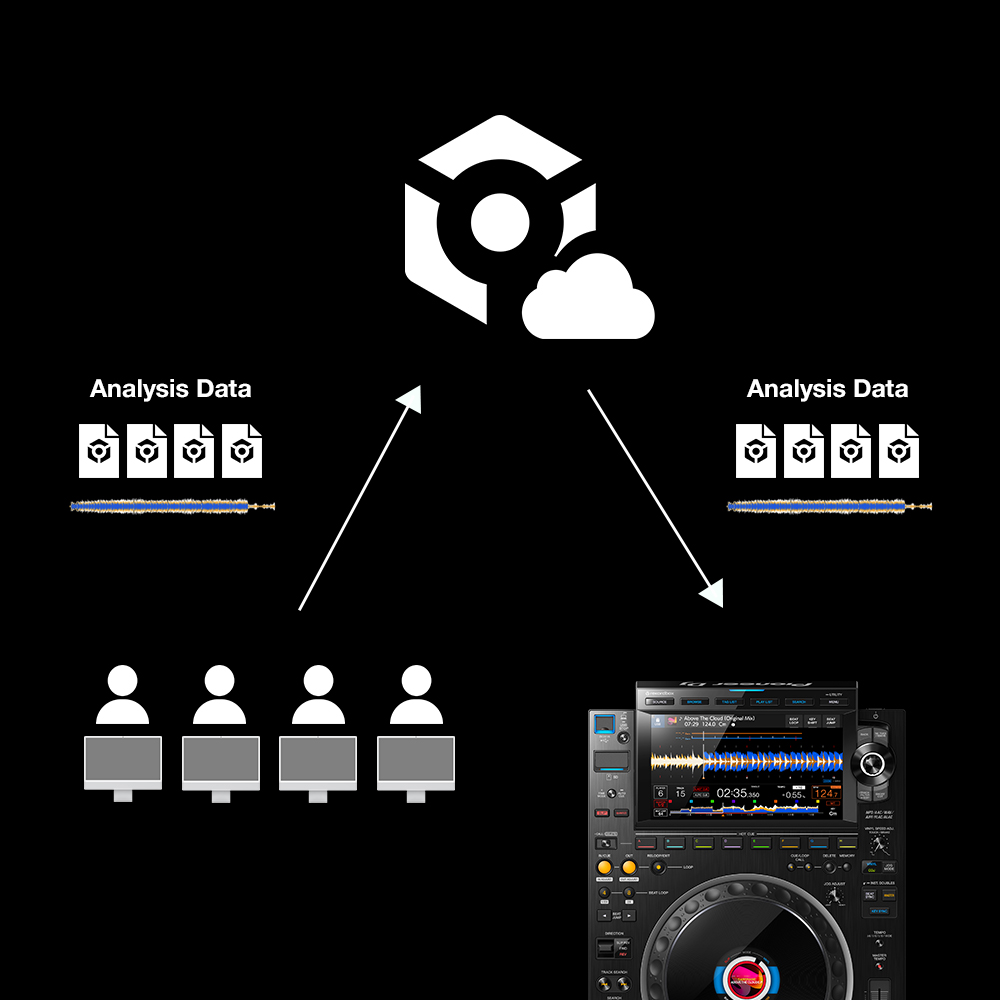
When loading track on a CDJ-3000 connected to the internet, the BPM, beatgrid, and waveform can be instantly acquired from AlphaTheta's track information database and used for your performance. This enables rapid and accurate beat matching and mixing using Beat Sync and quantize, even with tracks from supported streaming services, removing the need for song analysis on the CDJ-3000. Cloud Analysis is available to all rekordbox users.
Find out more about Cloud Analysis here.
Enhanced performance and rock-solid stability
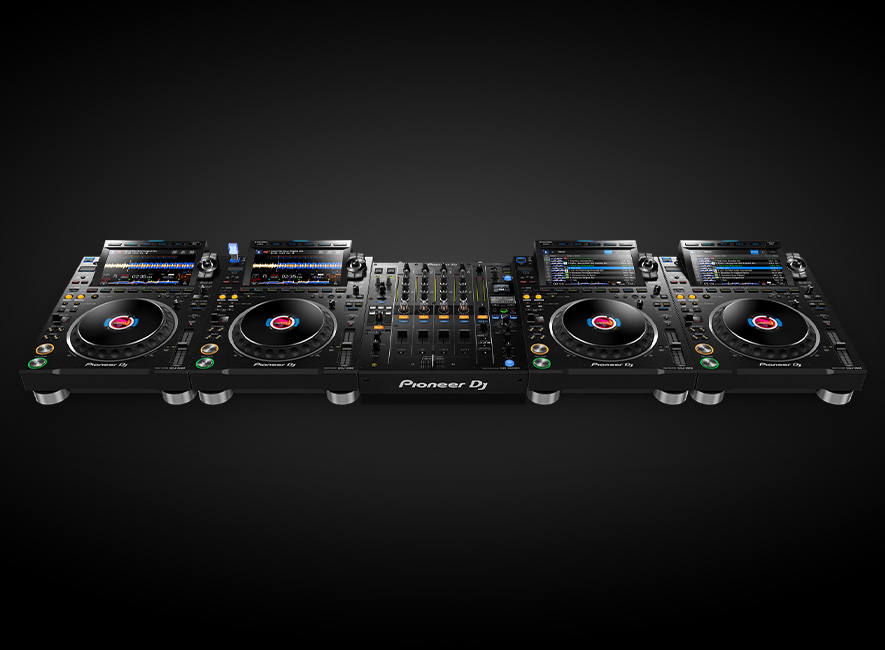
Have faith in the decks. As well as expanded creative options, the CDJ-3000 brings even more stability and reliability to your setup.
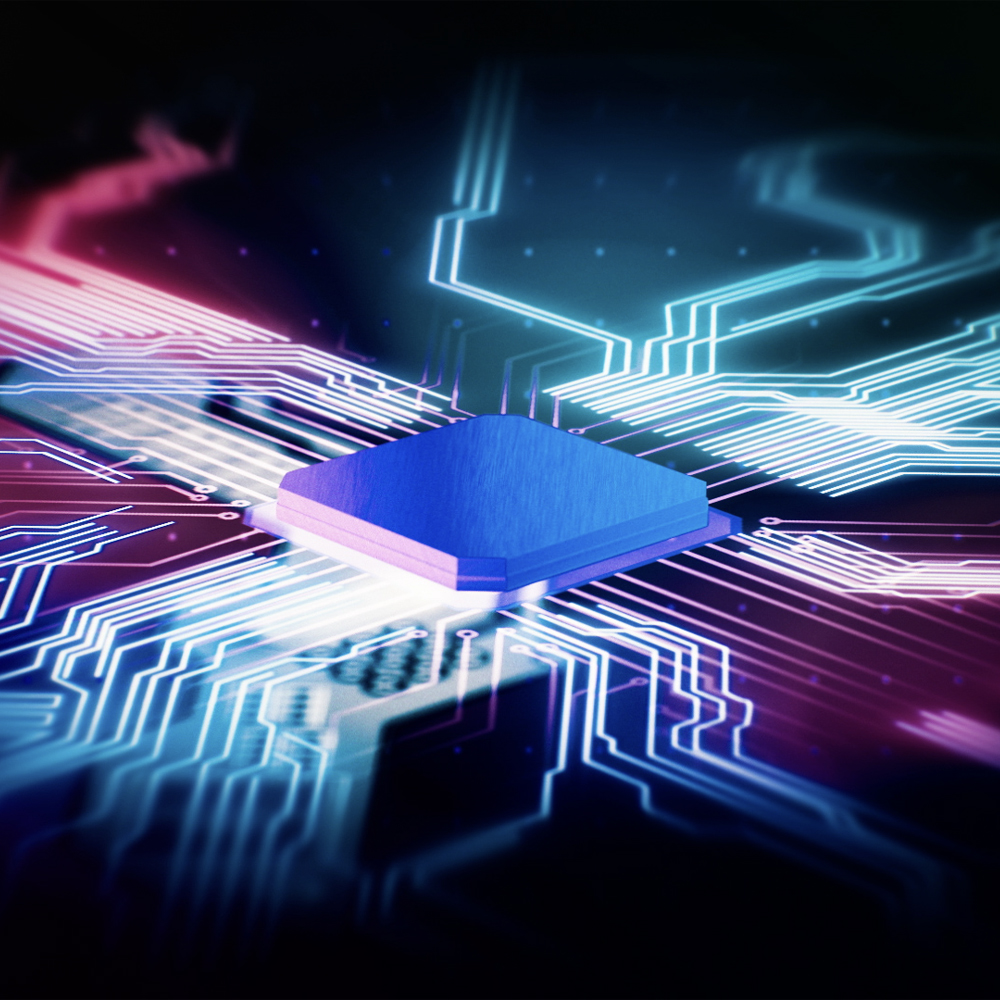
Advanced MPU
We’ve revolutionized the way the CDJ is driven with its new MPU, making it smoother and more stable than its predecessors. The MPU’s processing power allows for new functions and lets us introduce more features in future updates.
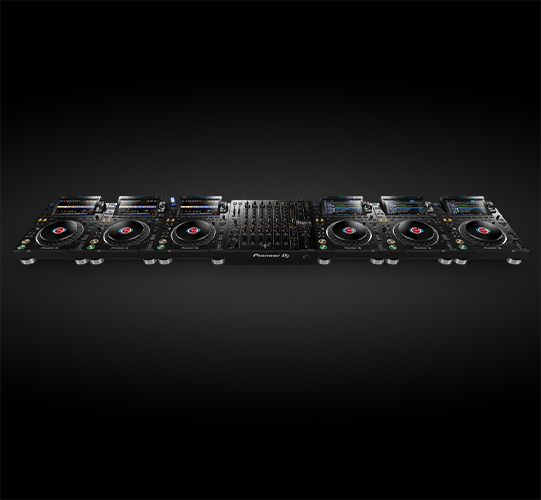
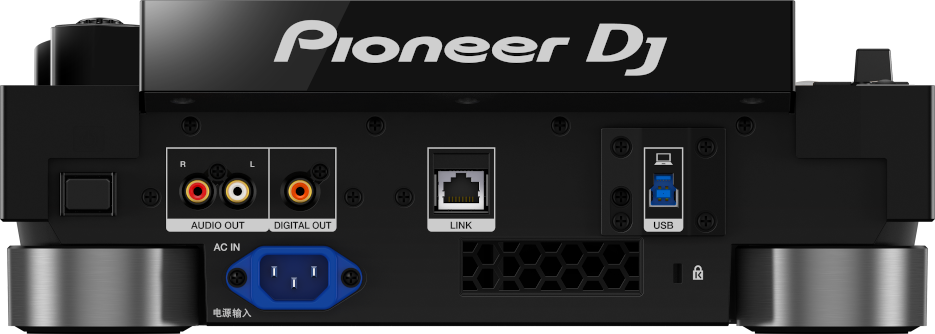
Pro DJ Link with Gigabit ethernet
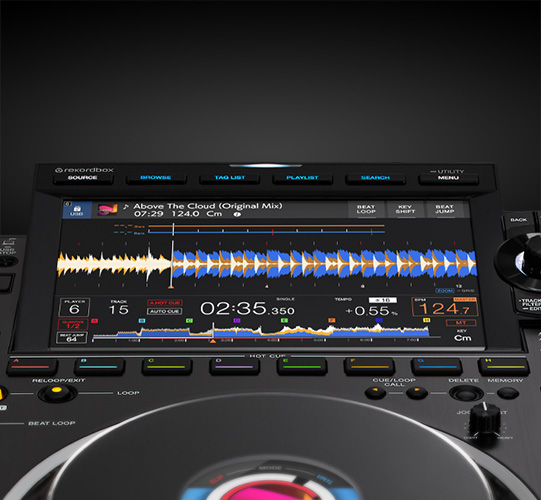
Better screen visibility
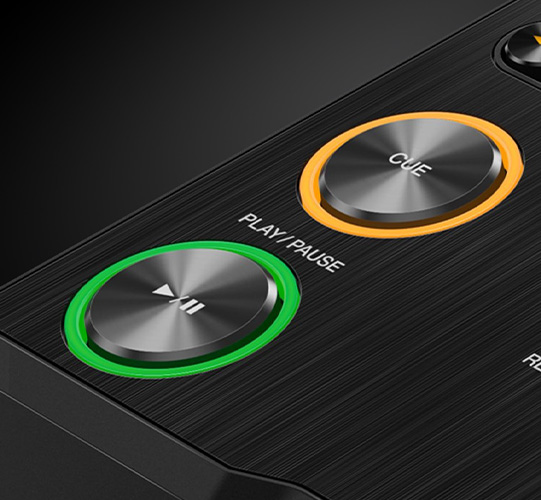
Tougher components
The high-quality aluminum top plate and redesigned play, cue, and Hot Cue buttons are stronger than ever. Also, the lockable V-Lock power cable* guards against accidental disconnections that could interrupt your show.
* Excluding some regions.
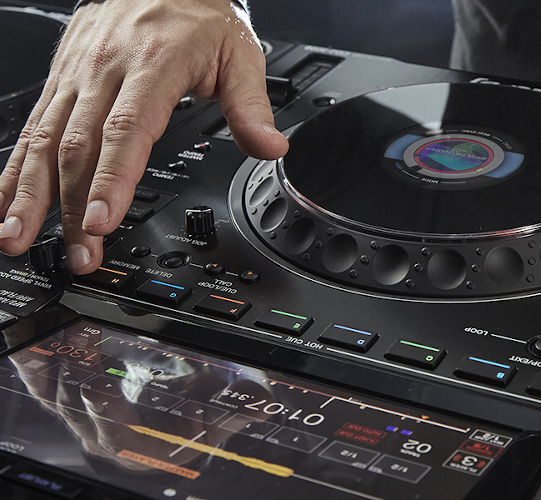
Full audio file caching
Enhanced audio design
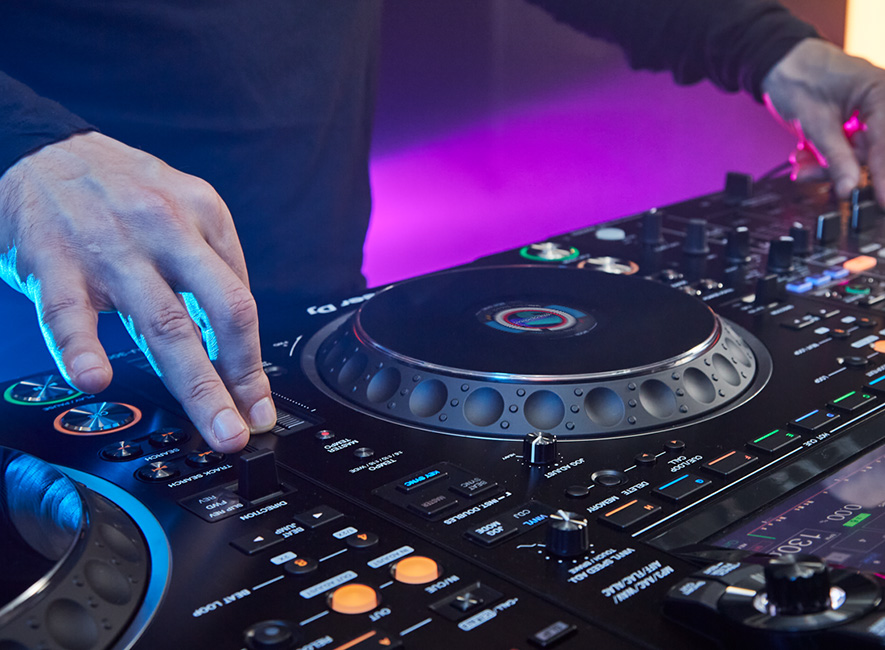
We've poured more than 25 years' worth of experience into creating the ultimate DJ sound, which faithfully reproduces the audio of each track as the producer intended it to be heard while also reflecting the most intricate details of your performance.
Realistic spatial sound and a more musical bass sound

A natural sound – easy to listen to for long, high-volume sets
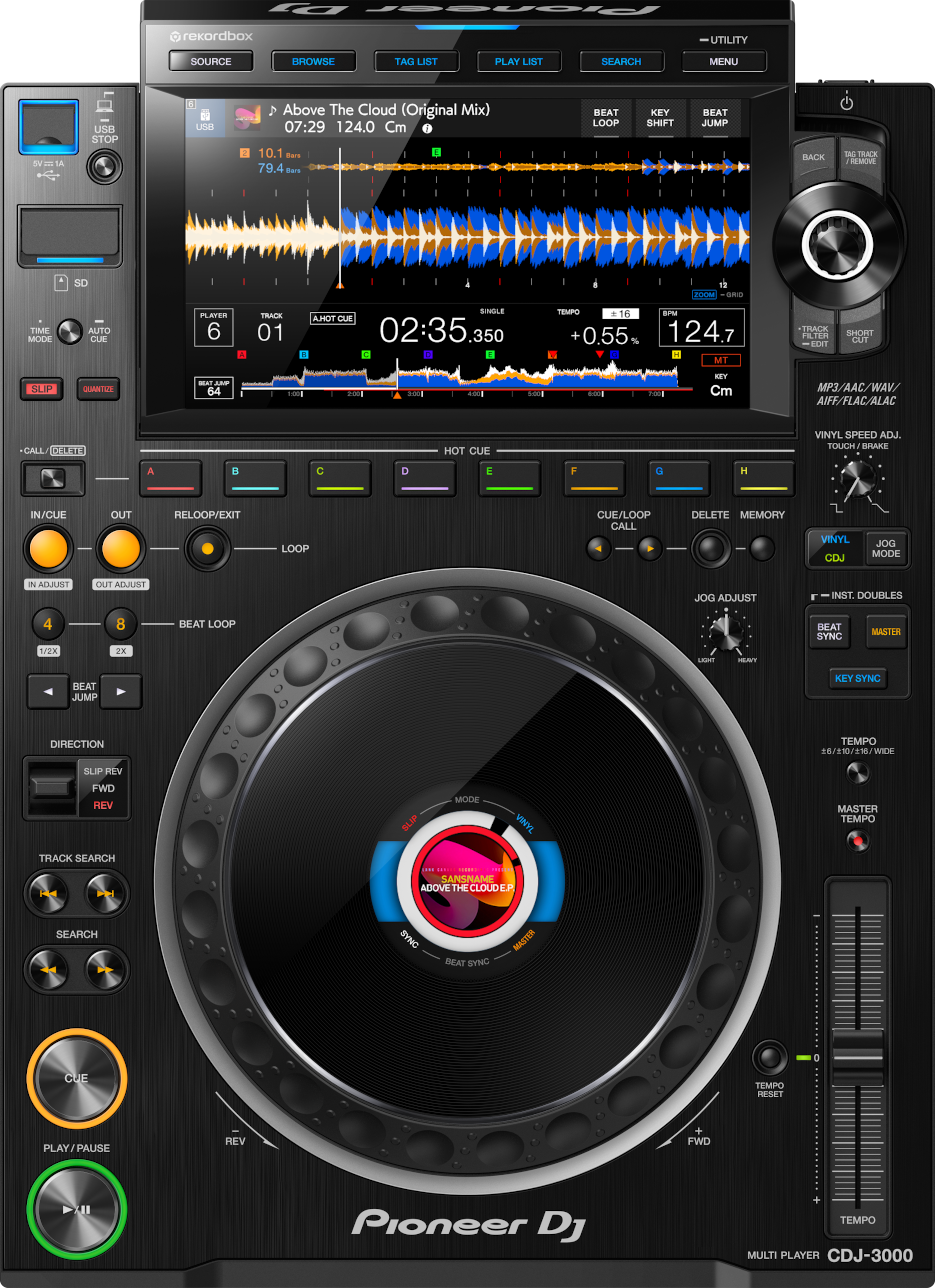
9-inch, high-resolution touch screen
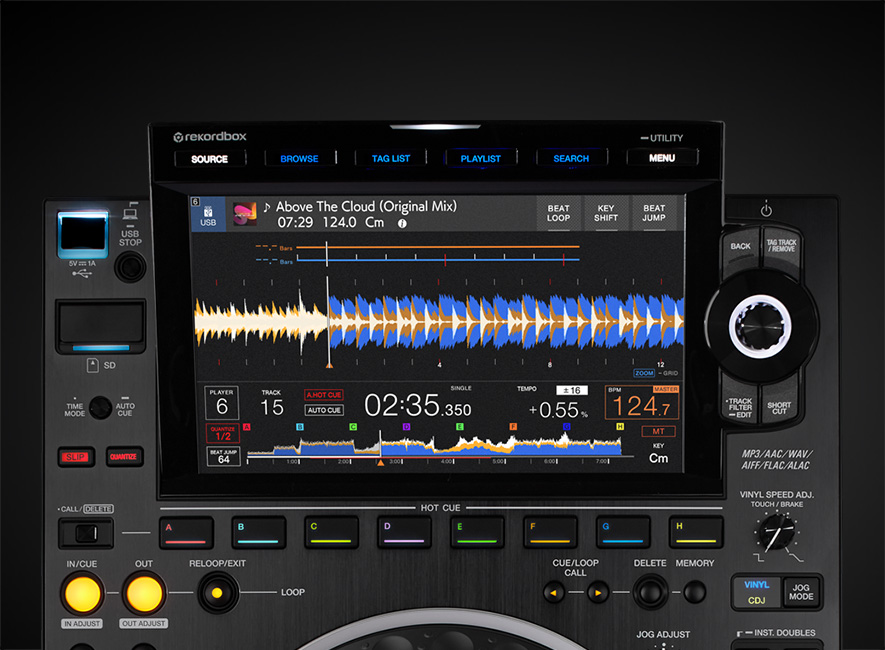
With its bigger and clearer touch screen , we’ve added extra info, shortcuts, and buttons for useful features such as Playlist and Search. Customize the info you want, set your own preferences and swipe to navigate. The improved workflow makes track browsing easier.
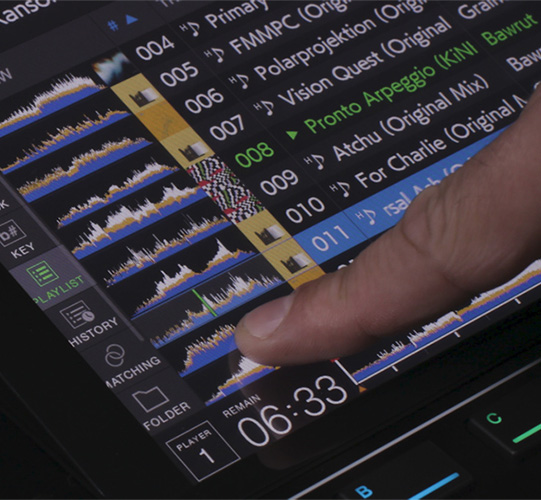
Touch Preview
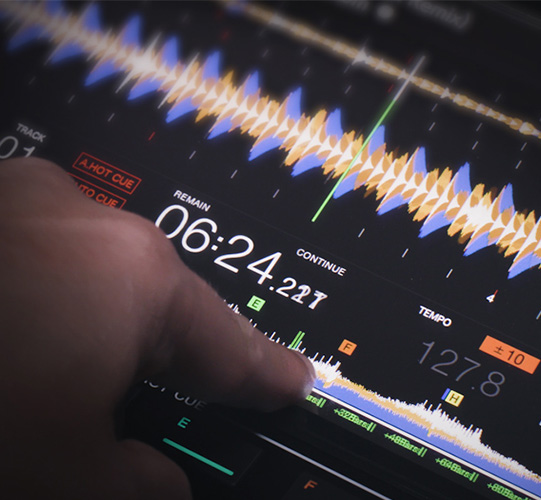
Touch Cue
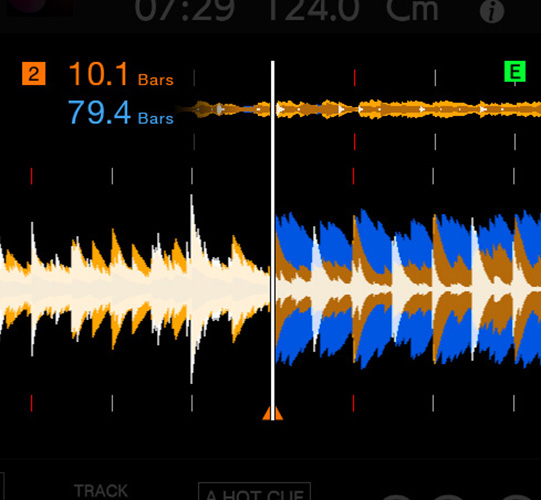
Stacked Waveform
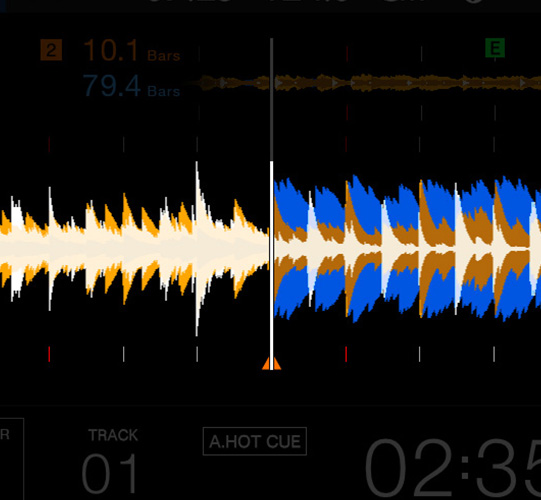
Support for 3Band Waveform
Key Sync and Key Shift
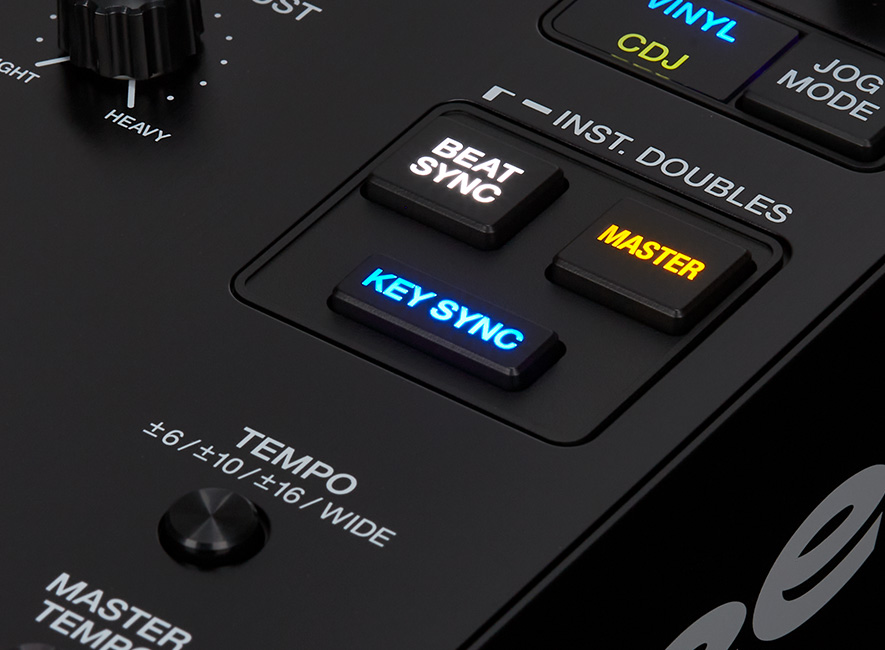
Hit the Key Sync button and the CDJ-3000 will automatically adjust the key of the next track to match the one on the master deck, helping you craft a smooth and harmonic mix. With Key Shift on the touch screen, you can manually shift the key of a track up or down.
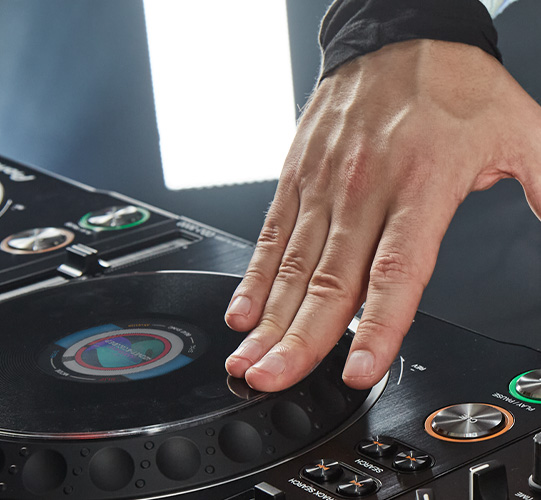
Our smoothest-ever jog wheel
Effortlessly scratch and smoothly bend the pitch of tracks. We’ve redesigned the jog wheel so it feels slicker than ever, with a reduced touch latency. The LCD screen in the center shows playhead position and artwork for a quick visual reminder of loaded tracks.
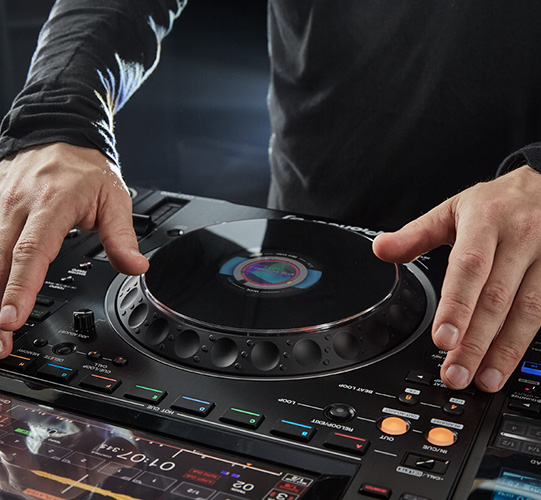
Rebuilt range-leading performance interface
Get hands-on with the redesigned controls and new features of the CDJ-3000 – all arranged in a way that lets you play the CDJ like it’s a musical instrument.
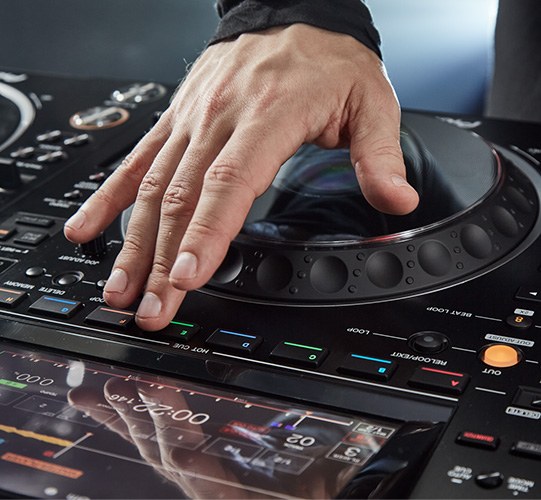
Eight Hot Cue buttons
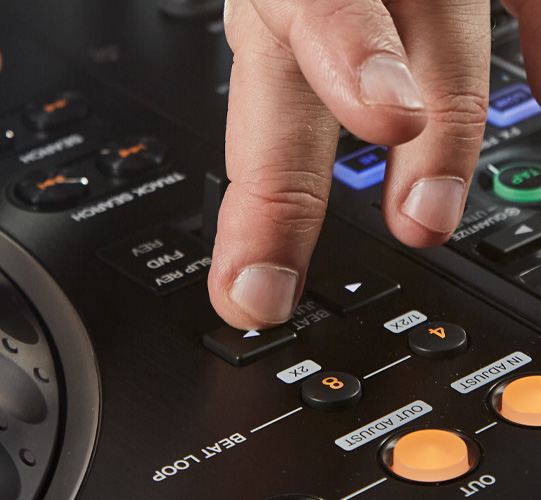
Dedicated Beat Jump buttons
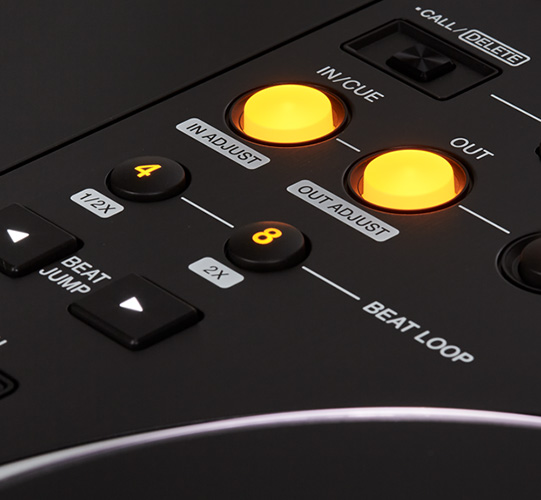
Advanced Auto Beat Loop section
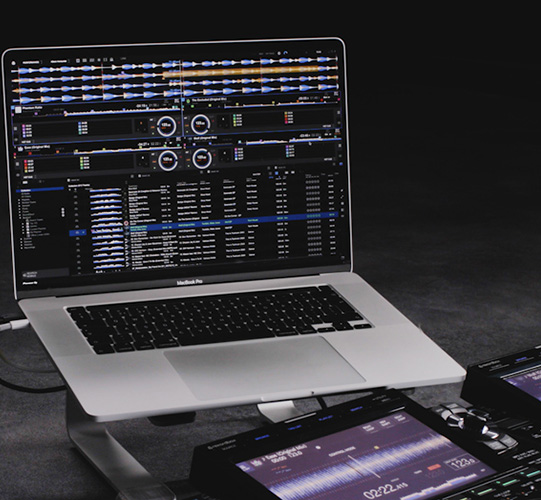
Flexible performance options
Play rekordbox-analyzed music from USB drives via Export mode. Connect a laptop with USB-HID control to use Link Export or use Performance mode for free. Or connect your iPhone to the CDJ-3000 via a USB cable with a Lightning to USB3 Camera Adapter (sold separately) and mix from rekordbox for iOS.
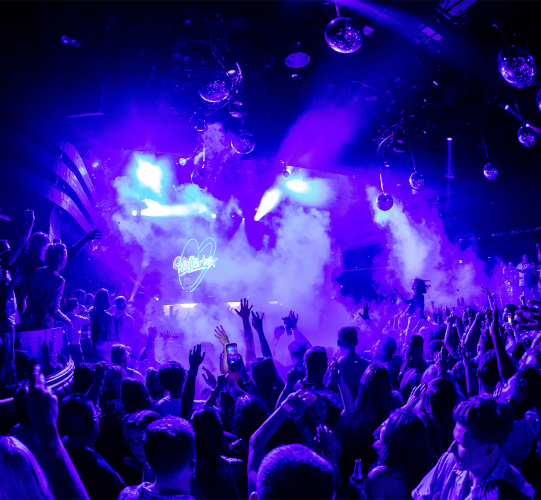
Sync sound and visuals for better performances
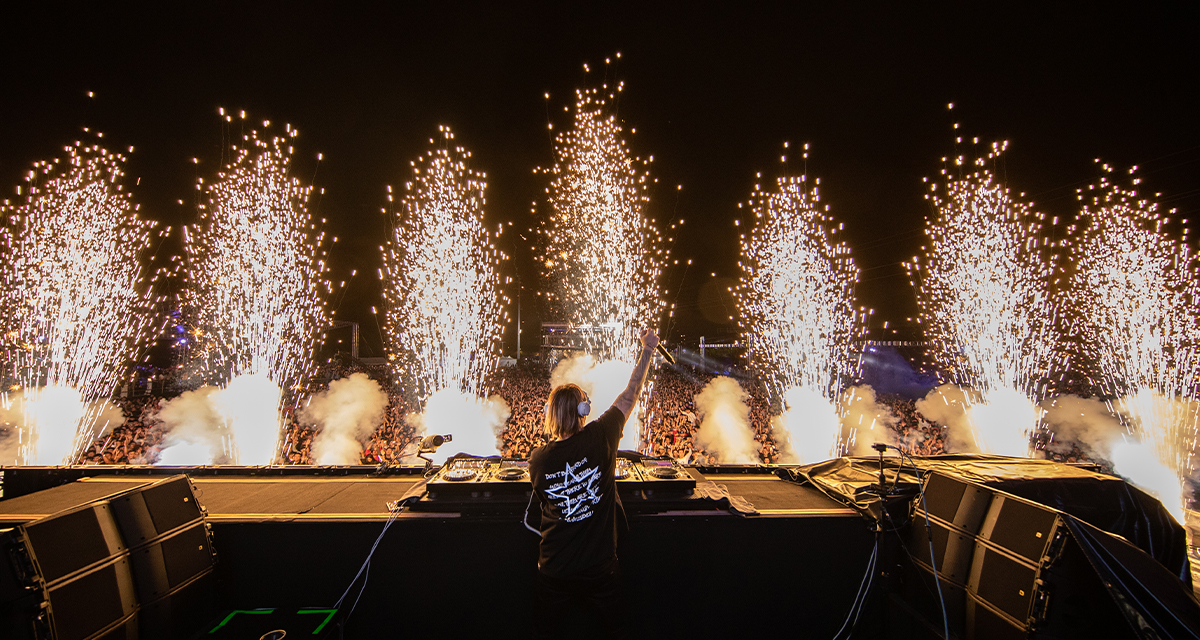
You can sync lighting, video displays, and pyrotechnics in real-time with audio played on the CDJ-3000, enabling you to craft more engaging performances.
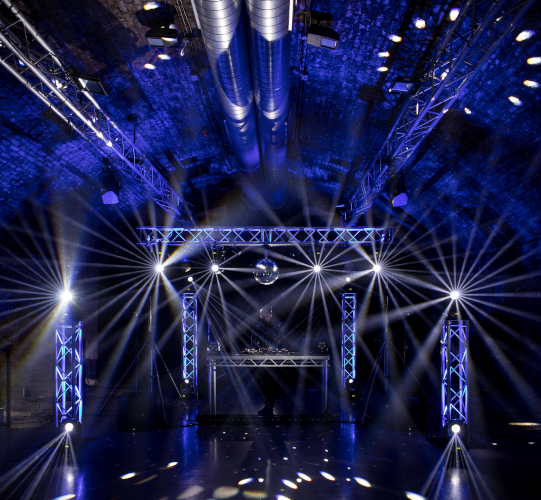
Pro DJ Link with enhanced lighting support
Sync your sounds with lights thanks to compatibility with the new Pro DJ Link Lighting feature. The CDJ-3000 sends phrase analysis information to rekordbox (PC/Mac) so you can control lighting effects via the RB-DMX1 (available separately) and take your show to the next level.
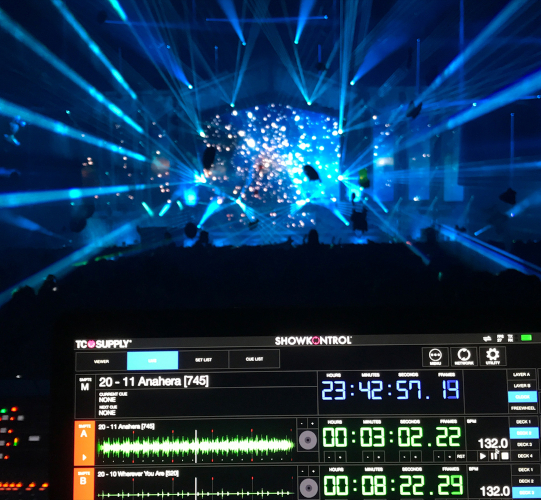
Compatible with TC Supply's show control software ShowKontrol
By connecting a DJ setup including the CDJ-3000 to all ShowKontrol products via PRO DJ LINK, you can sync lighting, video displays, and pyrotechnics in real time with audio played on the CDJ-3000.
Visit the TC Supply ShowKontrol official website for more information.
Compatible with the free bridge application PRO DJ LINK Bridge

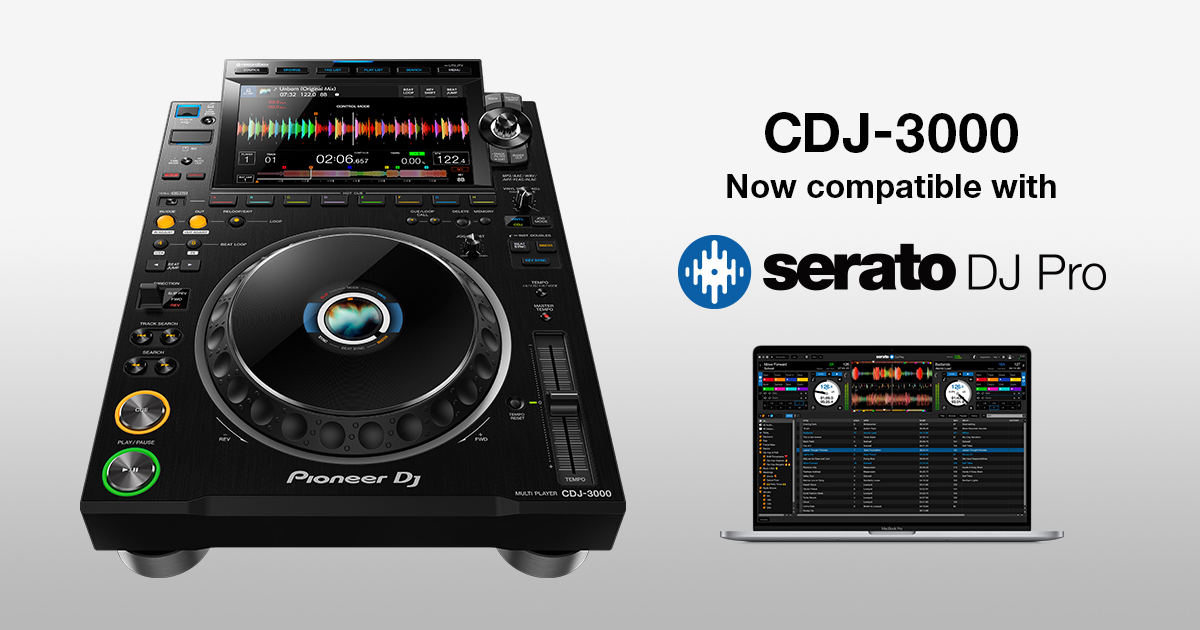
Serato DJ Pro
The CDJ-3000 supports the USB-HID control of Serato DJ Pro. Use the multi player to browse your Serato DJ Pro playlists plus the catalogs of linked streaming services.
djay PRO AI for Mac
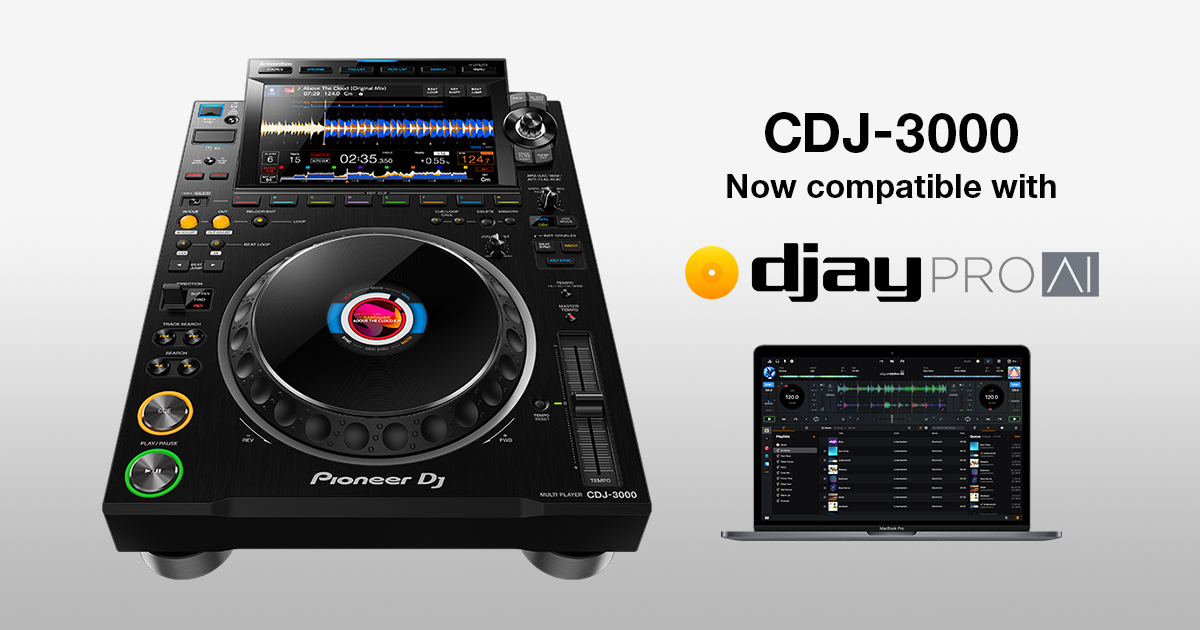
The CDJ-3000 supports USB-HID control of Algoriddim's djay PRO AI for Mac. Browse your djay PRO AI playlists plus the catalogs of linked streaming services.
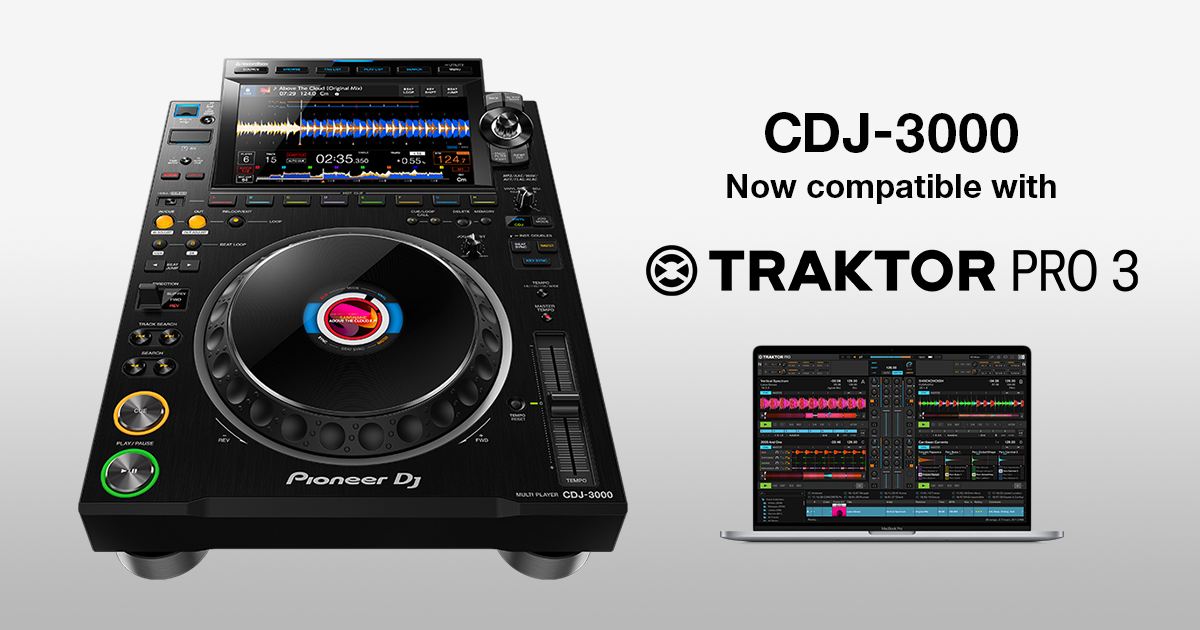
TRAKTOR PRO 3
The CDJ-3000 supports USB-HID control of Native Instruments’ TRAKTOR PRO 3. Use the multi player to browse your TRAKTOR PRO 3 playlists plus the catalogs of linked streaming services.
Firmware Update Manager
You’ll be automatically notified when firmware updates become available. You can download the Firmware Update Manager here.
Specifications
Setup
Videos
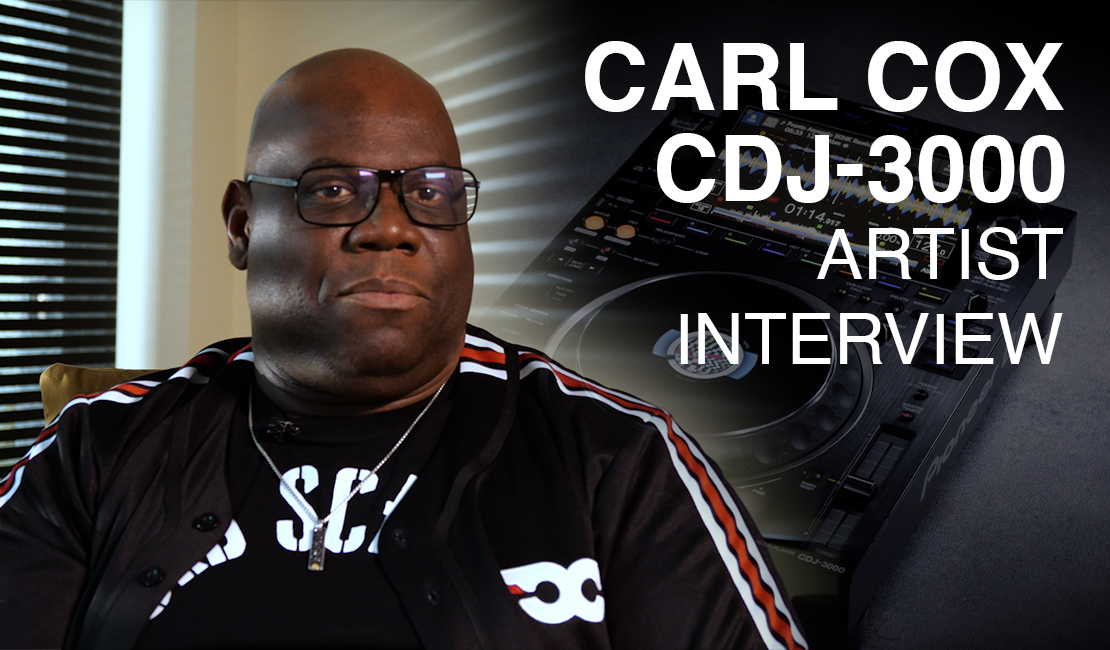
Artist series: Carl Cox
Carl conveys specifically what features of the CDJ-3000 professional DJ multi player are working for him and what performance factors are the most important.
How to use Touch Preview and Touch Cue
The CDJ-3000 offers powerful cueing features via Link Cue when you connect the player to a compatible mixer in a Pro DJ Link network.

How to set up Pro DJ Link Lighting
It's easy to sync lights with your music when you’re using the CDJ-3000 and rekordbox. You can use Pro DJ Link Lighting with any rekordbox plan, including the Free plan, when you have the RB-DMX1 interface connected.

Artist Series: Kölsch
In this video, Kölsch tells us how certain features on the CDJ-3000 professional DJ multi player, such as Key Shift and the dedicated Beat Jump buttons, will reduce amount of time he needs to prepare for performances.

Artist series: Jonas Blue
Jonas Blue talks about the improved sound quality he’s noticed in the CDJ-3000 professional DJ multi player – which he describes as a “performance unit” – and how the Key Shift feature will be a game changer.
How to use and customize the browse section
The 9-inch touch screen enables you to see lots of information. You can view track waveforms – including the 3Band Waveform – as well as full track artwork, a bigger tracklist, and BPM and key information.

Artist series: ZEDD
DJ/producer ZEDD is famed for his high-energy shows. Here, he explains how the CDJ-3000 will help him rock the crowd, thanks to dedicated Beat Jump buttons, 8 reorganized Hot Cues, and full audio file caching.
How to use 3Band Waveform and Stacked Waveform
The CDJ-3000 offers 3Band Waveform, which shows high, mid, and low frequencies in different colours so you can glance at the screen and easily understand how a track sounds.
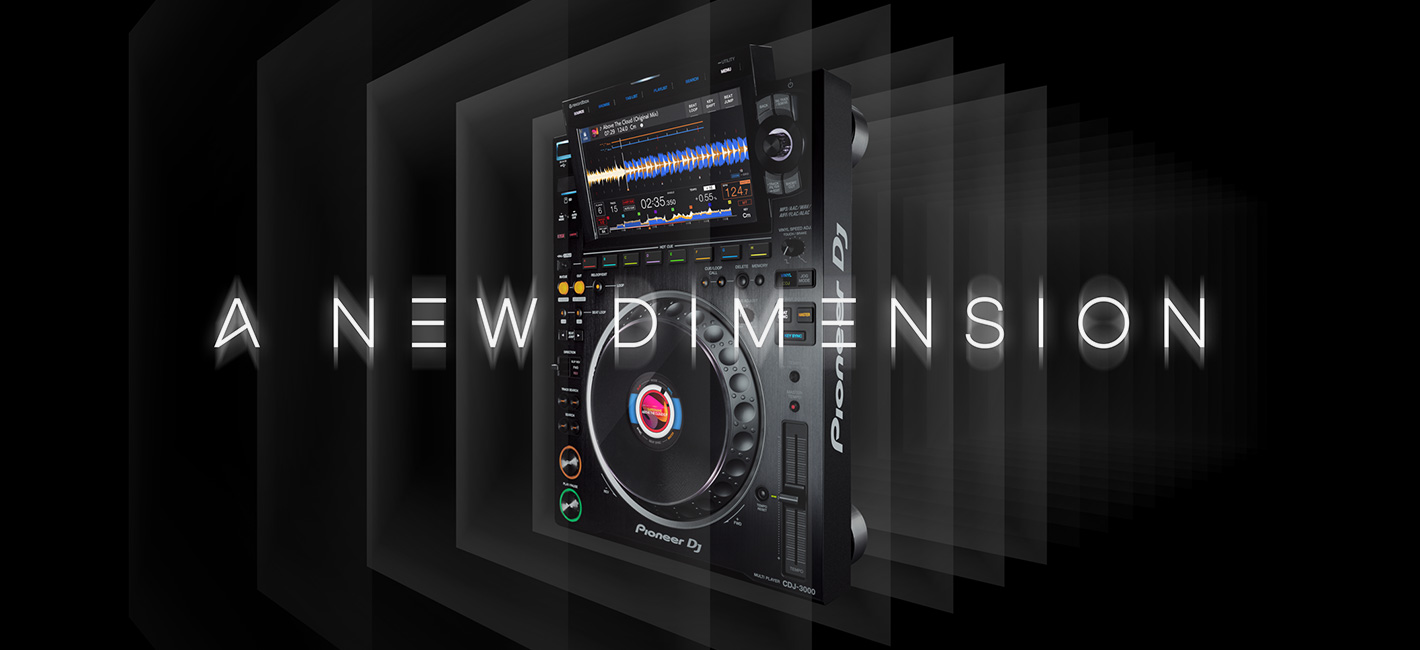
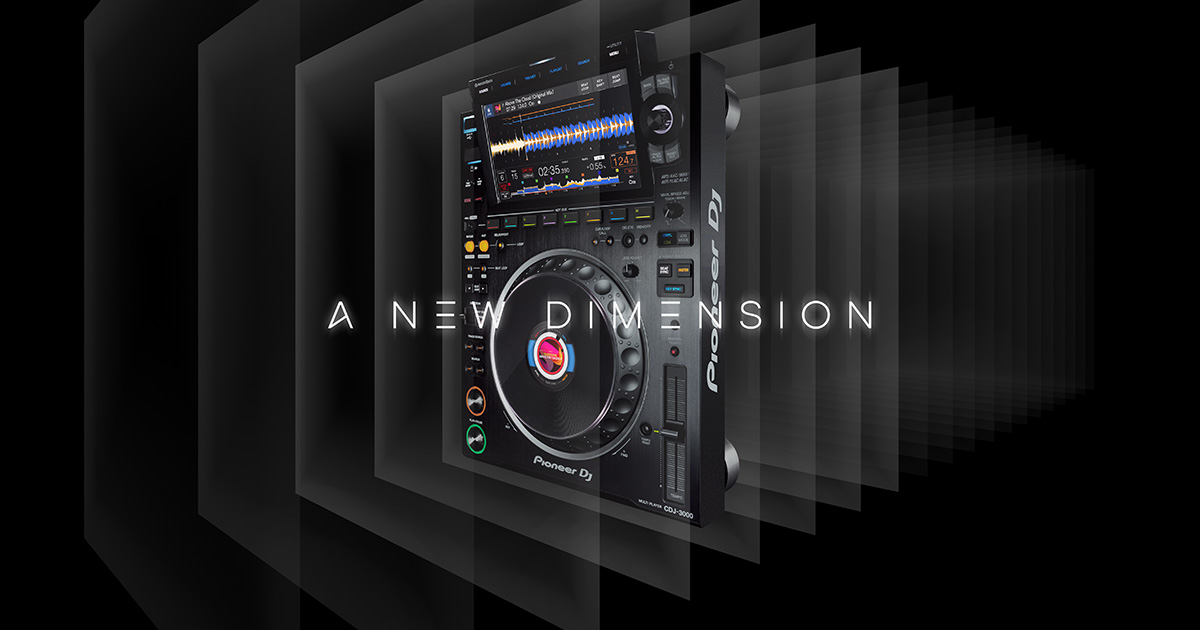
A New Dimension – CDJ-3000 Professional DJ multi player
Harness a higher level of creative power with our flagship multi player. Driven by an MPU (micro-processing unit) and with bespoke high-quality parts, it’s a robust unit packed with innovative features.

How to use the Dedicated Beat Jump buttons
Use the dedicated Beat Jump buttons for seamlessly moving forward and backward through a track by your chosen number of beats. And, if you trigger an instant double, you can use Beat Jump to easily beat juggle.

How to use the 8 Hot Cue buttons
The CDJ-3000 has 8 multicolored Hot Cue buttons that run from left to right underneath the waveform display. You can use them to instantly jump to different points in a track and start playback or a loop from that point.
How to use rekordbox CloudDirectPlay
rekordbox CloudDirectPlay enables you to browse your entire cloud-based music library directly from the CDJ-3000 and play any track live when you use the rekordbox Creative or Professional plan.
Artist series: DJ EZ
Check out an exclusive performance from DJ EZ, created with 4 CDJ-3000 multi players and a DJM-900NXS2 4-channel pro DJ mixer. DJ EZ is widely regarded as one of the world's most gifted selectors.

How to use the Auto Beat Loop section
The CDJ-3000 has a revised Auto Beat Loop section that includes a newly added button for triggering 8-beat loops. You can customize loop lengths and even choose odd timings if you want to create polyrhythms.