DJM-S11-SE
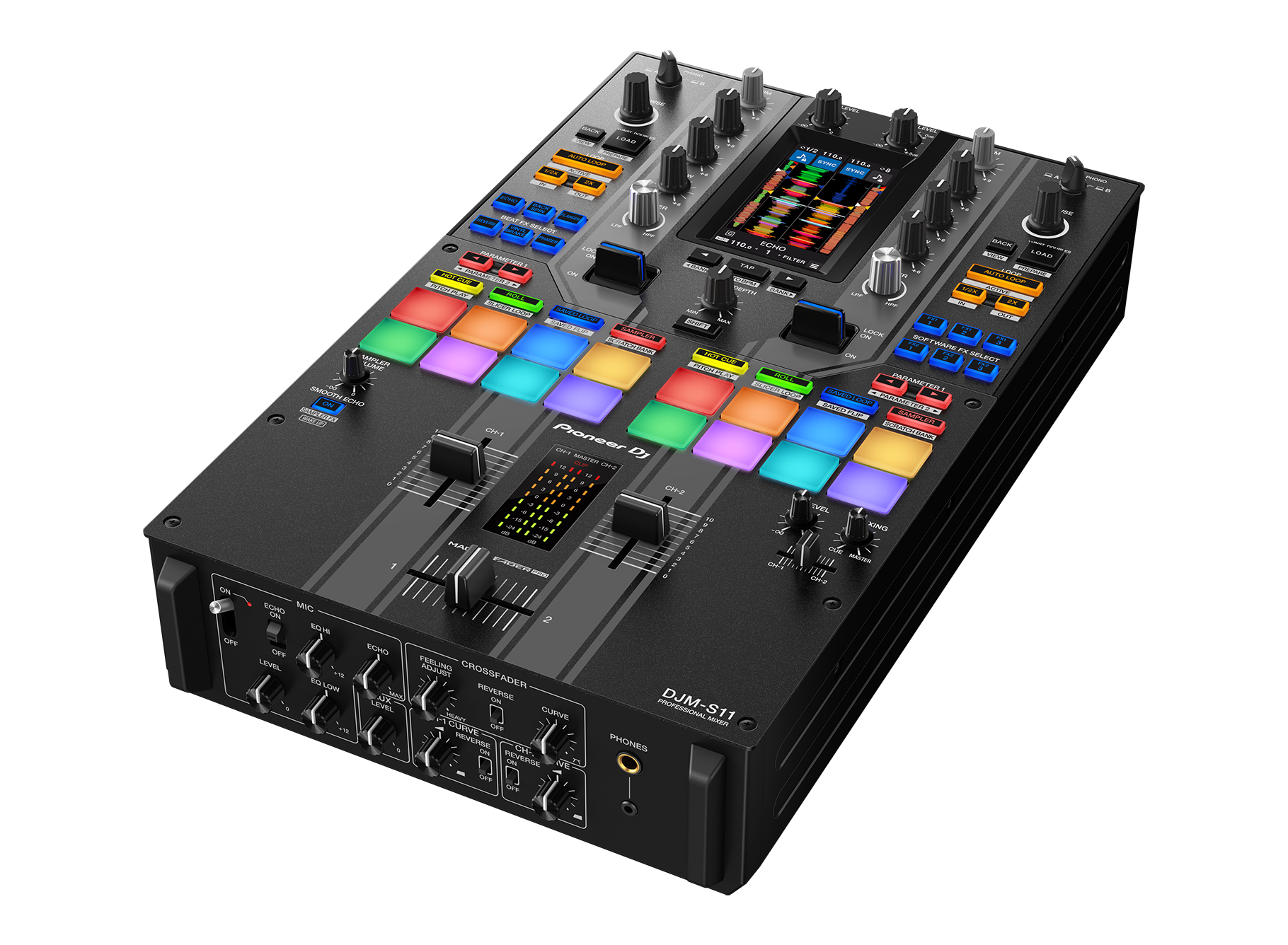
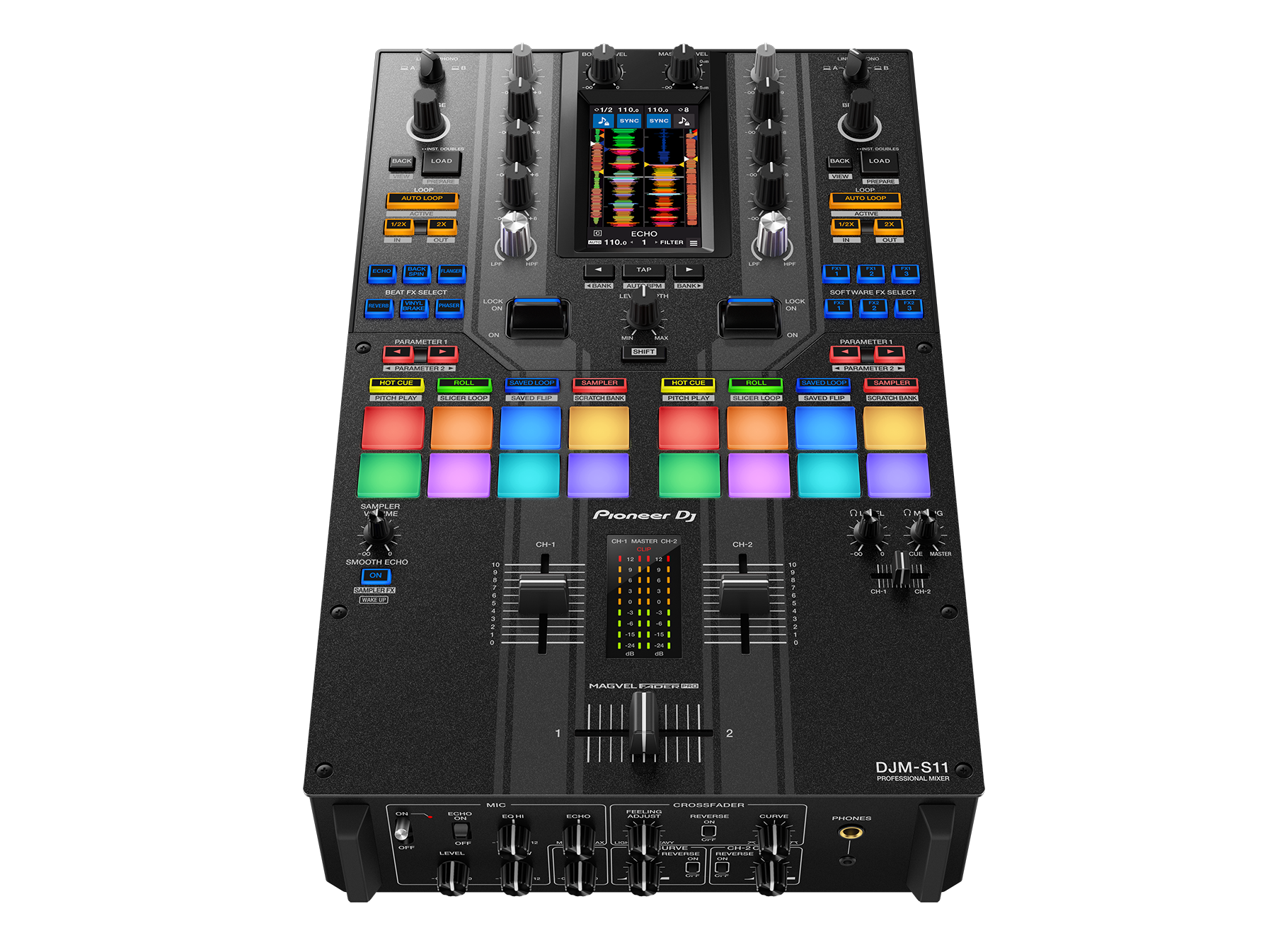
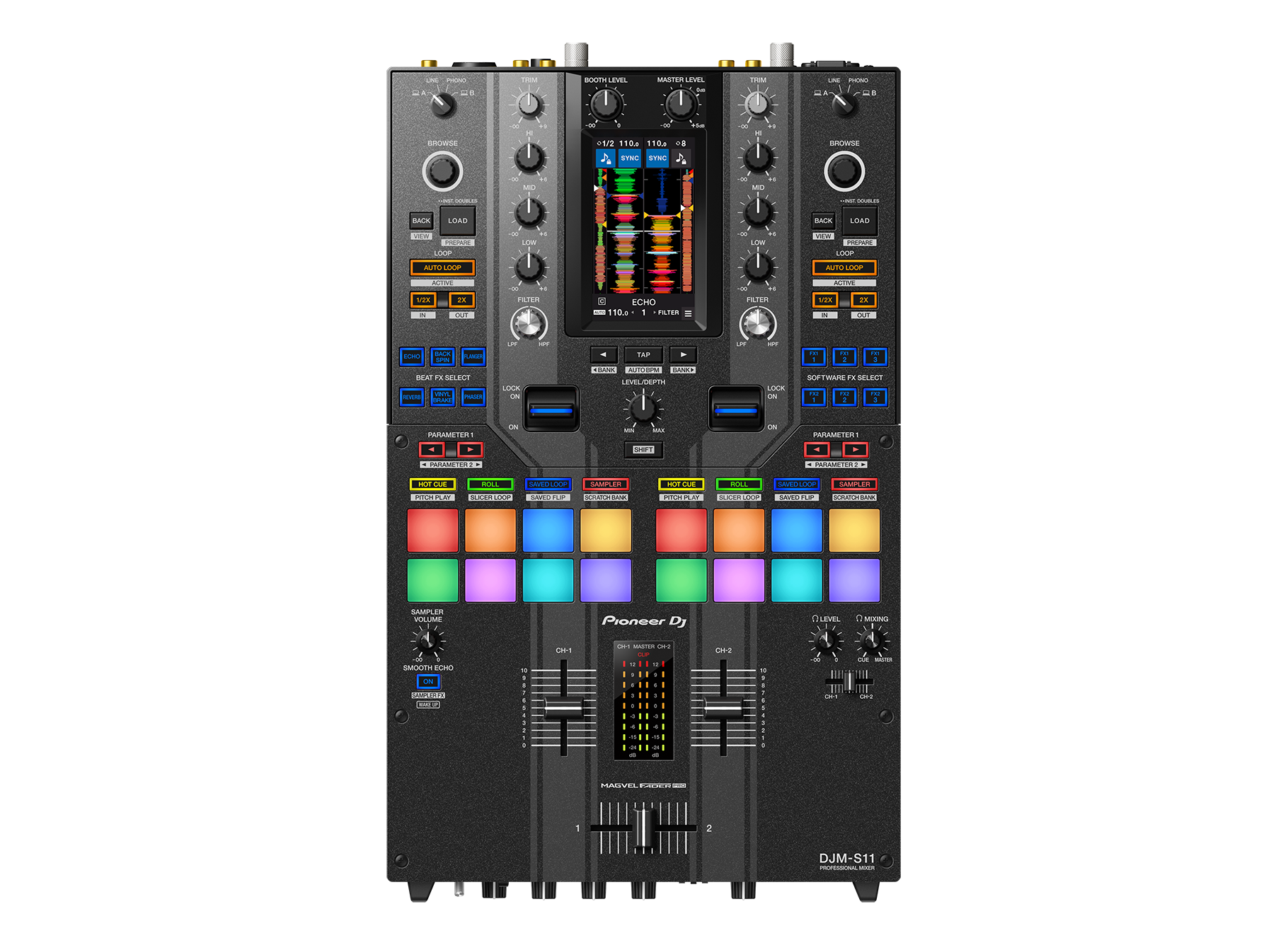
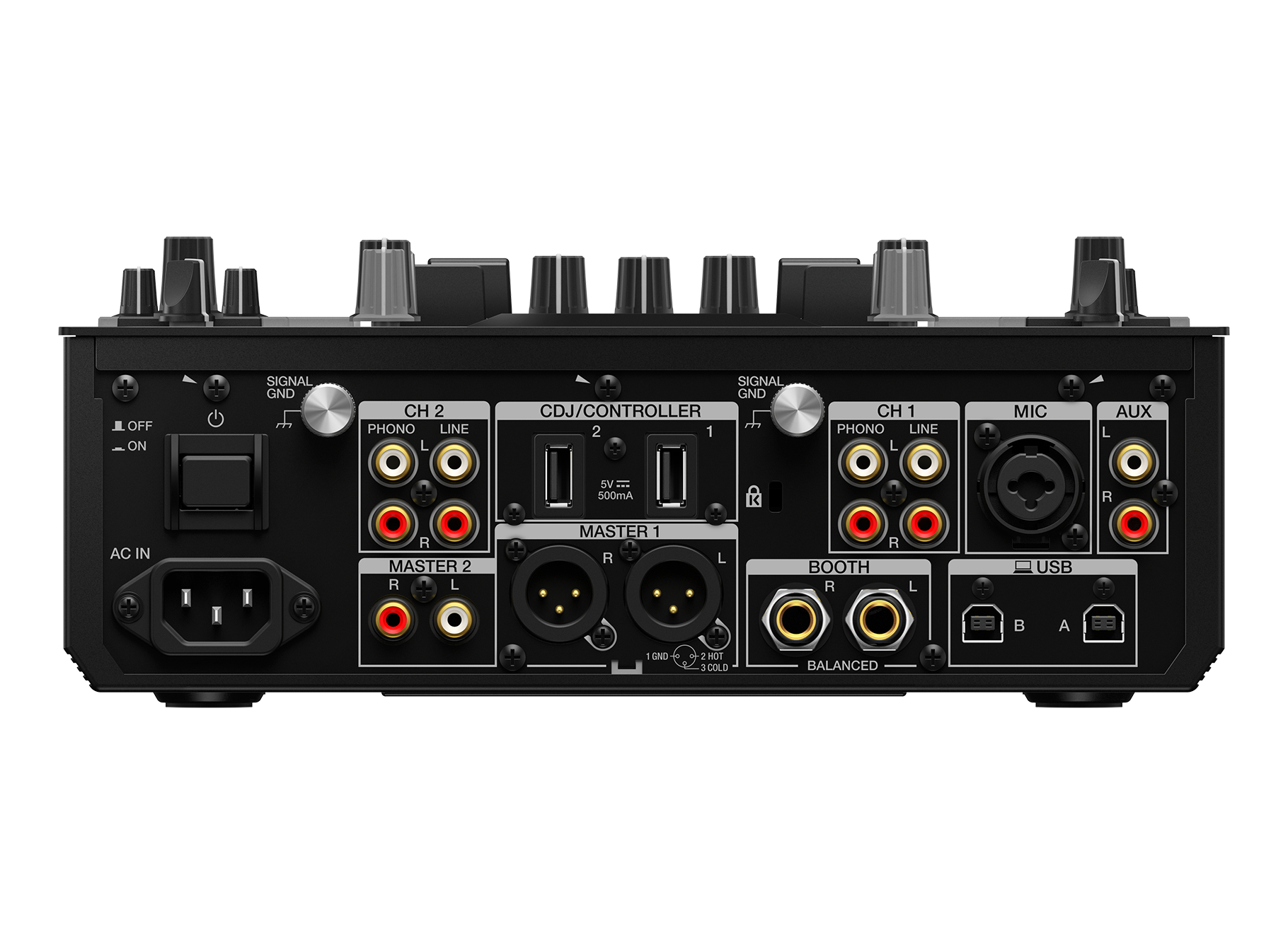
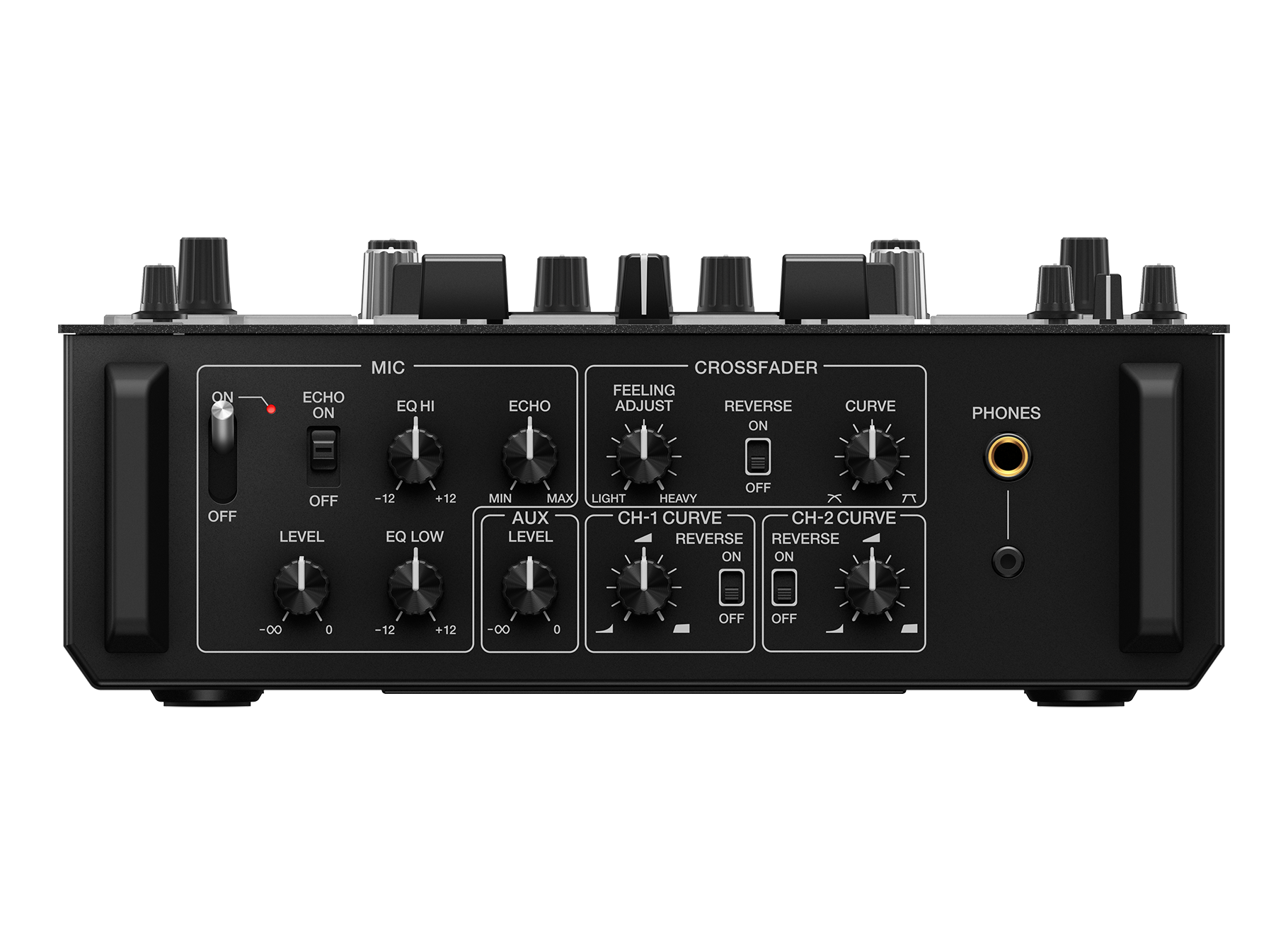
Professional scratch style 2-channel DJ mixer (Special edition)
DJM-S11-SE
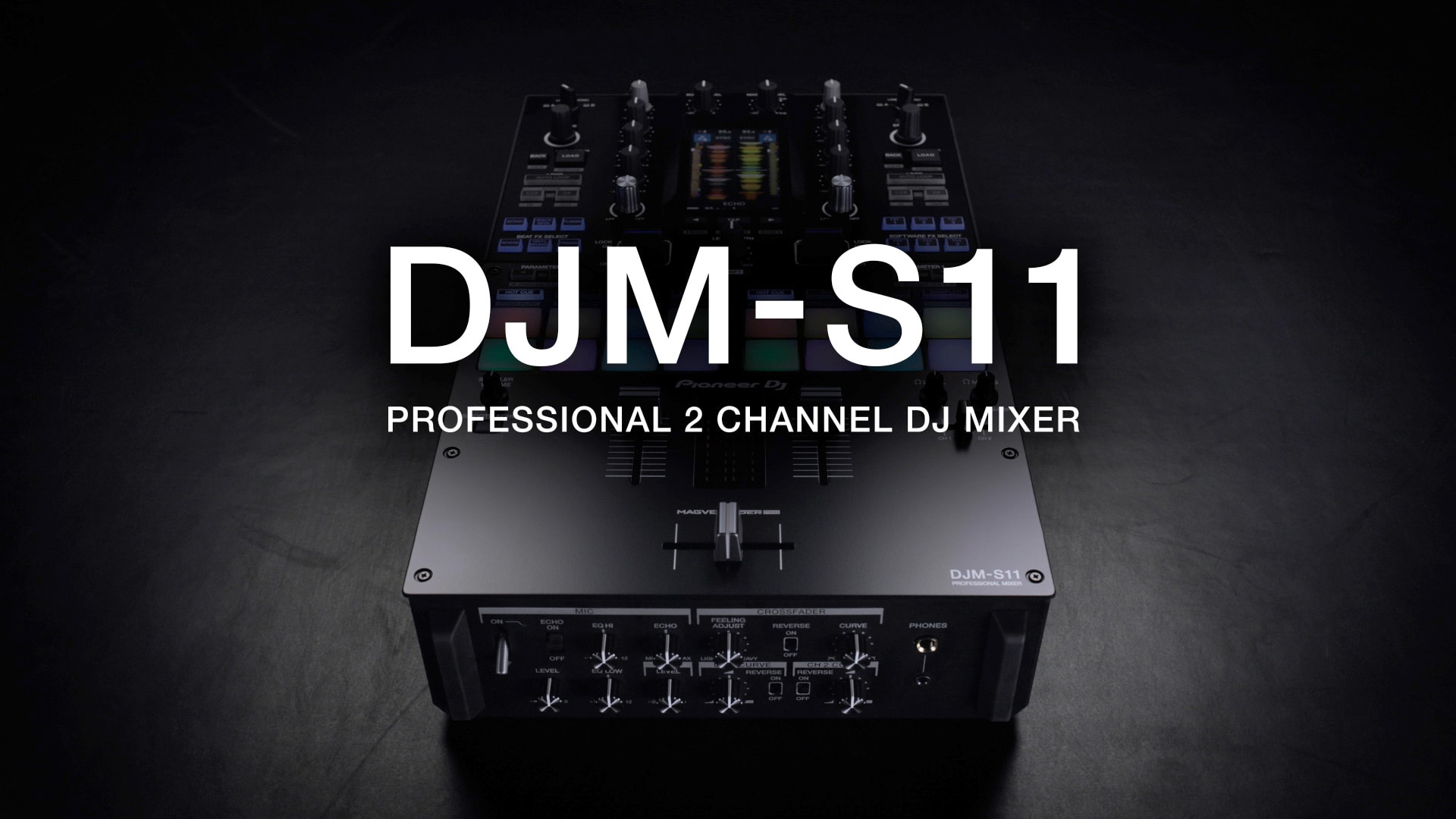
Key Features
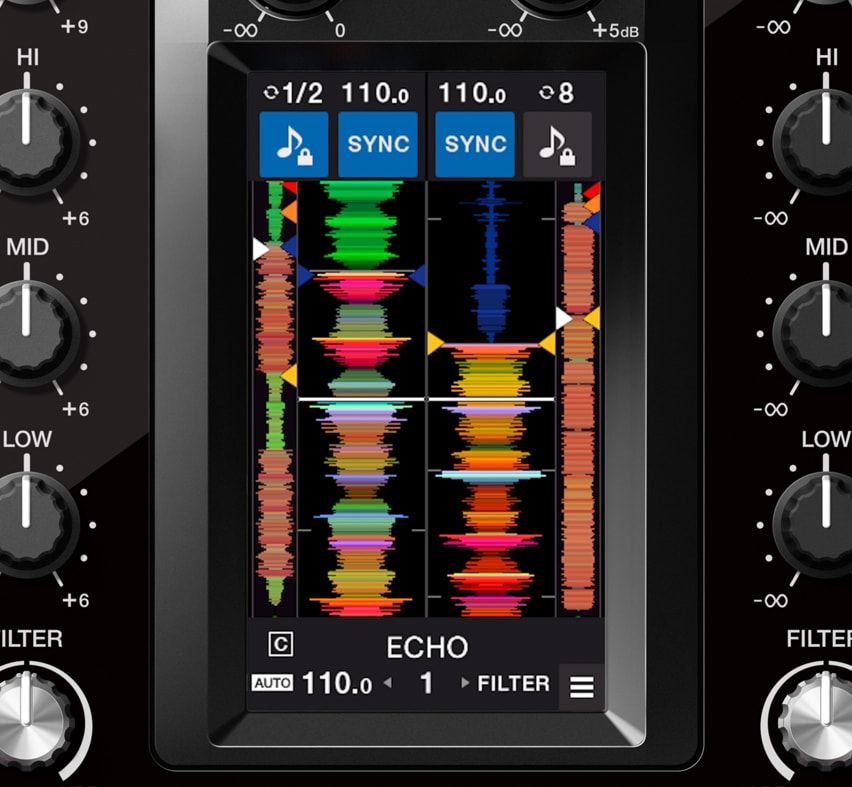
Customizable touch screen
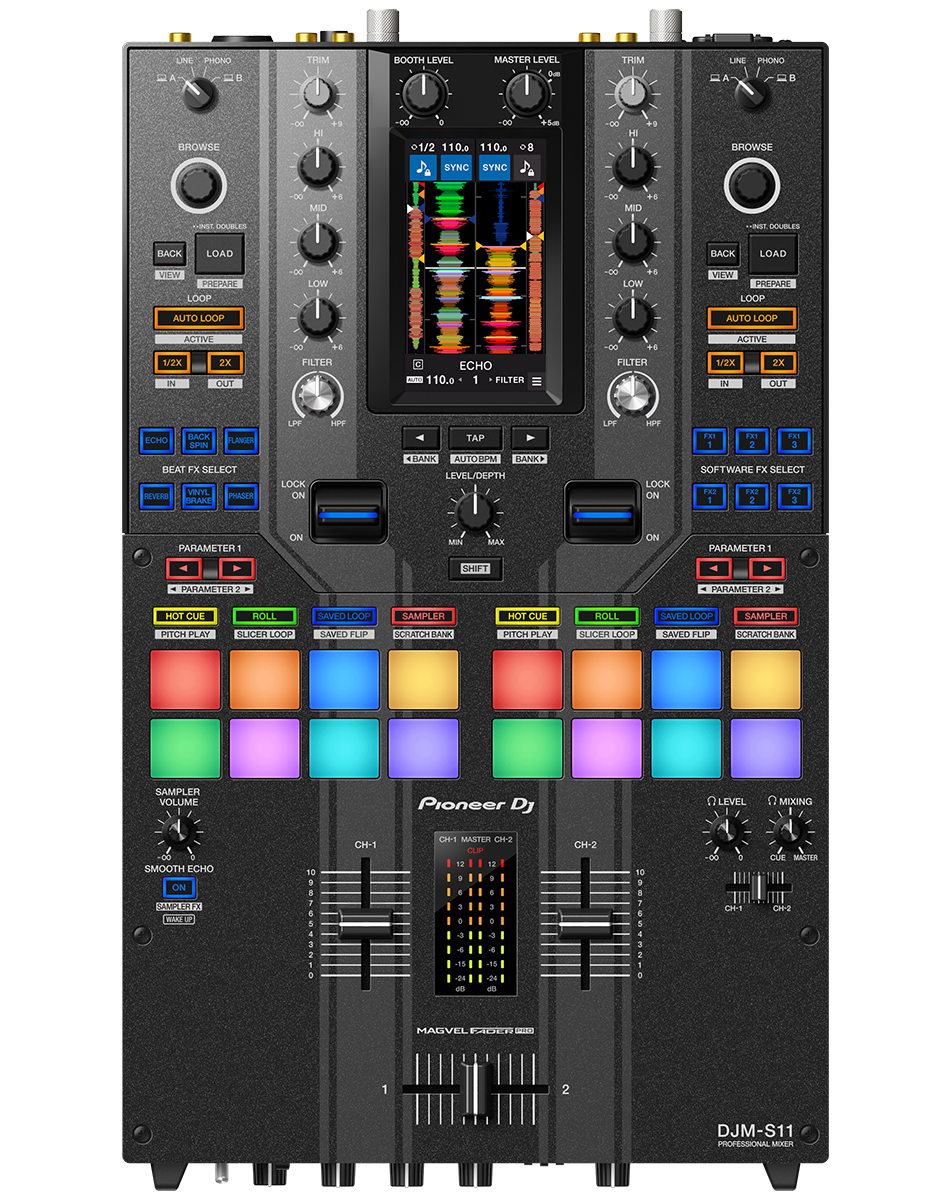
A 4.3-inch customizable touch screen gives all the information you need. Browse tracks, check waveforms, and dynamically change the texture of the music with TOUCH FX. With Touch MIDI you can directly control functions in your DJ software without touching your laptop.
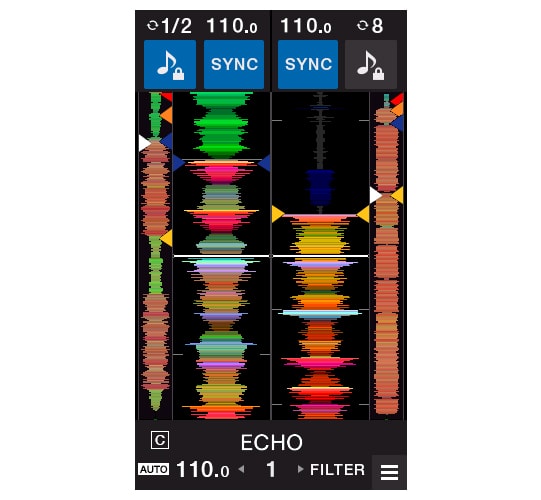
Waveform screen
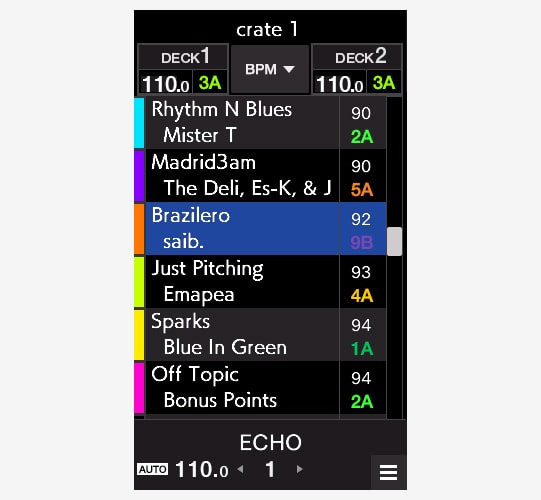
Browse screen
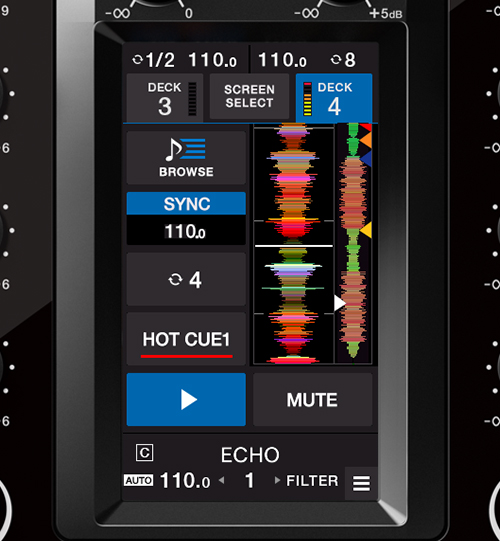
DECK 3/4 Control screen
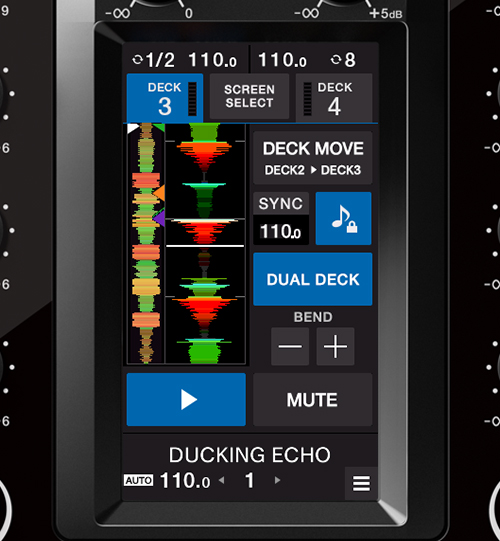
Deck Move
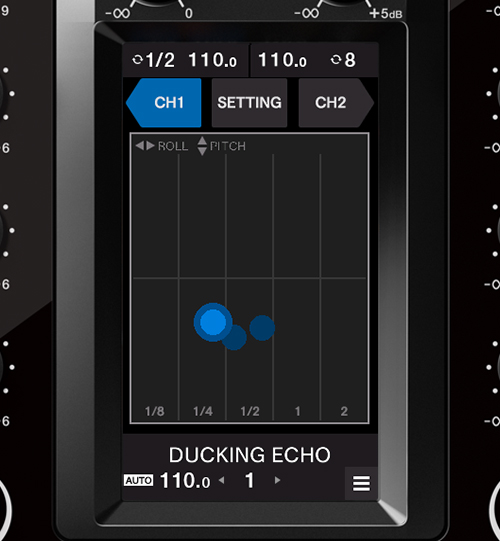
Touch FX screen
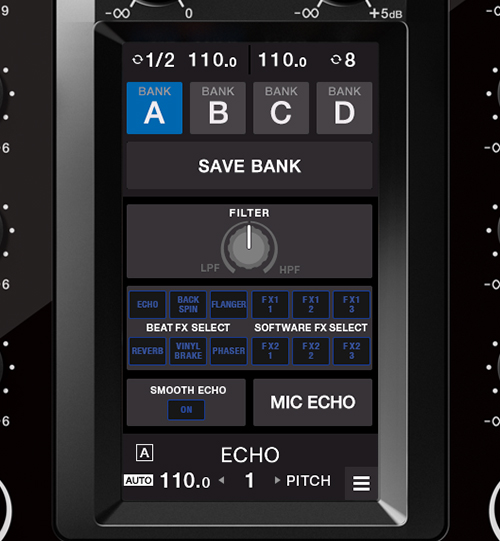
FX Setting screen
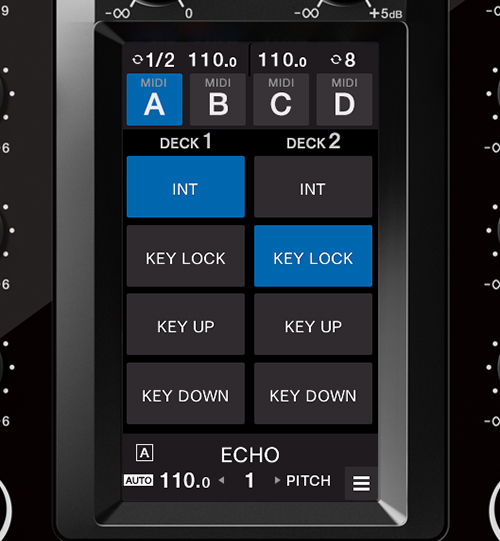
Touch MIDI screen
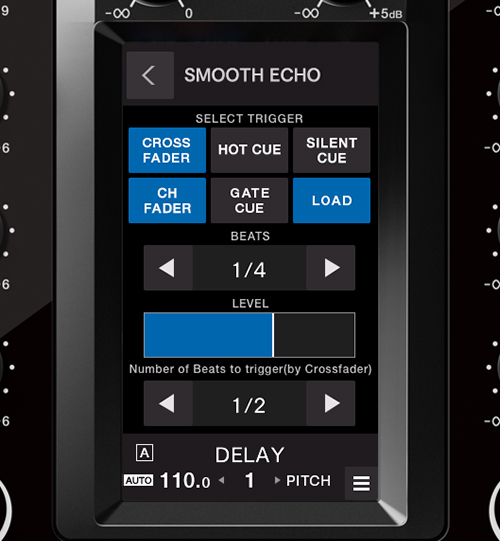
Expanded effects section
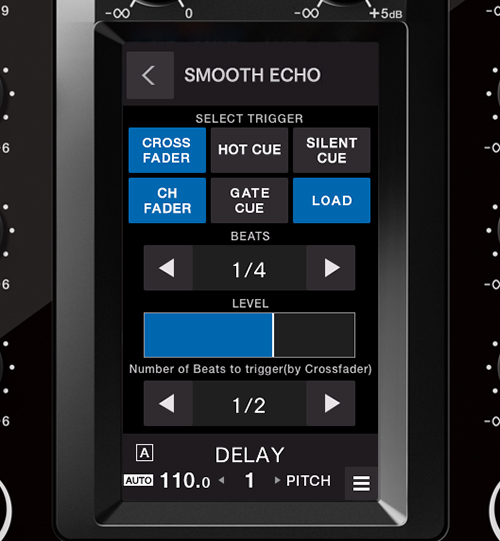
Smooth Echo
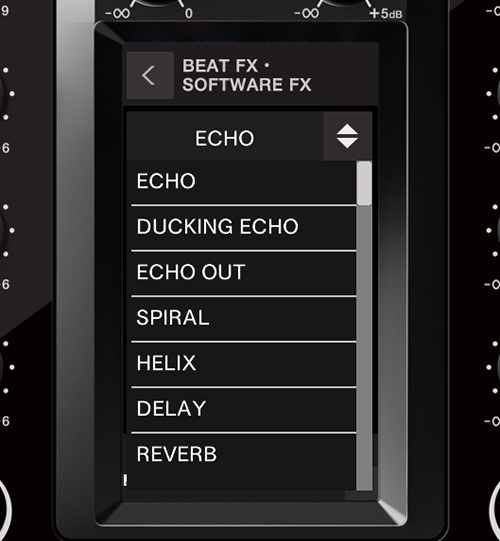
22 Beat FX
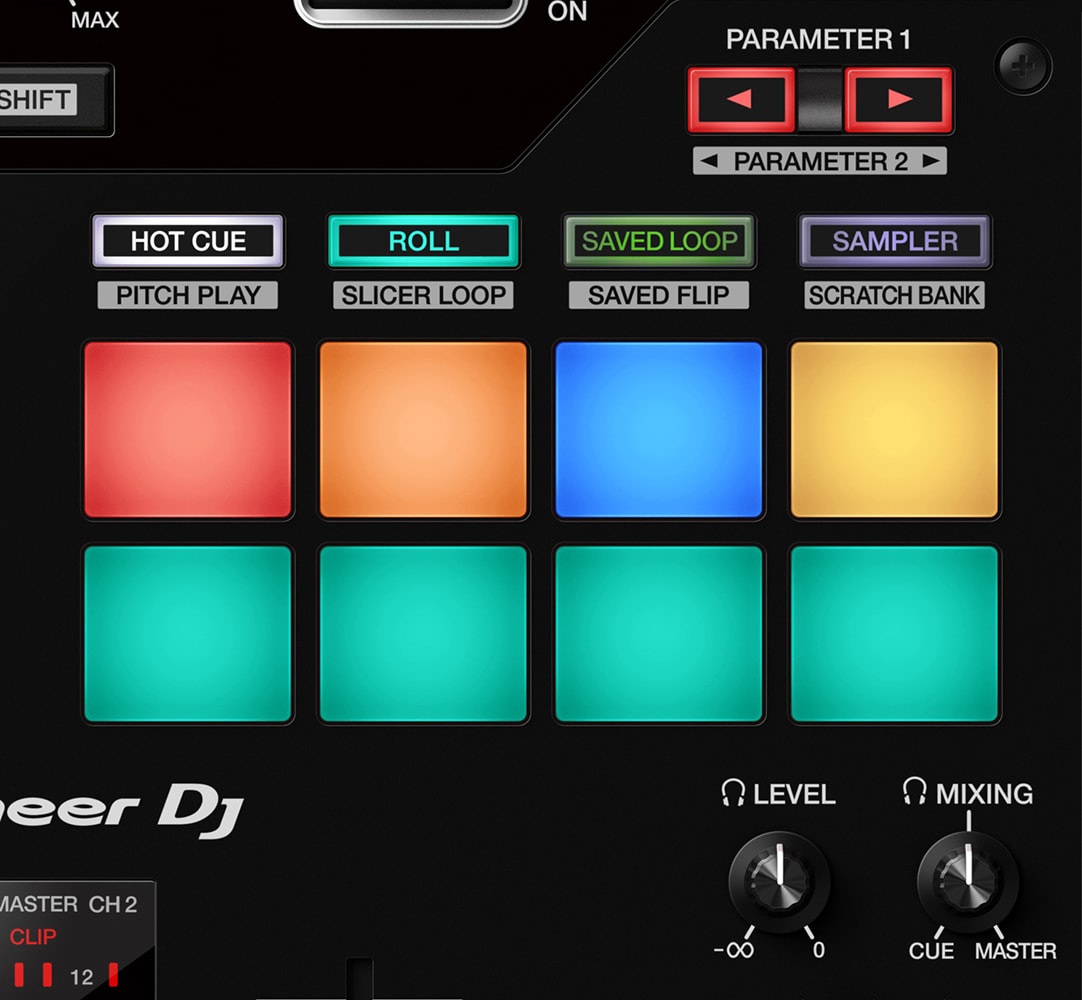
Improved Performance Pads
The 8 Performance Pads are bigger, making them easier to hit in energetic battles. In Serato DJ Pro, use Combo Pad mode to combine up to 4 different pad modes at once, and use Scratch Bank to call up assigned scratch samples by just tapping a pad.
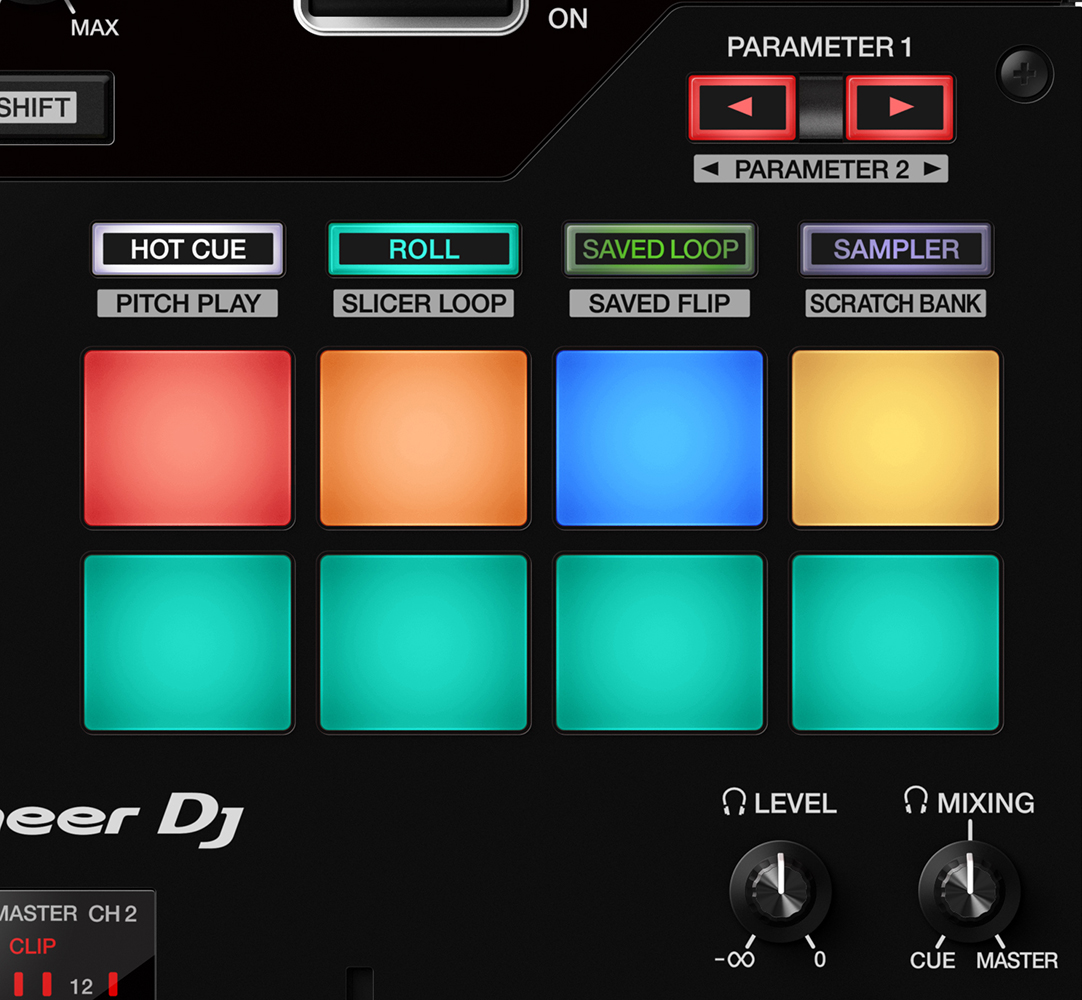
Combo Pad mode
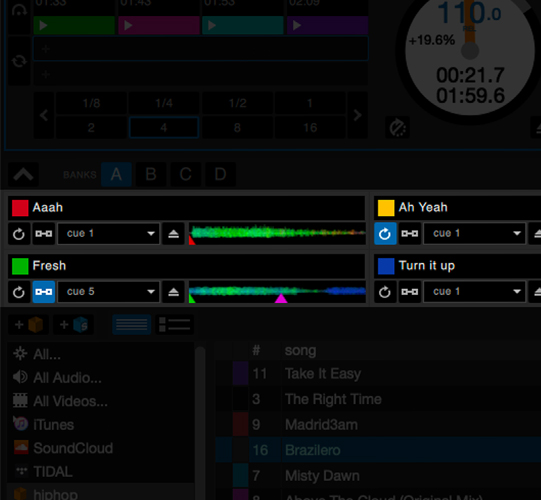
Scratch Bank
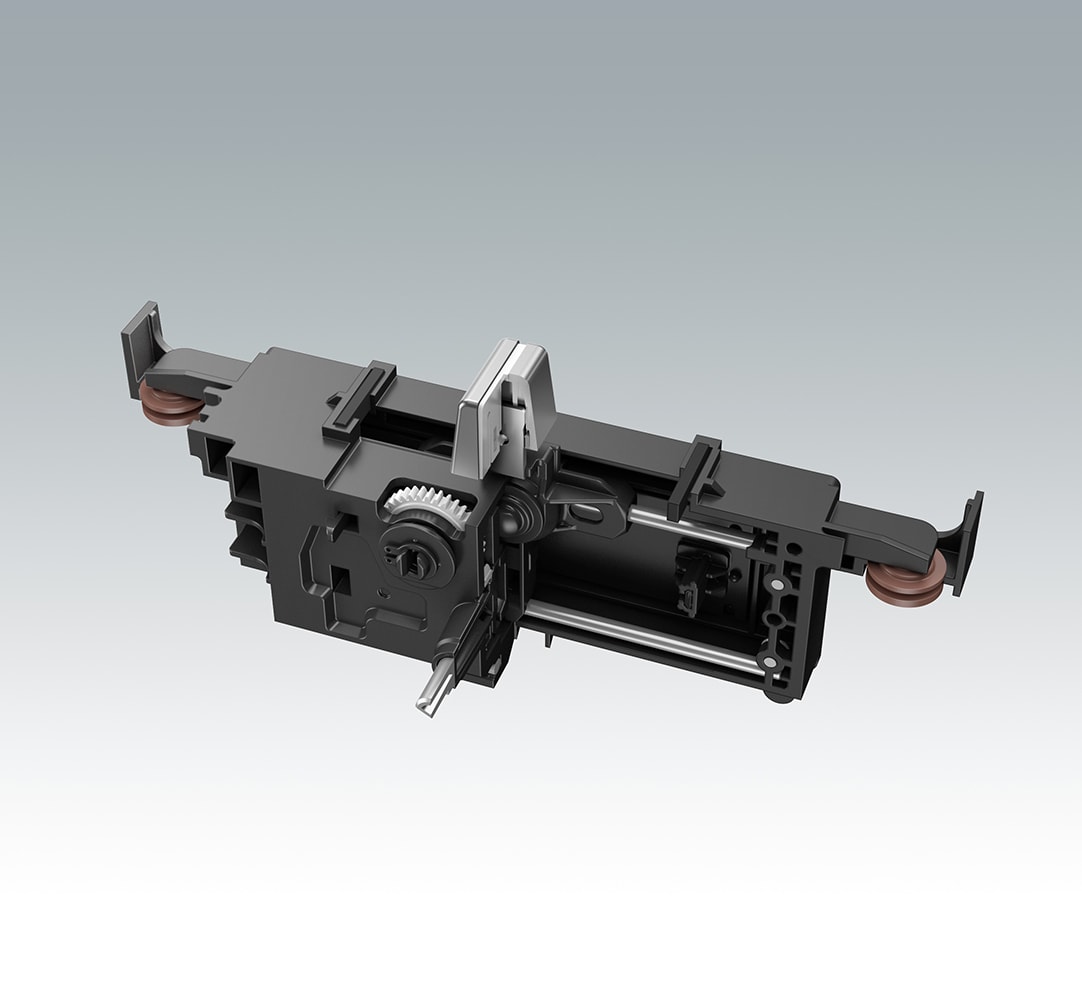
Enhanced MAGVEL FADER PRO
We’ve enhanced the feeling of the MAGVEL FADER PRO and boosted its vertical rigidity by 30 percent. This means you can scratch with more confidence, while the tougher coating around the crossfader area reduces wear and tear.
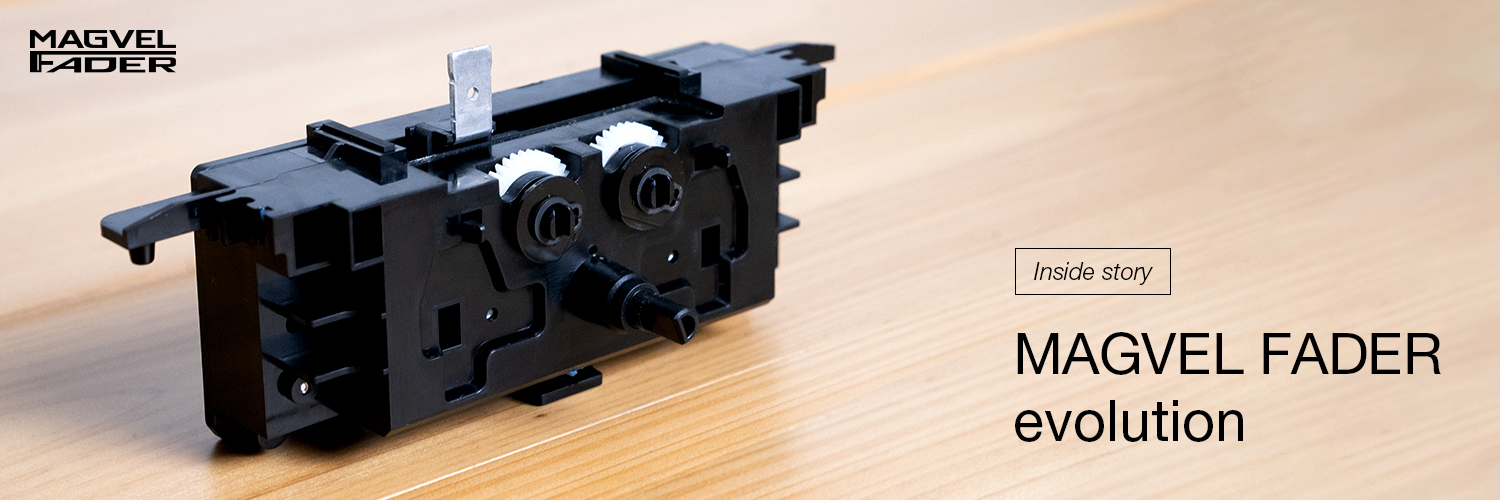
Inside story – MAGVEL FADER evolution
Crystal-clear sound quality
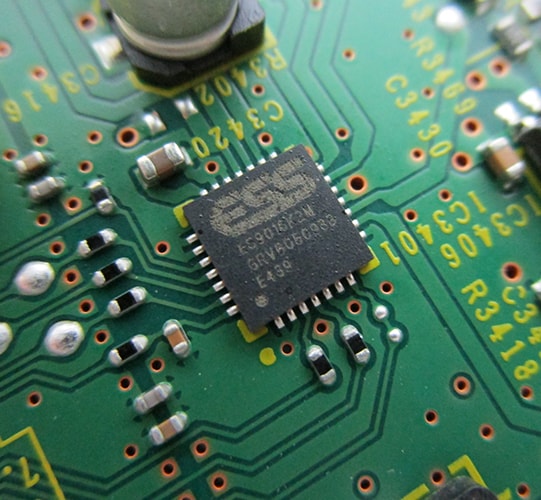
The DJM-S11 inherits the raw and high-density sound from the DJM-900NXS2 thanks to studio-quality 64-bit mixing and dithering processing inside the DSP, and a low-jitter clock circuit and 32bit high-quality D/A converter in the master output section.
USB hub
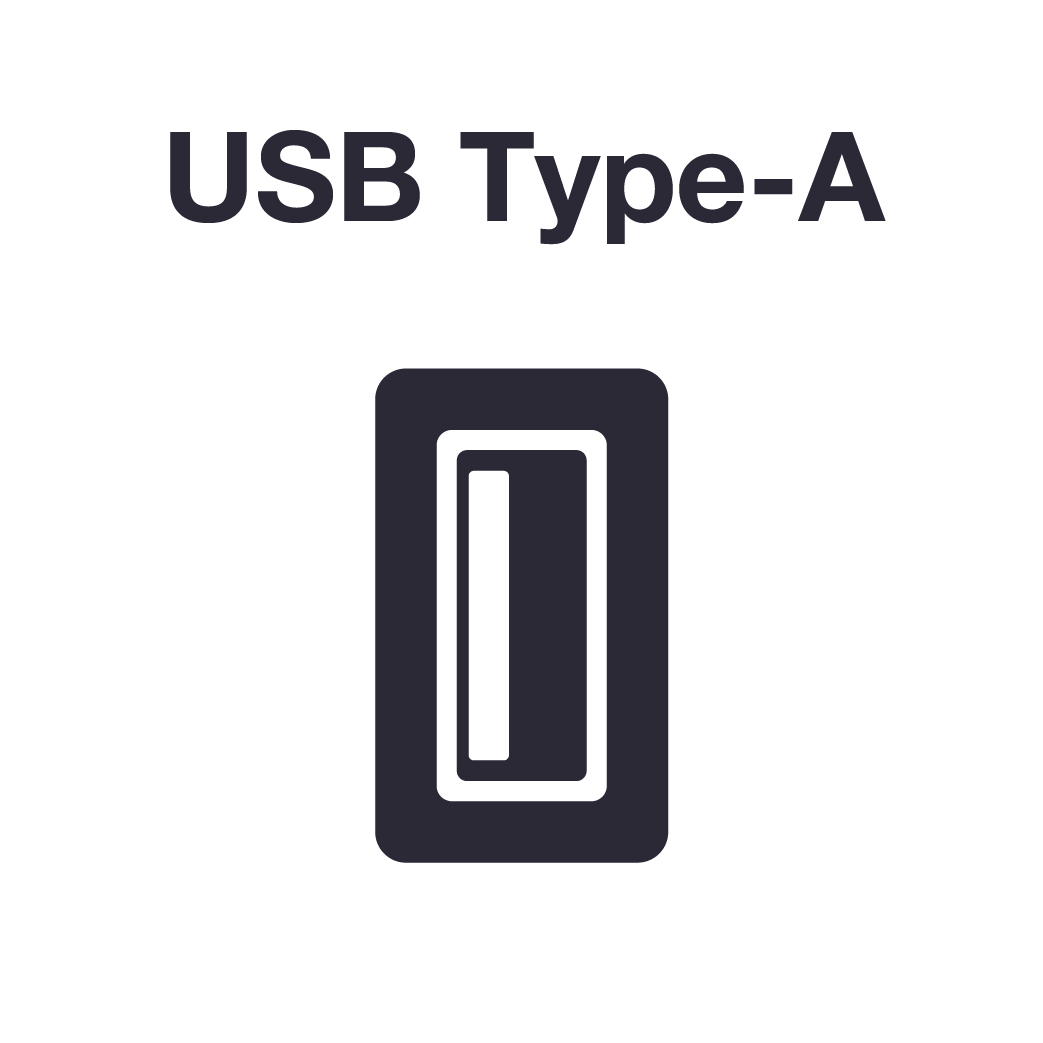
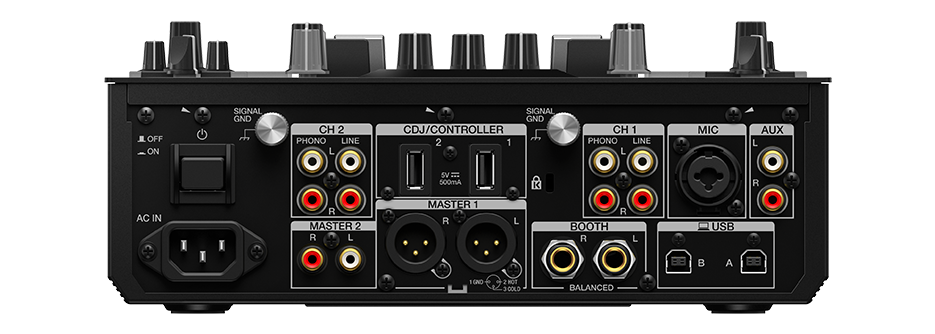
Plug your DJ controllers and other devices – including selected units from other brands – into the dual USB-A ports to play with them.
MIDI controller
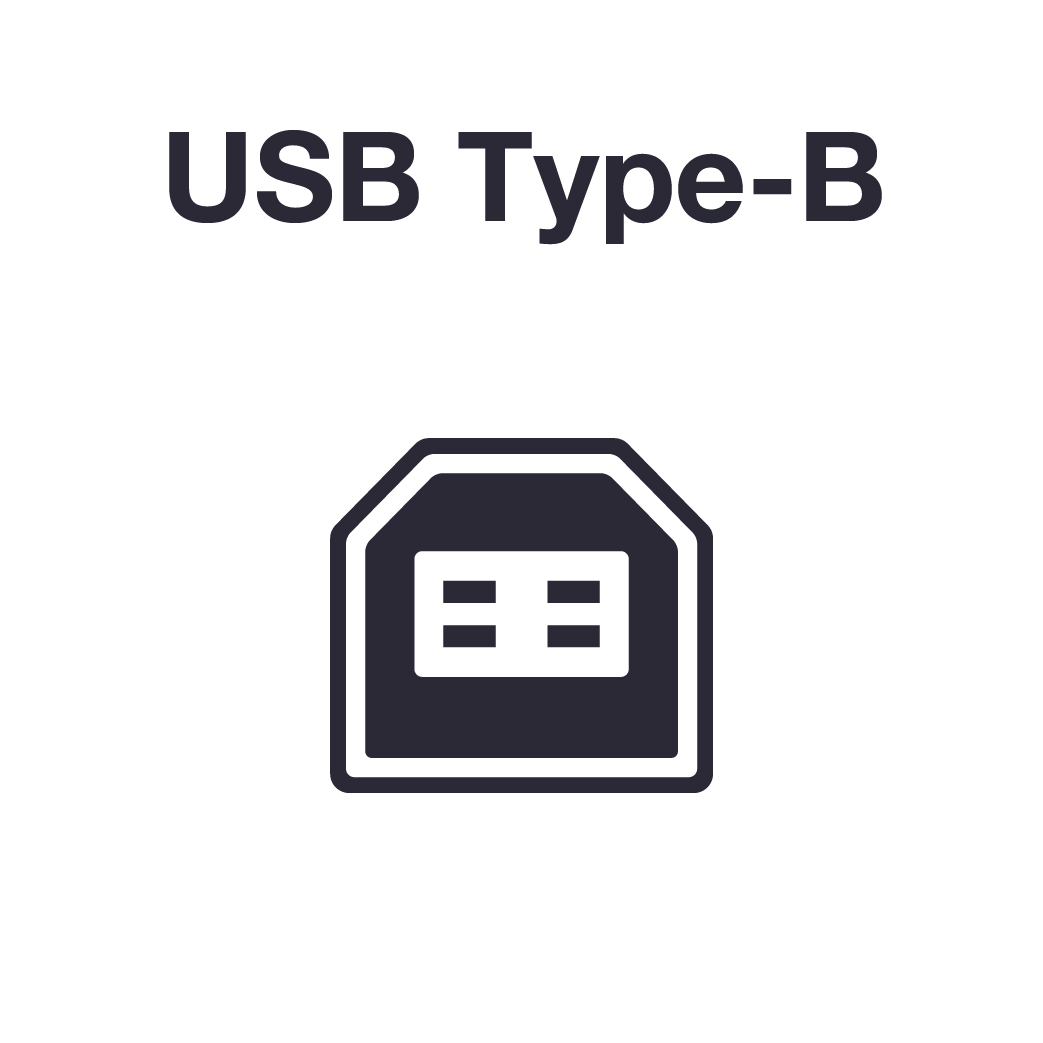
This device is fully MIDI assignable via USB. Send control information to external devices and use the mixer as a MIDI controller.

Serato DJ Pro
Connect your PC/Mac to use Serato DJ Pro. Use dedicated buttons for FX and advanced Serato features like Beat Jump, Slip mode, and Quantize.

Serato DVS
Use Serato DVS to control and scratch with CDJs or turntables.

Pitch 'n Time DJ
Serato Pitch ‘n Time DJ Expansion Pack is included. Use Pitch Play, Key Shift and more features. The mixer is fully MIDI mappable too.

rekordbox
Connect your PC/Mac to unlock rekordbox Performance mode for free and use DVS mode with the dedicated control vinyl (available separately).

Firmware Update Manager
You’ll be automatically notified when firmware updates become available. You can download the Firmware Update Manager here.
Specifications
视频

Turn it up to 11 – DJM-S11 professional 2-channel DJ mixer
The DJM-S11 mixer brings enhancements to various elements from its predecessor, the DJM-S9, and offers a host of new features to help you perform more freely with Serato DJ Pro or rekordbox.

Artist series: Z-Trip
Here’s Z-Trip with a fresh performance on the DJM-S11 battle mixer. Watch as he uses new features such as Fader Pitch and Smooth Echo to create unique effects on the fly.

Skillz with DJ Emii: DJM-S11 Gate Cue and Sampler
DJ Emii uses Gate Cue to rapidly trigger Hot Cue several times before letting it play while combining it with an increasing amount of echo. On the sampler, she fires one-shots to create rhythmic patterns over the beat.

Skillz with Eskei83: DJM-S11 Loop Skillz
Learn how to create loops on the DJM-S11 and shorten them to a tone using your turntables to enable creative scratching routines utilising the included Serato DJ Pro.

Artist series: Kayper
Kayper puts the DJM-S11 scratch mixer through its paces in this scintillating performance.

Skillz with Eskei83: DJM-S11 Fader FX Skillz
Eskei83 demonstrates how to setup Fader FX on the DJM-S11. He gives creative options such as pitch manipulation using the faders and how to manipulate even more with the cue points.

Skillz with Eskei83: DJM-S11 MIDI Mapping Skillz
Eskei83 reveals how to get fast access to the sub layer features you want through MIDI mapping on the DJM-S11. Every button, pad and lever are MIDI mappable. Here he shows us his mapped customized features and how they work in practice.

Skillz with Eskei83: DJM-S11 Deck Move Skillz
Learn how to use the DJM-S11 Deck Move feature to expand beyond 2 turntables and creatively add more tracks by moving two mixed tracks to a single deck.

Artist series: Jon1st
The 2013 DMC World Online Champion from the UK, Jon1st, shows his meticulous attention to detail, varied technique, and a creative use of technology with the DJM-S11 mixer.

Skillz with DJ Emii: DJM-S11 Smooth Echo and Fader Start
By combining Smooth Echo with Fader Start, DJ Emii demonstrates how to repeatedly play a track or sample from a cue point and apply echo simultaneously, simply by moving the crossfader while holding the shift button.

Skillz with DJ Emii: DJM-S11 Smooth Echo and Touch FX
Using Smooth Echo on the DJM-S11, you can easily add echo to the music by operating the fader or pad you’ve chosen. Here, DJ Emii effortlessly triggers Smooth Echo then changes the texture of the sound with Touch FX.

Skillz with Eskei83: DJM-S11 Dual Deck Skillz
Using the dual deck feature Eskei83 moves the sounds from decks 1 & 2 to a single deck for manipulation as a single track whilst freeing up one deck to mix in another track.

“Say the Word” with Pioneer DJ (10 way DJ Remix)
What happens when you ask a group of 10 incredibly talented battle DJs, across 6 countries, to collaborate remotely using the same track and our DJM-S11 flagship mixer?

Artist series: DJ Puffy
The 2016 RedBull3Style Grand Champion from Barbados, DJ Puffy, shows his vibrant and infectious energy on the DJM-S11.

DJM-S11 performance secrets with DJ Puffy, Jon1st, Kayper and Z-Trip
Hear how the new battle mixer has changed the way they perform. “It gives me a third hand,” says Kayper. “I can access everything at my fingertips.”

Skillz with Eskei83: DJM-S11 FX Bank Skillz
Learn how to customize Beat FX and Software FX parameters on the DJM-S11 using included software and save to your chosen 16 pads and 4 banks. Eskei83 reveals his chosen configuration too.

Skillz with Eskei83: DJM-S11 HID Mode Skillz
With HID mode setup on the CDJ-3000 players connected to the DJM-S11, Eskei83 is able to expand his functionality across the full setup without relying on a laptop.