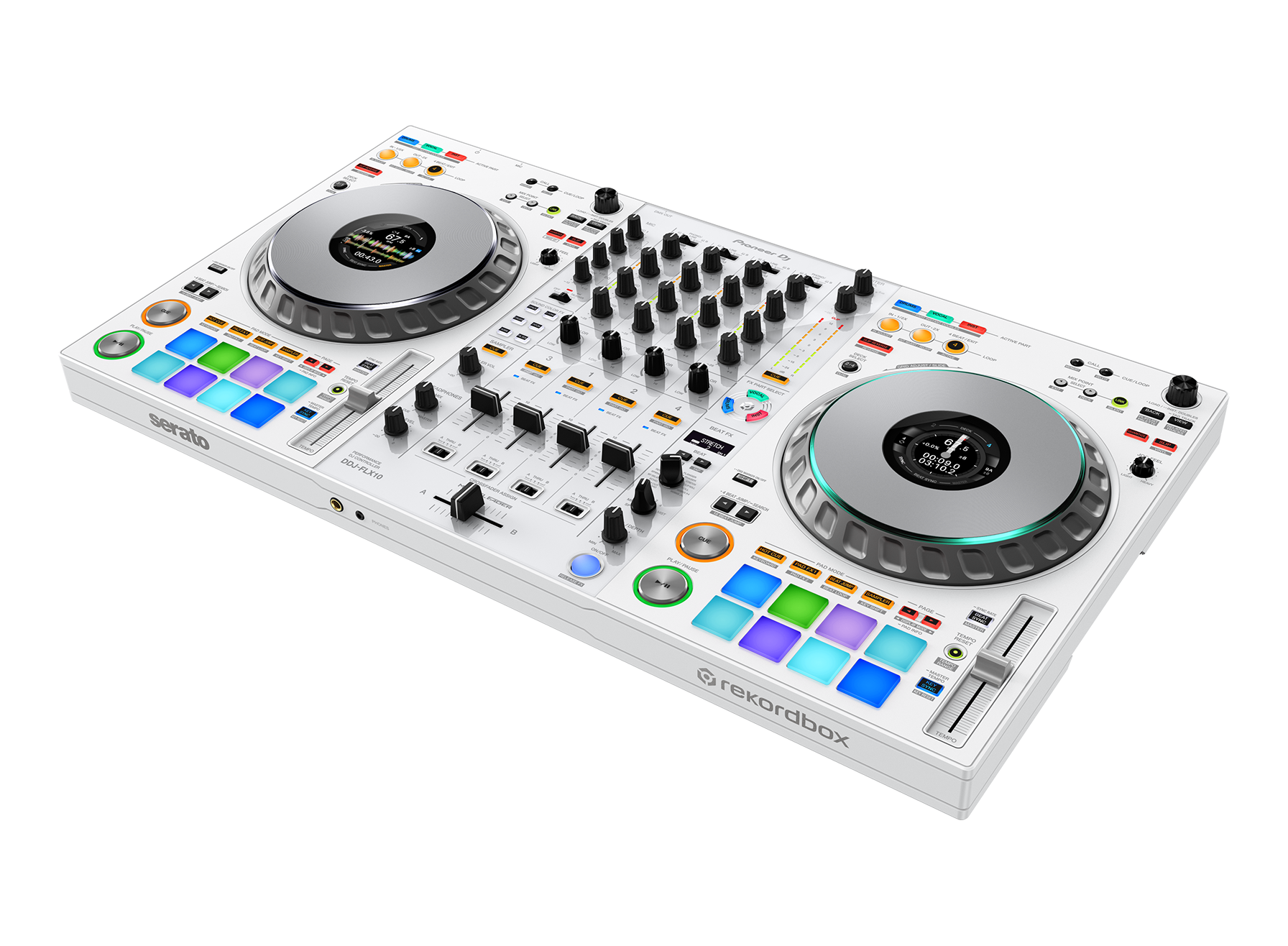
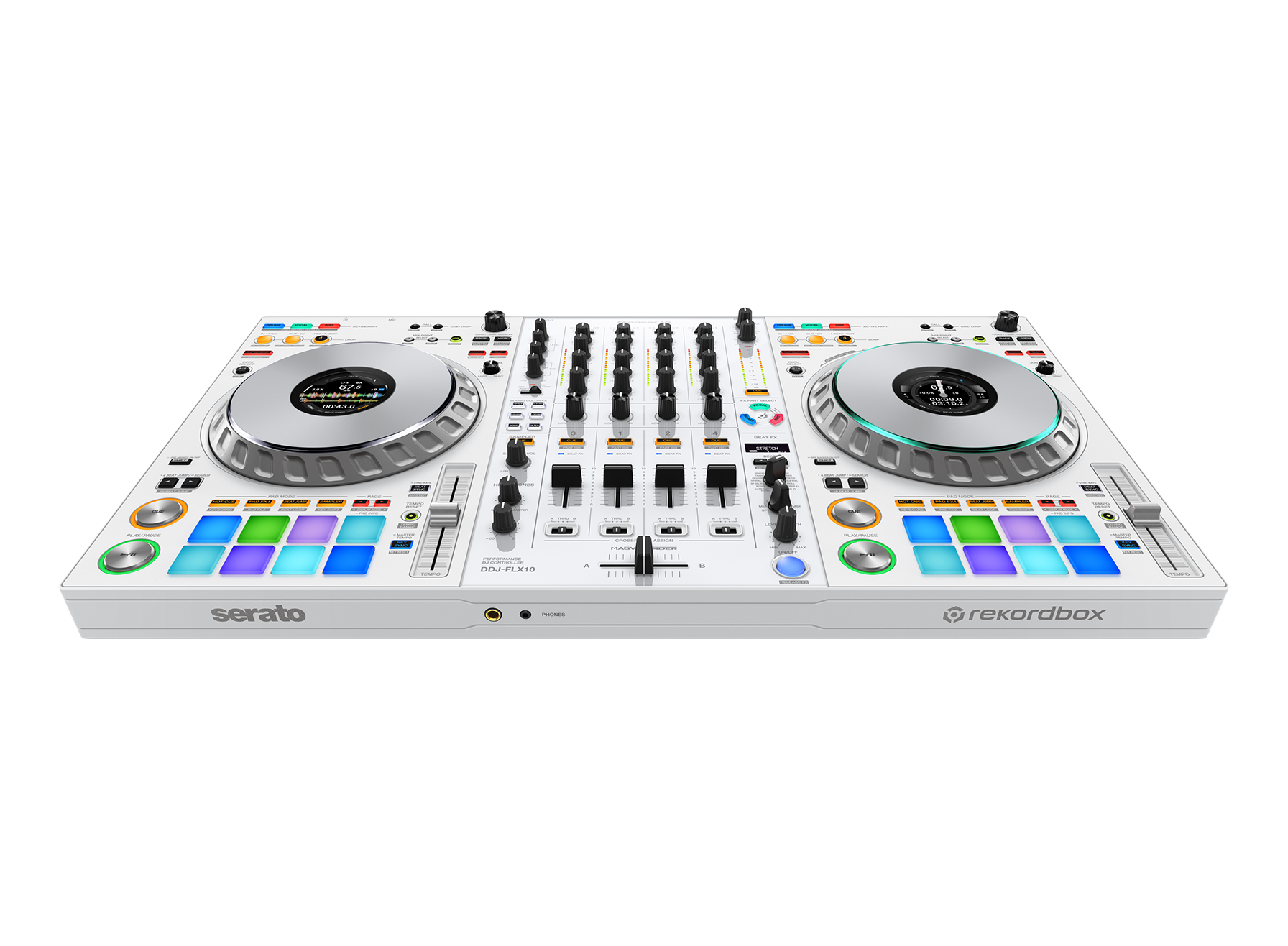
DDJ-FLX10-W

进一步了解STEMS
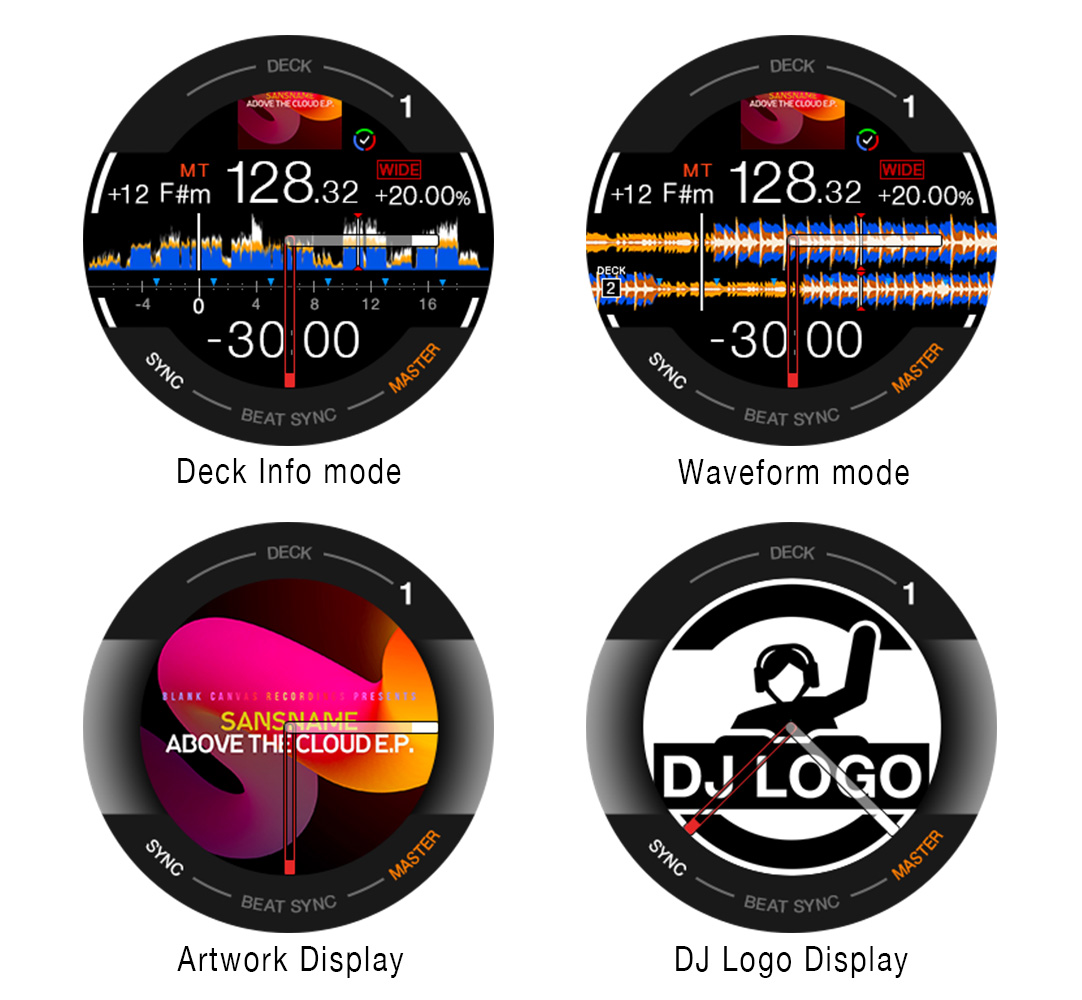
发展为可定制显示信息的ON JOG DISPLAY
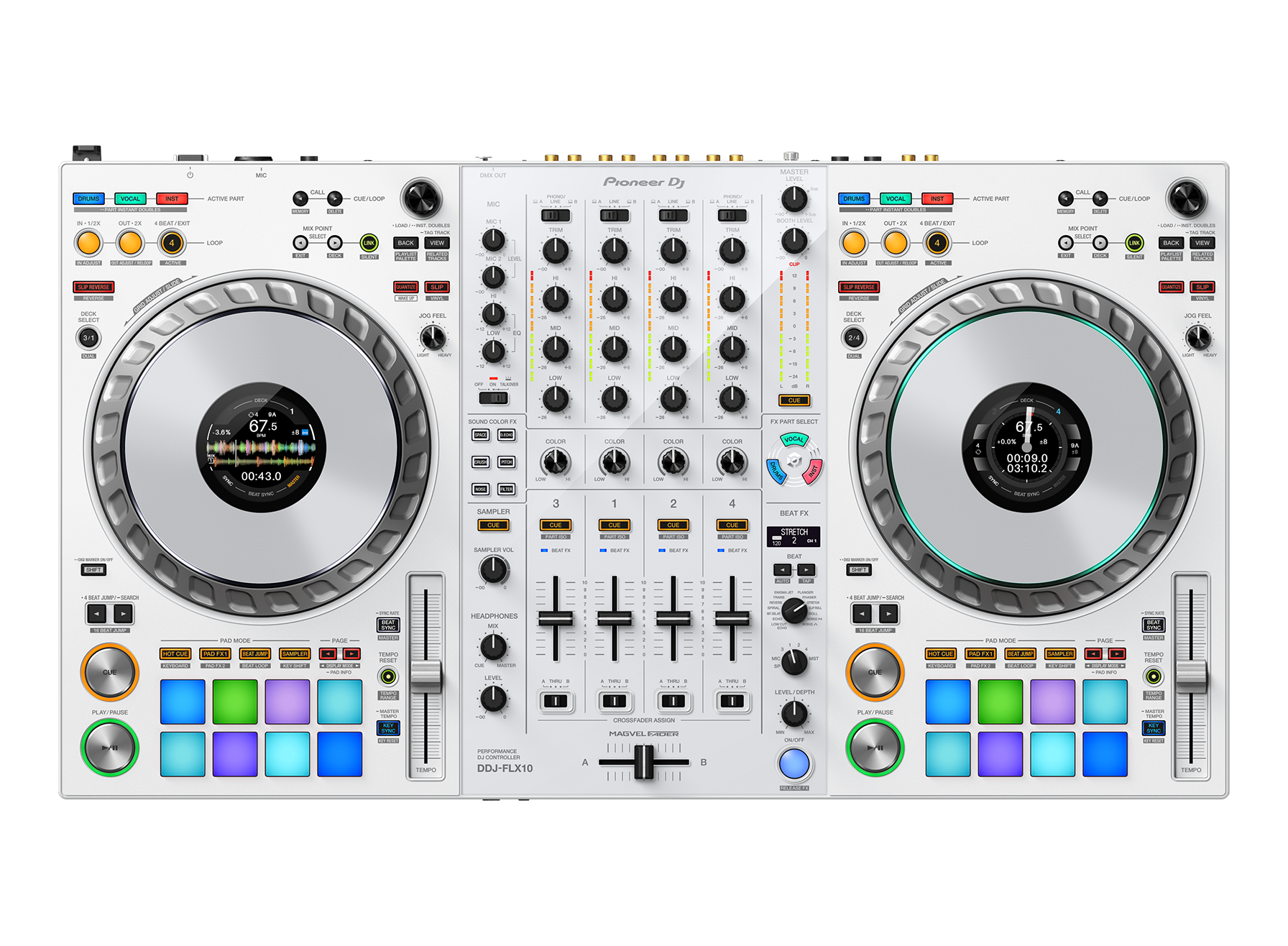
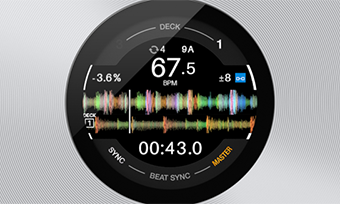
从DJ控制器“DDJ-1000”发展而来的ON JOG DISPLAY共有4种显示信息可供选择。 可在手边确认演奏所需信息,例如新功能MIX POINT LINK的操作信息、rekordbox主唱位置解析信息、PERFORMANCE PADS的状态等。此外,与本公司旗舰多功能播放器“CDJ-3000”一样,可通过3Band波形(仅限使用rekordbox时)显示波形。
- DECK INFO MODE
显示包含所有波形在内的台面信息。(使用Serato DJ Pro时,显示Serato DJ Pro的虚拟台面。) - WAVEFORM MODE
显示2个台面的扩大波形。 - ARTWORK DISPLAY
显示保存乐曲的图形。 - DJ LOGO DISPLAY
使用PC/Mac用的IMAGE TRANSFER TOOL,显示喜欢的图形。
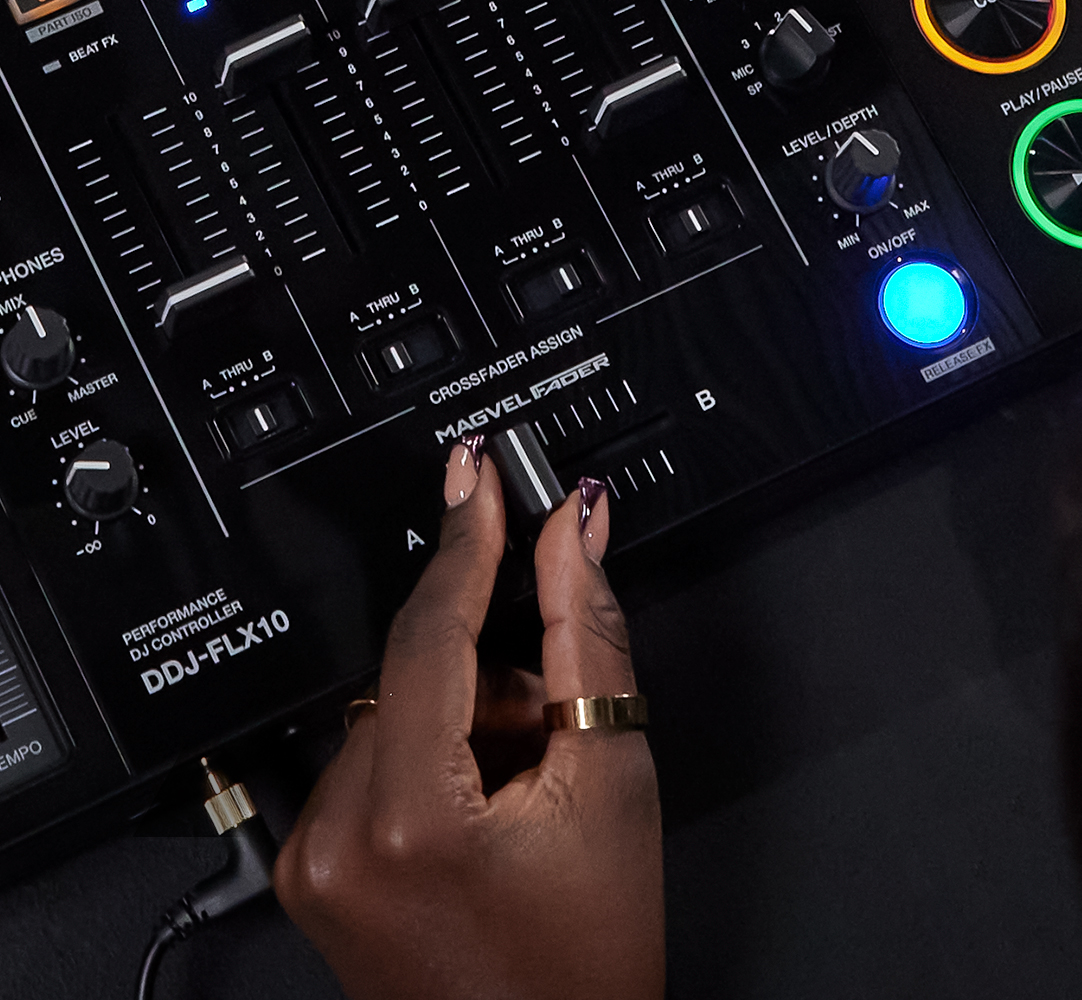
配备进化的4传感器式MAGVEL FADER
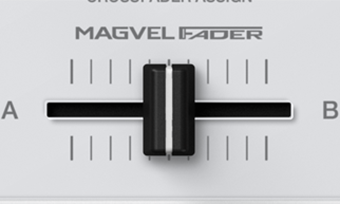
本公司DJ控制器首次配备4传感器式MAGVEL FADER。对DDJ-1000的2传感器式进行改良,即使是细微的交叉渐变器操作,也可线性地调整音量,让音乐表现随心所欲。

与rekordbox、Serato DJ Pro以及djay Pro的兼容性
DDJ-FLX10具有与rekordbox和Serato DJ Pro免调即插即用的兼容性。同时,它也与djay Pro*兼容,可助您亲手操控您所喜爱的软件应用。通过购买所选订阅套餐,即可畅享rekordbox的DVS功能,而通过获取Serato DJ扩展包 (Serato DJ Expansions) 或Serato DJ套件 (Serato DJ Suite) 的付费许可证/订阅套餐,即可畅享Serato的DVS功能。
* 购买djay Pro付费套餐后,方可用DDJ-FLX10搭配djay Pro使用。

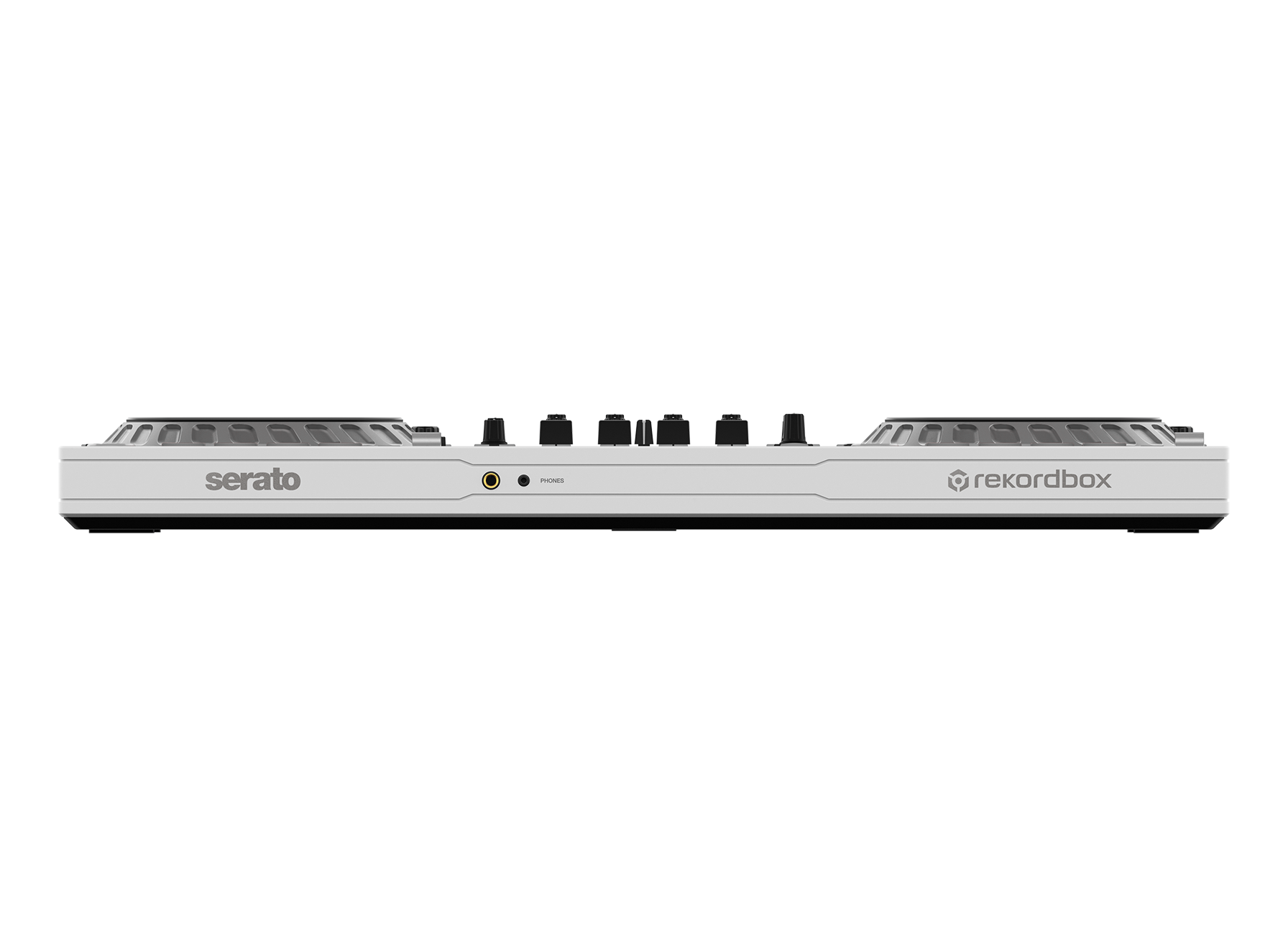
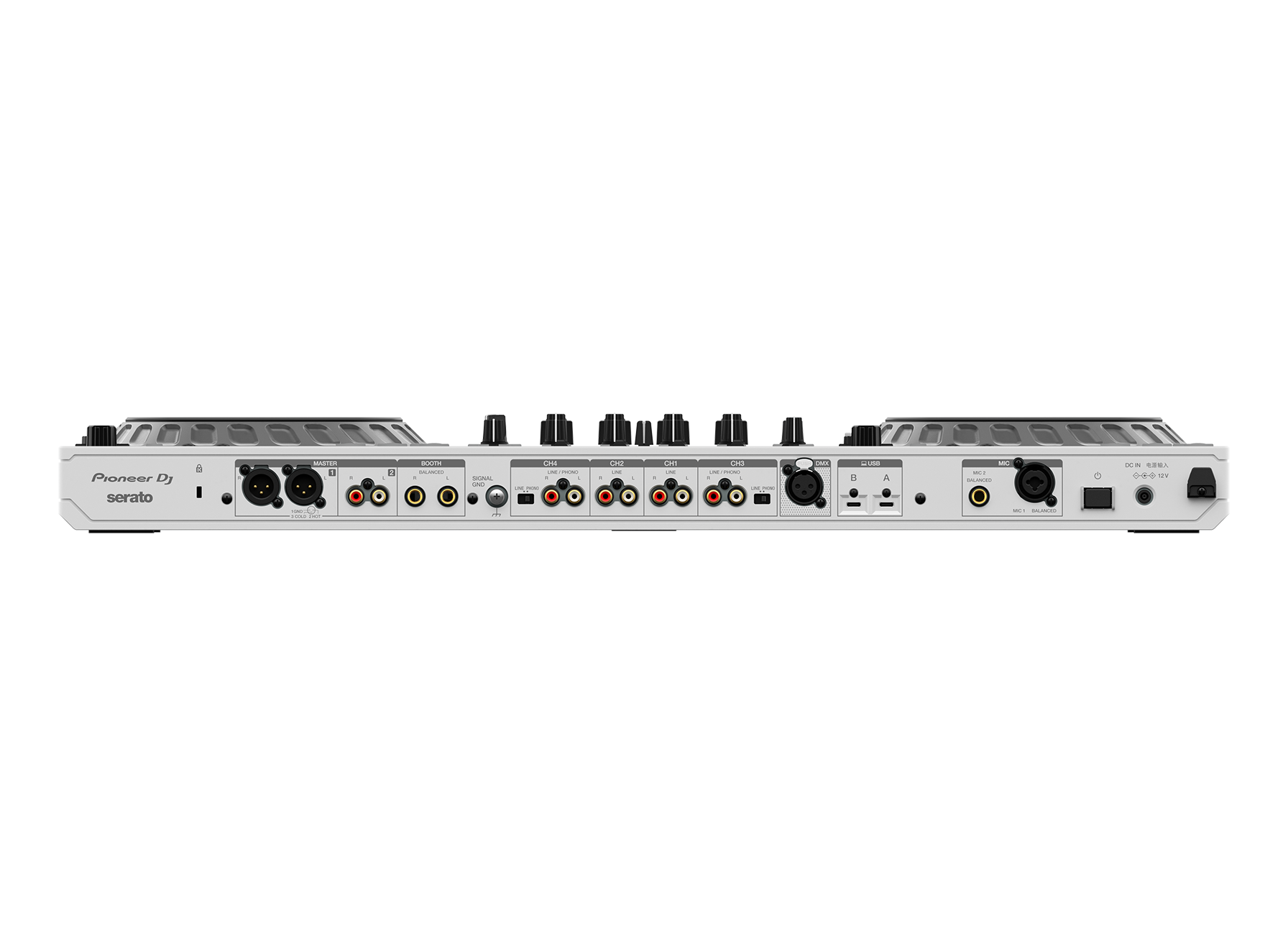
USB Type-C
通过USB Type-C接口直接与你的电脑进行连接。

随附Pitch'n time DJ证书
通过激活Serato DJ公司的Expansion Pack证书代码,可以免费使用启动创意播放的各种功能。

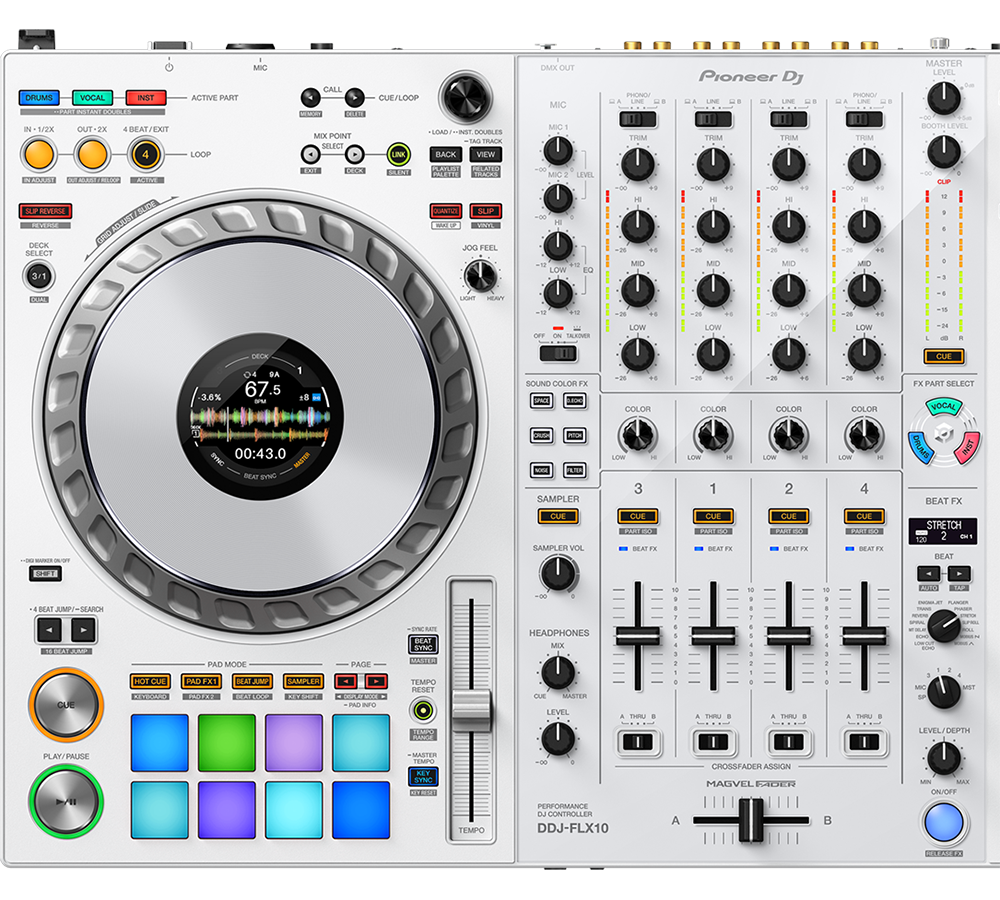
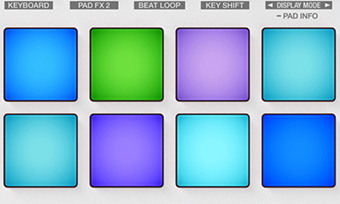
配备PERFORMANCE PADS
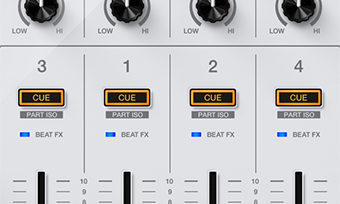
可以控制HOT CUES、PAD FX、BEAT JUMP、SAMPLER、KEYBOARD、BEAT LOOP和KEY SHIFT。

Firmware Update Manager
使用本工具后,将PC/Mac与对象产品通过USB连接,即可自动通知、下载最新固件。详情请见。
规格
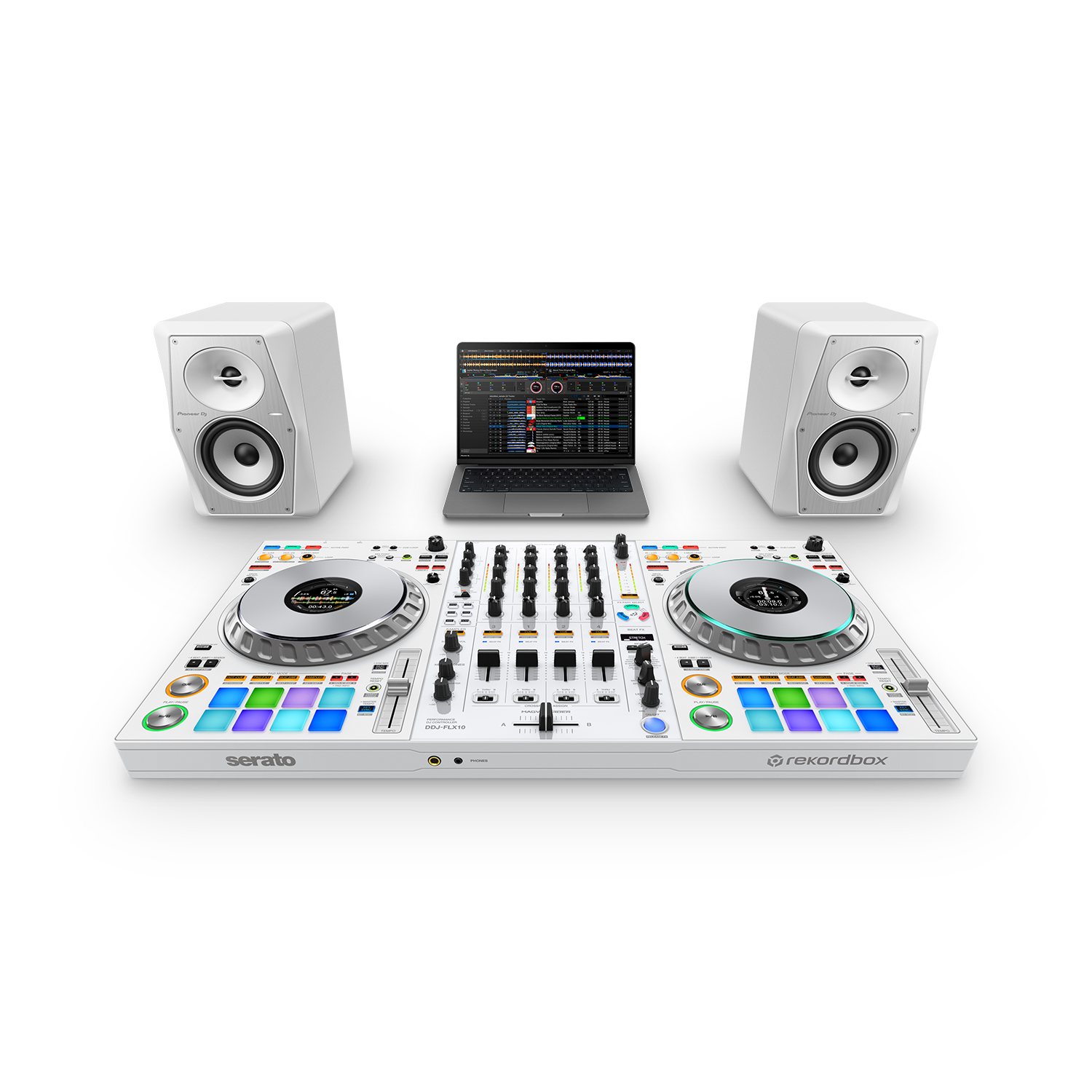
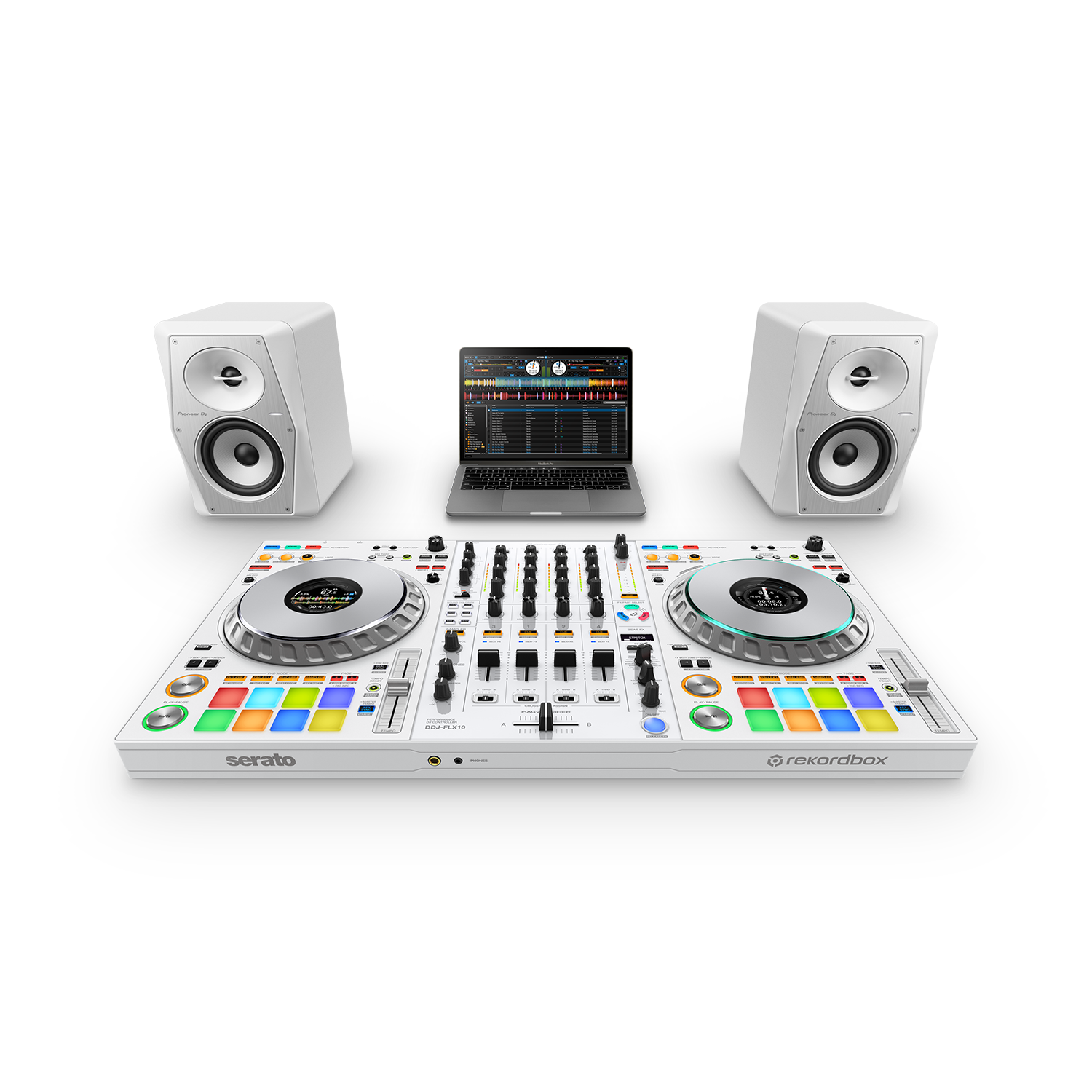
设置
视频
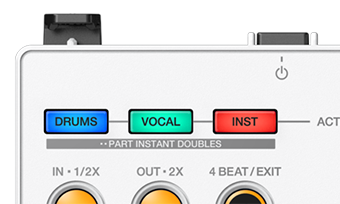
Mix Technique (Part Instant Doubles)
Combining the DDJ-FLX10’s Instant Doubles feature with STEMS, you can copy a track part over to another deck for full manipulation, whilst simultaneously being muted on the original deck. J.O.S.H.U.A performs two creative examples for a vocals part, followed by a drums part.
How To Use Mix Point Link
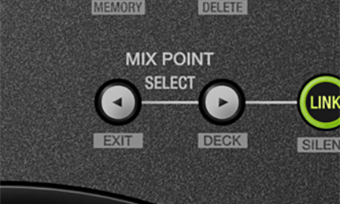
Mix Point Link identifies the perfect moment in both tracks to mix. By enabling this you can keep the energy high knowing the optimum Mix Point Link is a feature new to the DDJ-FLX10 that allows you to preset mix points to automatically play your next track at the desired point without the need to press play. In this video J.O.S.H.U.A demonstrates some practical applications that keep the energy high with perfectly structured mixes, without any part conflicts.
Mix Technique (Custom Breakdowns & Builds)
With the DDJ-FLX10’s STEMS feature you can create those unique moments in a set that build tension before a customized drop. J.O.S.H.U.A performs an example with a breakdown and build to demonstrate how.
How To Use FX With STEMS
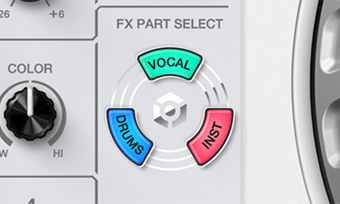
J.O.S.H.U.A demos how you can apply both Sound Color FX and Beat FX to certain parts of a track via the STEMS feature, to help craft more creative mixing.

DMX output for rekordbox Lighting
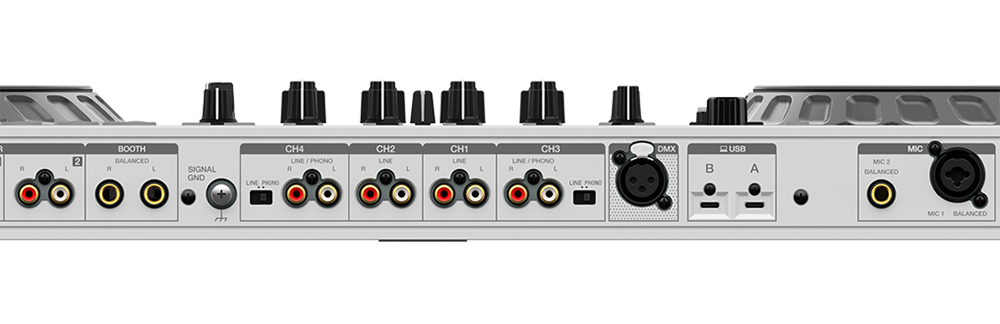
The DDJ-FLX10 has a DMX output allowing a lightening setup to be connected without a separate interface. J.O.S.H.U.A demos how you can setup a lighting configuration in rekordbox so your lights can recognize the dynamics of the track such as breakdowns and drops, responding automatically. You can also configure the DDJ-FLX10s pads to trigger lighting responses manually too.
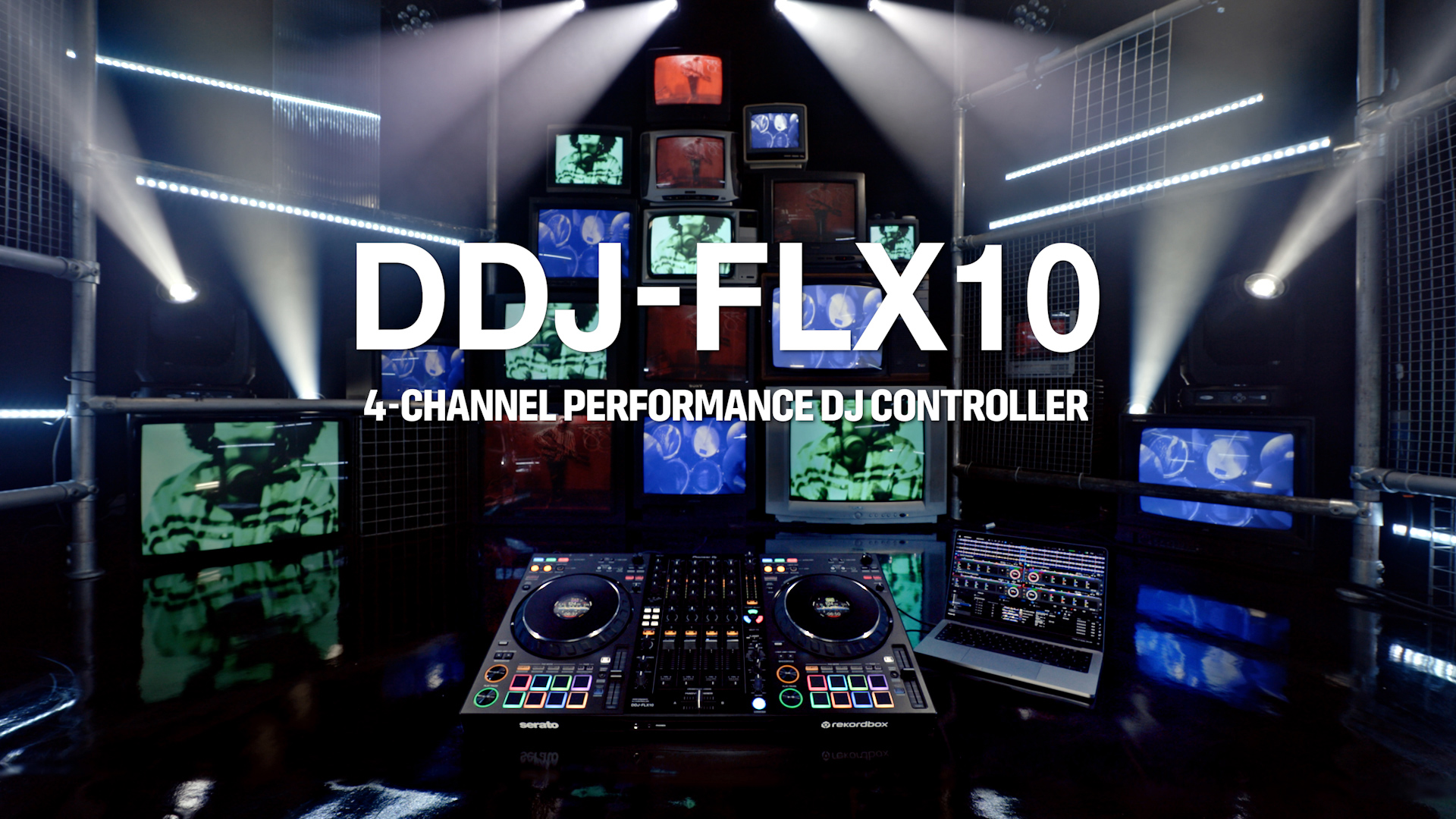
DDJ-FLX10 4-channel performance DJ controller for multiple DJ applications
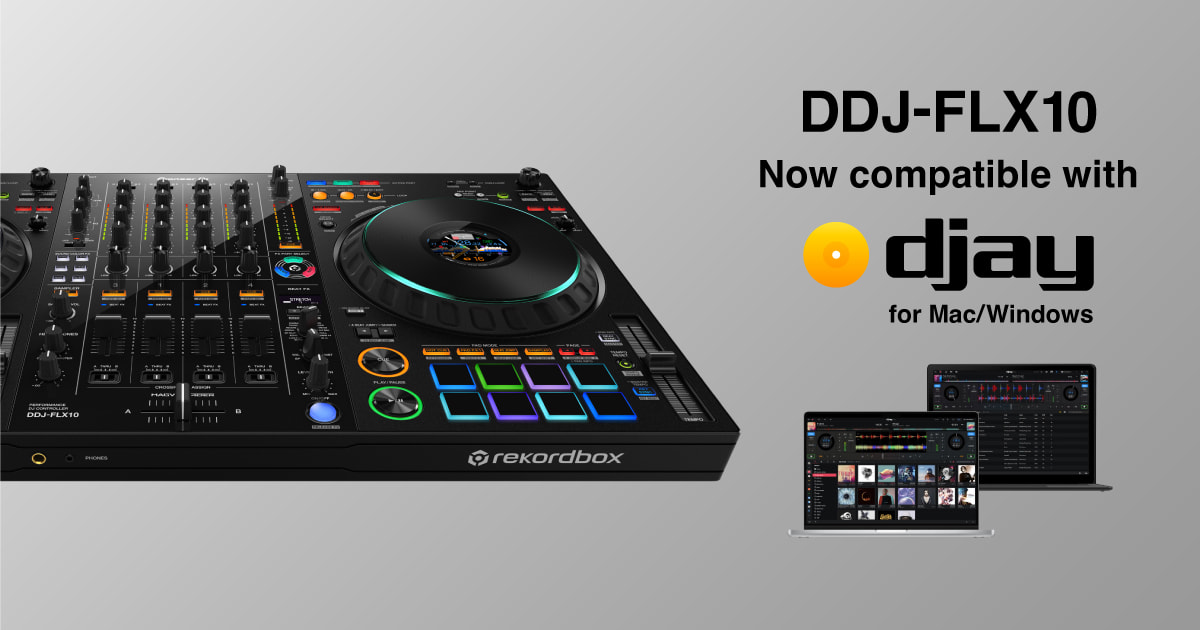
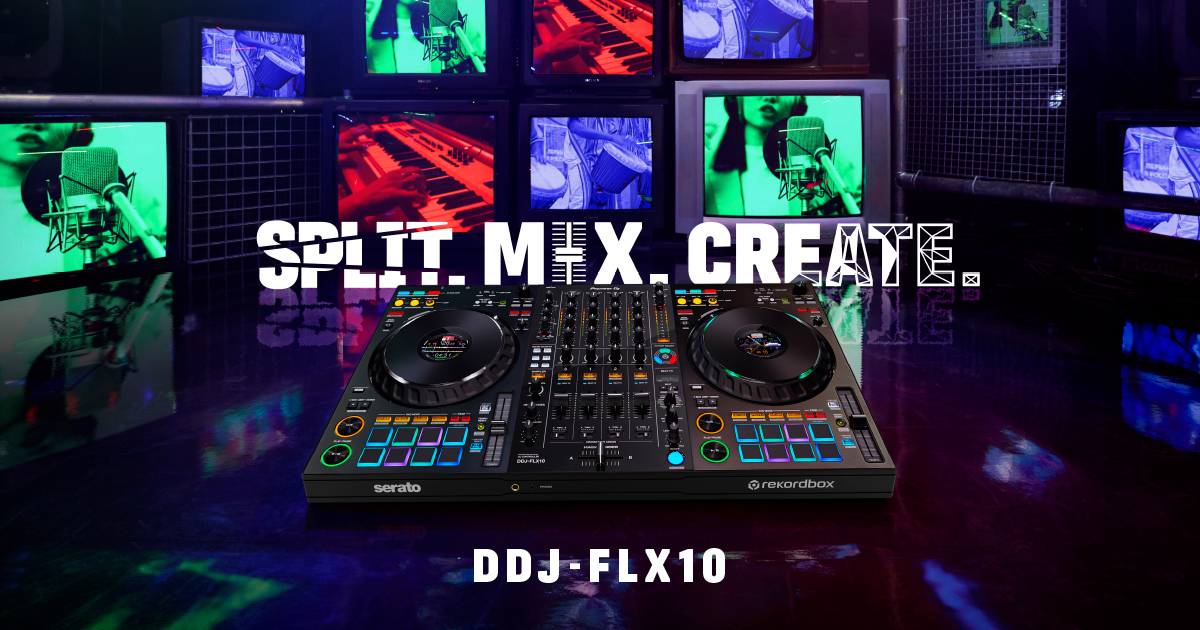
DDJ-FLX10 is a 4-channel performance DJ controller for rekordbox and Serato DJ Pro with innovative new features for even more creative possibilities.
Mix Technique (How To Avoid Vocal Part Conflicts)
The STEMS feature of the DDJ-FLX10 offers creative ways to mix cleanly between tracks that might otherwise have conflicting vocals or instrumentation. J.O.S.H.U.A demo’s the best technique to conquer some vocal heavy tracks with a short mix window.
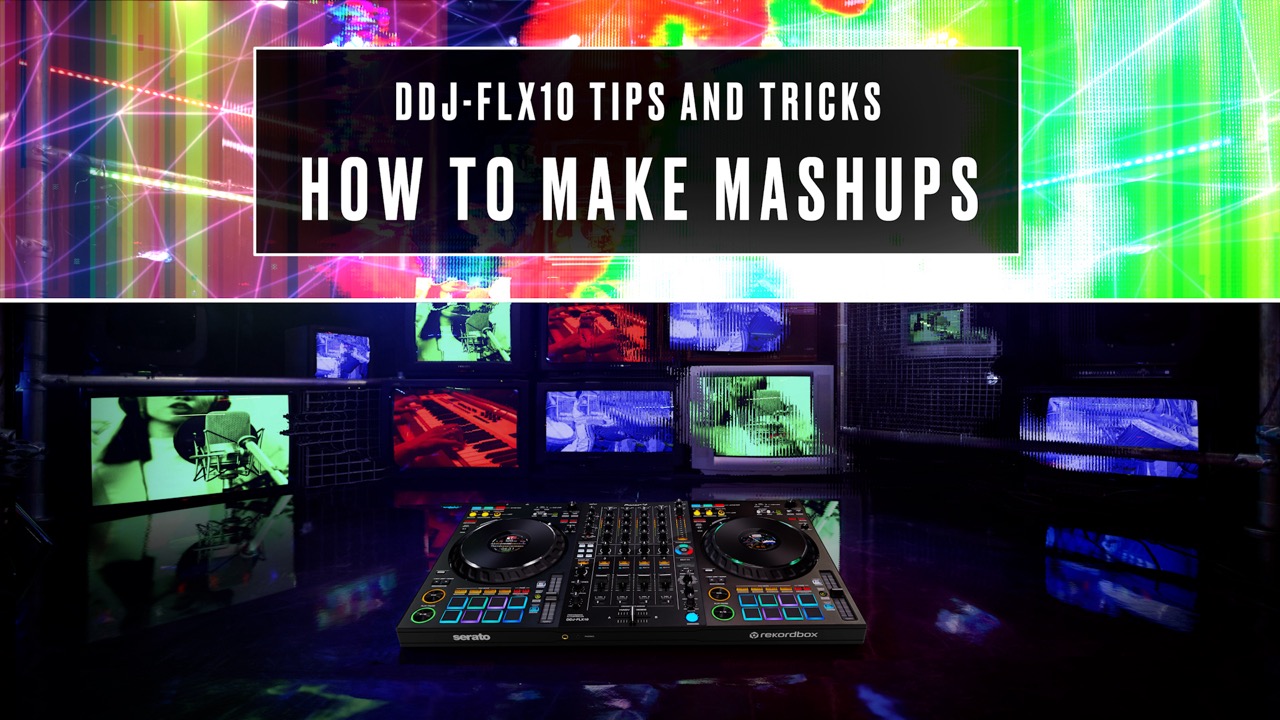
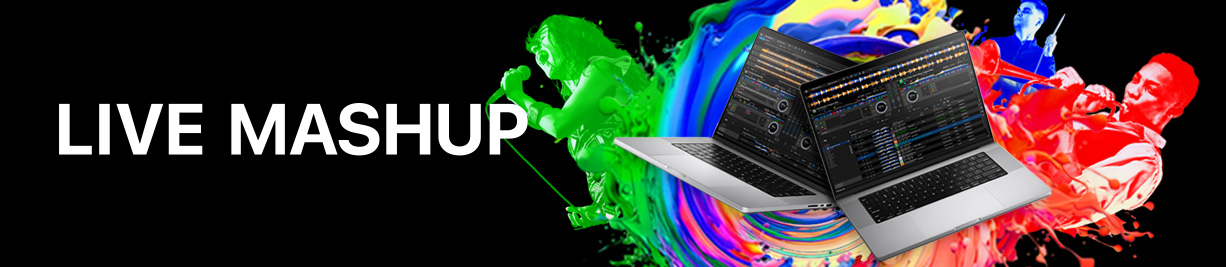
How To Make Mashups
Electronic performer J.O.S.H.U.A breaks down the steps to split, mix and create effectively on the DDJ-FLX10 4-channel DJ performance controller. In this episode he demos the STEMS feature to show how to make a mashup from different genres, live.