7 luty, 2018
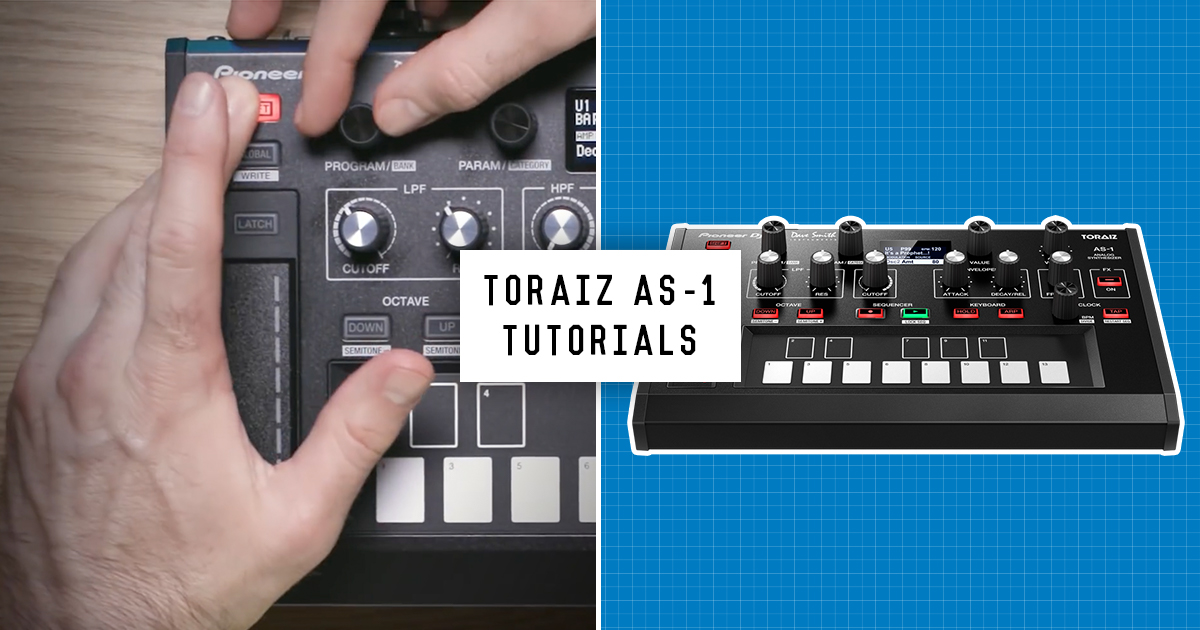
TORAIZ AS-1 Tutorial Series
Watch the complete playlist to get the most out of the true analog monophonic synthesizer.

Oscillators
Create complex waveforms and add harmonic overtones to your sound with the 2 voltage-controlled oscillators.

Filters
Explore the AS-1’s Low Pass and High Pass Filter section, including additional controls for Key Amount and Velocity.

Envelopes
Filter and Amp envelopes can be controlled simultaneously with the hardware, or individually using the Parameter control and menu options.

FX
Add texture and depth to your beats with vintage FX from the Prophet-6 derived dual effects engine.

Presets
Edit any preset from the 5 User Banks and then save your customised patch. Use an initialised preset to build your sound from scratch.

Arpeggiator
Learn how to control the arpeggiator settings, including Time Division, Speed, and the order of the sequence. Adjust the Range value to play the sequence across 3 octaves.

LFO
Route the LFO to different destinations to modulate the sound and create vibrato, wah-wah and tremolo effects.

Trigger
The AS-1 has a trigger input that lets you use an external device to manage its features, including the sequencer and the arpeggiator.

Using with an SP-16
Control the AS-1 with the SP-16 to sequence notes, load presets and change various parameters.

Aftertouch
This performance feature lets you add modulation to a sound when using a compatible external keyboard.

Connecting MIDI
Learn how to control the AS-1 with an external keyboard or device.

MIDI
Use the AS-1s MIDI settings to connect it with a range of music hardware, including synths, drum machines or a DAW via Mac or PC.

Quick Program
Set up Quick Program on the AS-1 to assign up to 13 presets on the keyboard keys and instantly recall them.

Modulation
Use the filter envelope and oscillator 2 as modulation sources to create a wide range of complex harmonic effects.

Keys & Octaves
Find out how to manage the different settings on the single octave touch sensitive keyboard.

Slider
Use the touch sensitive Slider to instantly manipulate sounds and create spontaneous modulations for live performances.

Using Sequencer
Learn to create patterns of up to 64 steps in length for each program with the Sequencer.

Find all of these tutorial videos in a playlist on Youtube